en-US
Legal Information
Symbol Conventions
Regulatory Information
About this Manual
Cable and Transmission Distance
Set Device Rotary DIP Switch
Menu
Call Indoor Station from Door Station
Other Operations on Device
Receive Call
Receive Calls via Cochlear Implants
Receive Calls via Handsets or Loudspeaker
View Call Logs
View Capture Logs
Configuration on Device
Call Settings
Hearing Loop Settings
Shortcut Settings
Set Live View
Volume Settings
App Settings
Connect to Wi-Fi
Link to the Mobile Client
Unlink App Account
Add Outer Door Station
Number Settings
View Indoor Station Type
Preference
Set Time
Change System Language
Adjust Brightness
Format TF Card
Test Network
Restore Device
View Device Information
FAQ
DS-KH7300EY Series Indoor Station
Search
Configuration on Device
Call Settings
Hearing Loop Settings
Shortcut Settings
Set Live View
Volume Settings
App Settings
Add Outer Door Station
Number Settings
View Indoor Station Type
Preference
Set Time
Change System Language
Adjust Brightness
Format TF Card
Test Network
Restore Device
View Device Information
Test Network
Tap
Settings
>
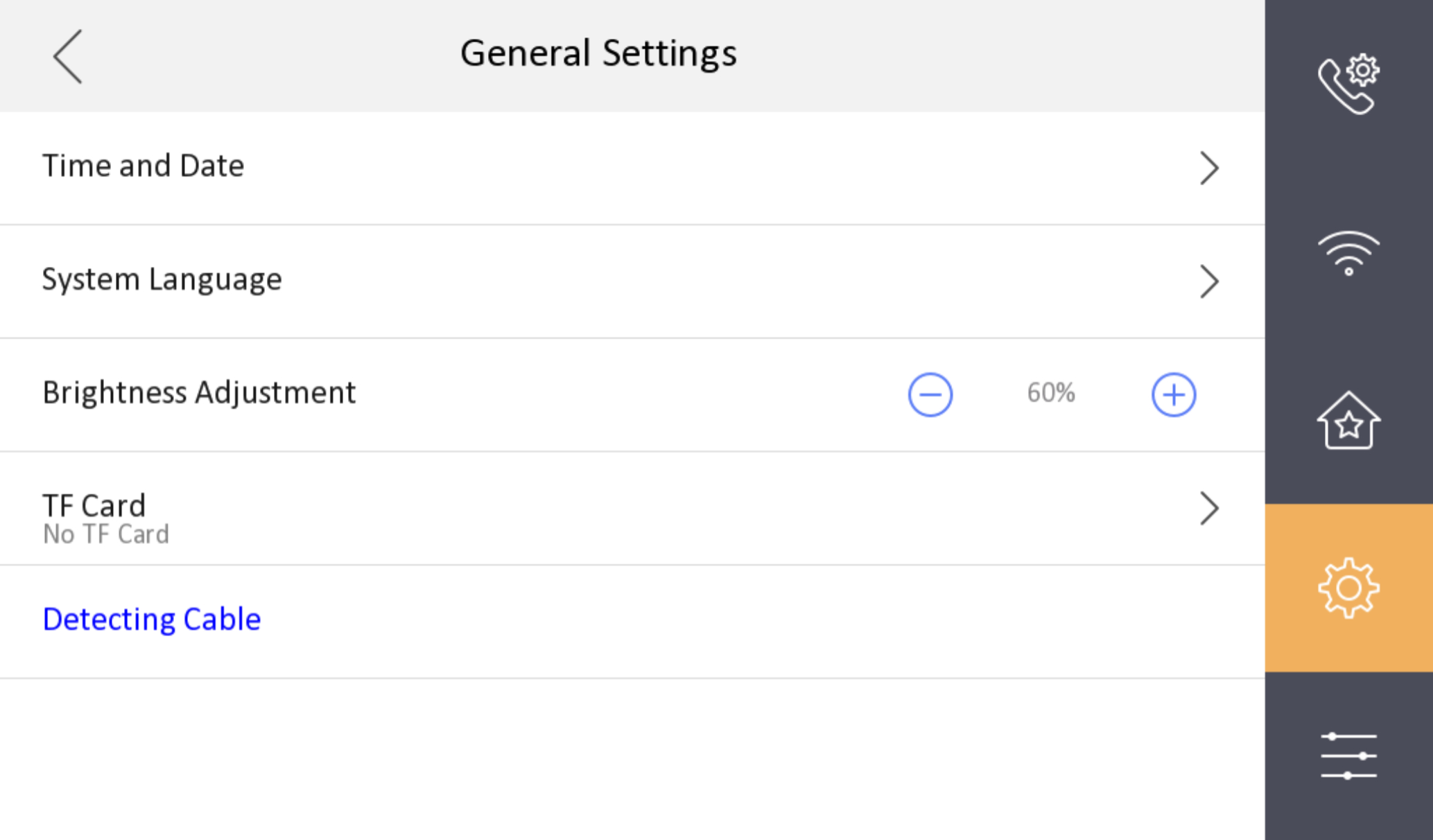
to enter the General Settings page.
Figure 1 General Settings
Tap
Detecting Cable
to test whether the network can meet the requirement of the device using.
 to enter the General Settings page.
Figure 1 General Settings
 to enter the General Settings page.