Restore Device
-
On the main page of the device, tap to enter the restore default settings page.
Note:
Admin password is required to enter the advanced settings page.
Figure 1 Restore Default Settings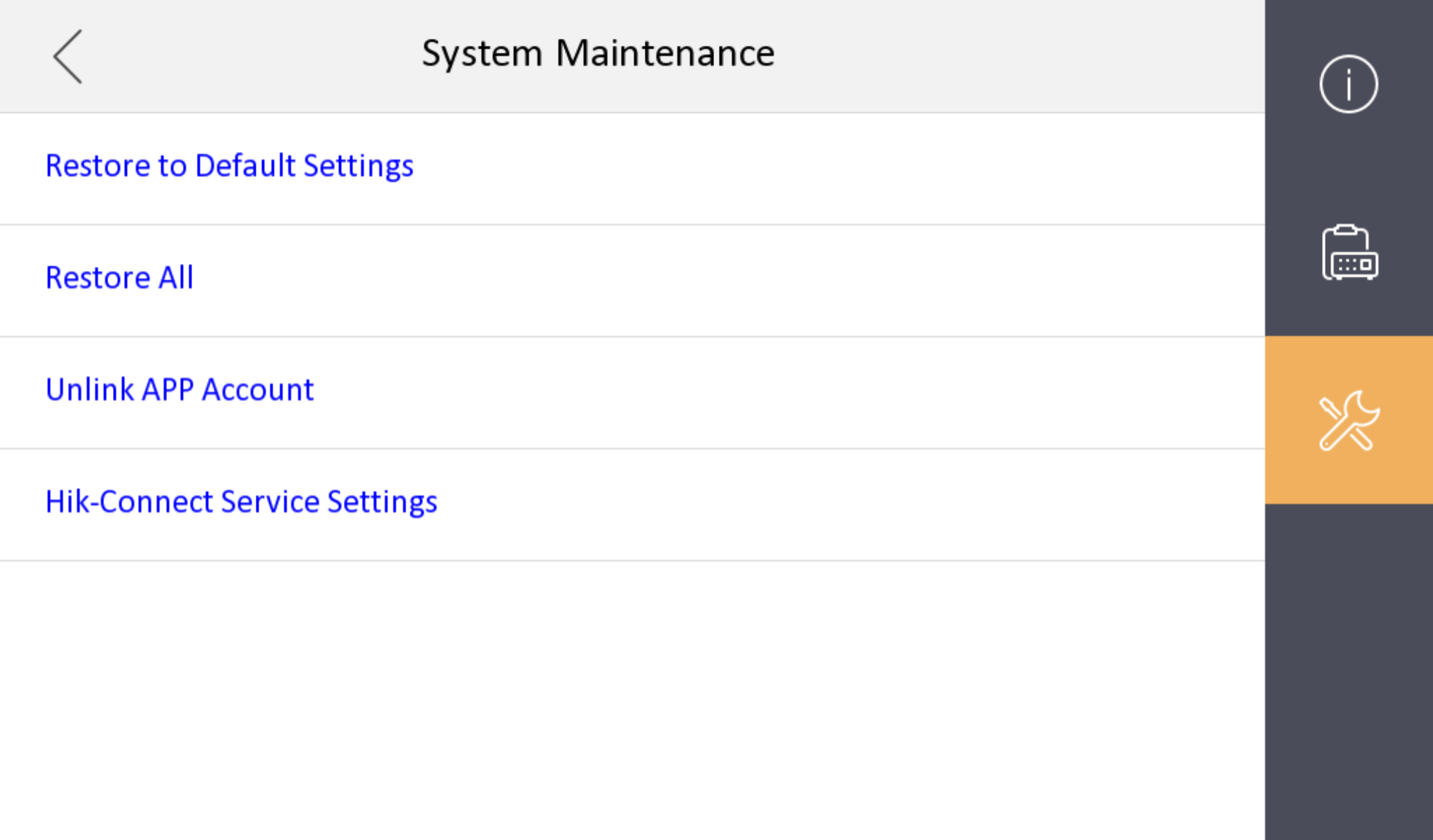
Admin password is required to enter the advanced settings page.