Preference
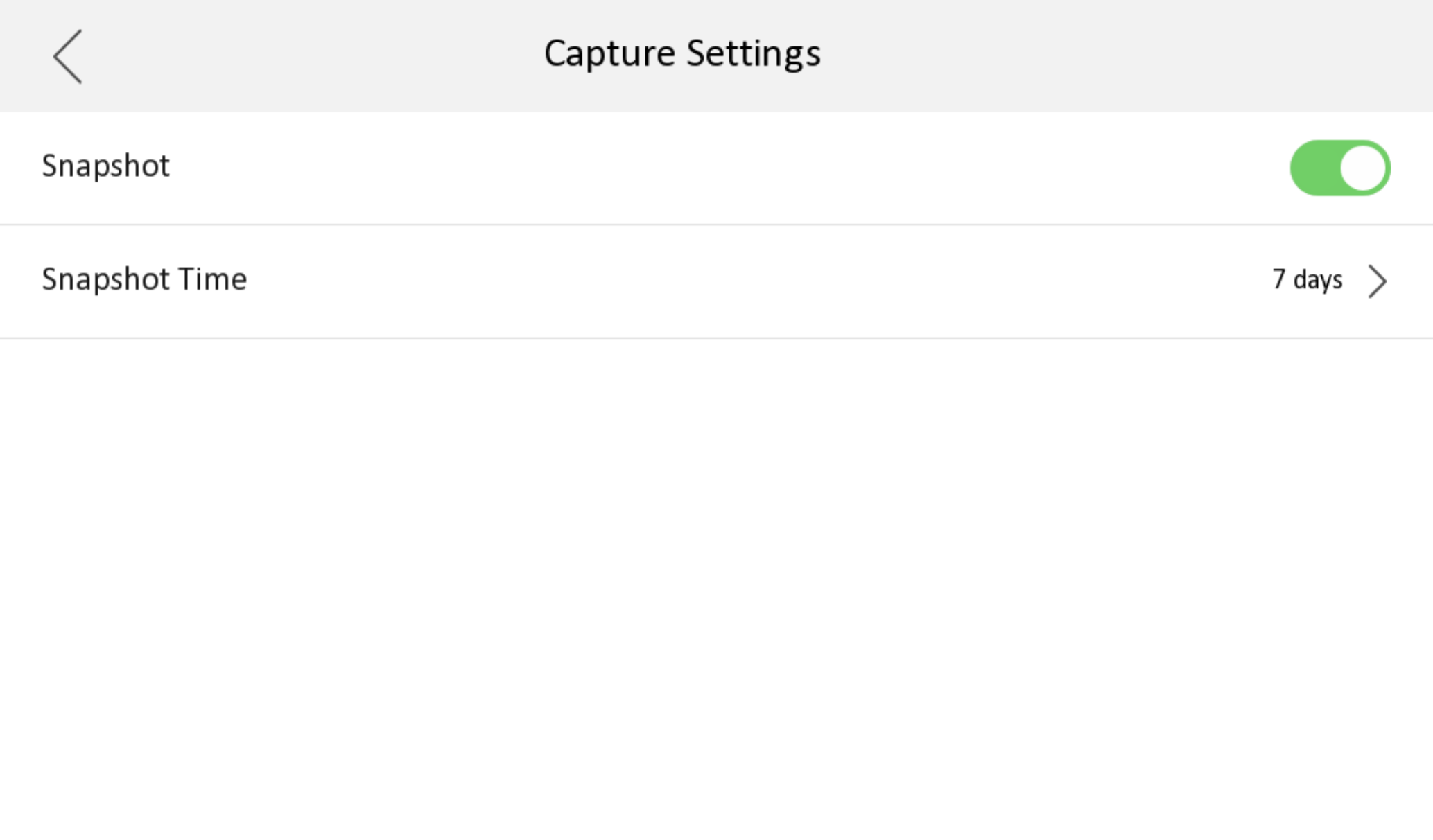
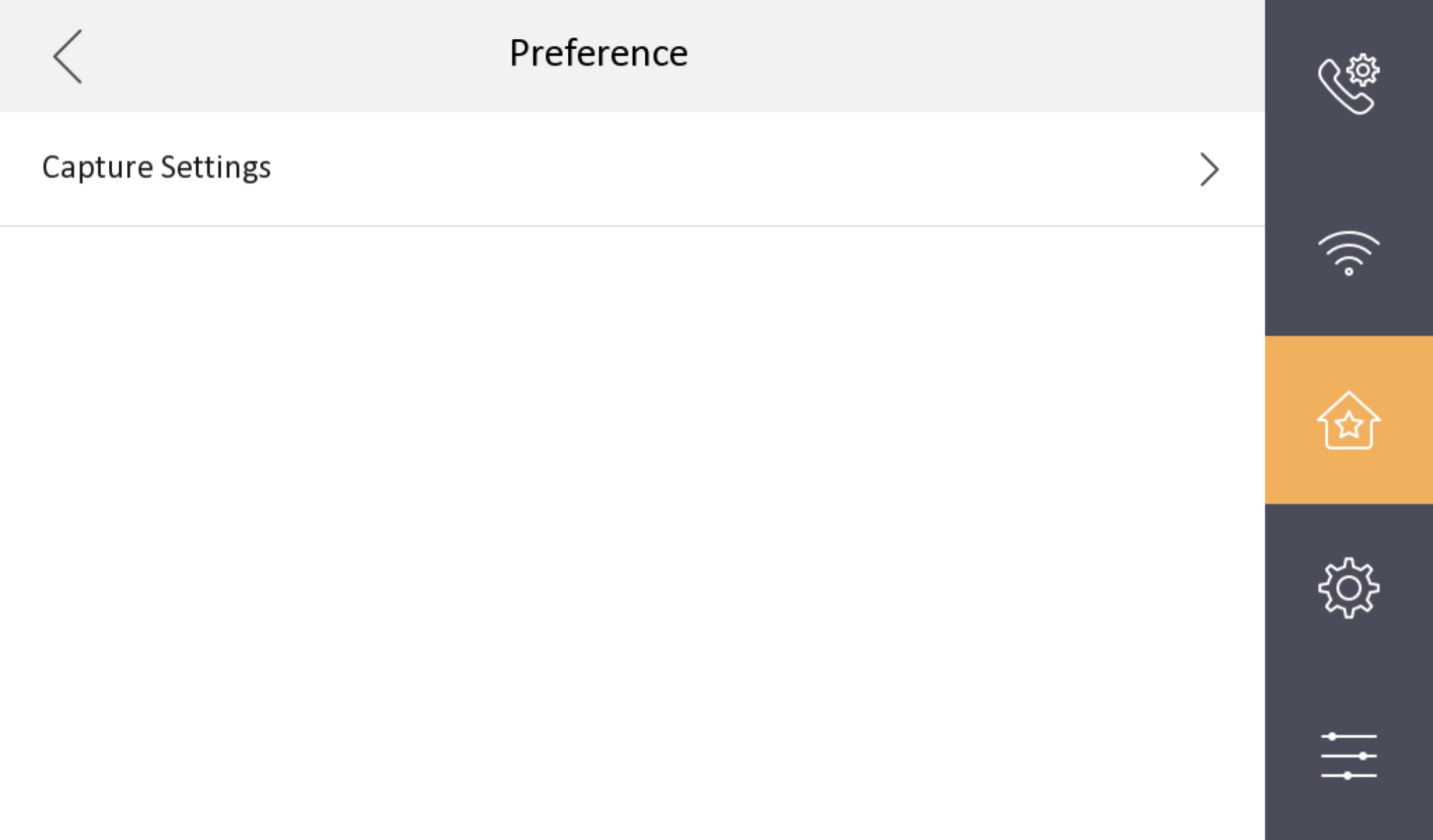
You can set capture settings on the preference page.
Tap Settings >  to enter the preference page.
Figure 1 Preference
You can set capture settings on the preference page.
Tap Settings > to enter the preference page.