Add Emergency Operation Group
An emergency operation group is a group for access points which need to be operated (remaining locked/unlocked) in a batch. This function is mainly applicable for emergent situation.
Add the access points into different areas first. For details, refer to Add Element to Area.
-
In
the top left corner of Home page, select
 > Passing Management > Access Control > Access Control Application > Emergency Operation Group.
-
Click Add.
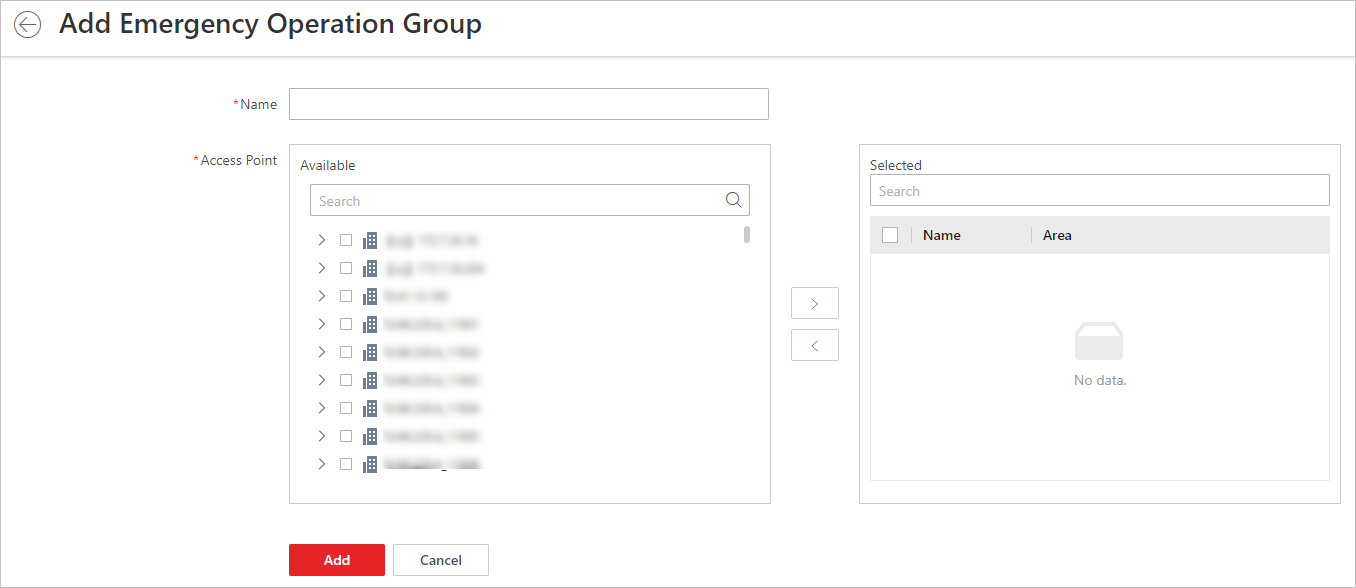 Figure 1 Add Emergency
Operation Group Page
Figure 1 Add Emergency
Operation Group Page -
Select
the access points and click
 to add them to the group.
Note:
to add them to the group.
Note:You can add doors of access control devices, doors of video intercom devices, and floors of elevator control devices to the emergency operation group.