Export Transaction Reports of Parking Lots
You can view the statistics related to the revenue and expenditure of parking lots, such as the trend and type of revenue and expenditure, the revenue and expenditure generated in a specific period. The statistics can give you a general picture of the transactions done in the parking lots.
-
On the top navigation bar, select
 > Passing Management > Parking Lot > Statistics and Reports.
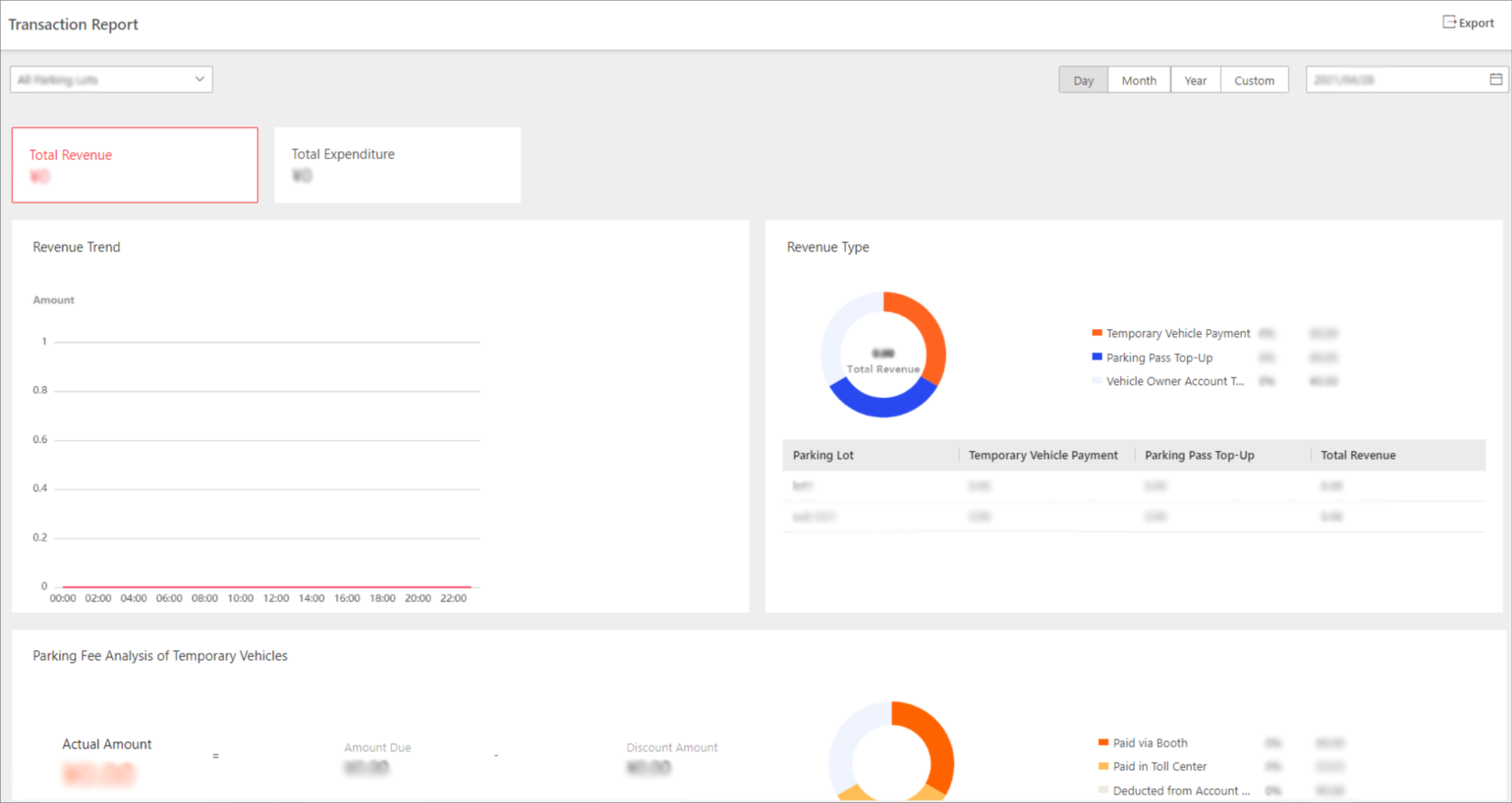 Figure 1 Transaction Report
Page
Figure 1 Transaction Report
Page