Link Camera to Zone
If a network camera has already been linked to the security control panel, you can link the camera to a zone managed by the control panel via the Mobile Client. After that, you can view the zone's alarm-related video when receiving the zone's alarm notification. You can also link a network camera added to the Mobile Client to a zone managed by the control panel, so as to view the zone's live video and play back the zone's videos.
-
Make sure you have mounted the network camera in the zone. See the user manual of the network camera for details.
-
To view the alarm-related video when receiving zone's alarm notification, make sure you have linked the network camera to the security control panel via the panel's Web Client. For details, see the user manual of the AX wireless security control panel.
The zone's alarm-related video lasts 7 seconds (from 5 seconds before the alarm to 2 seconds after the alarm).
-
Tap Link Camera to enter the Link Camera page.
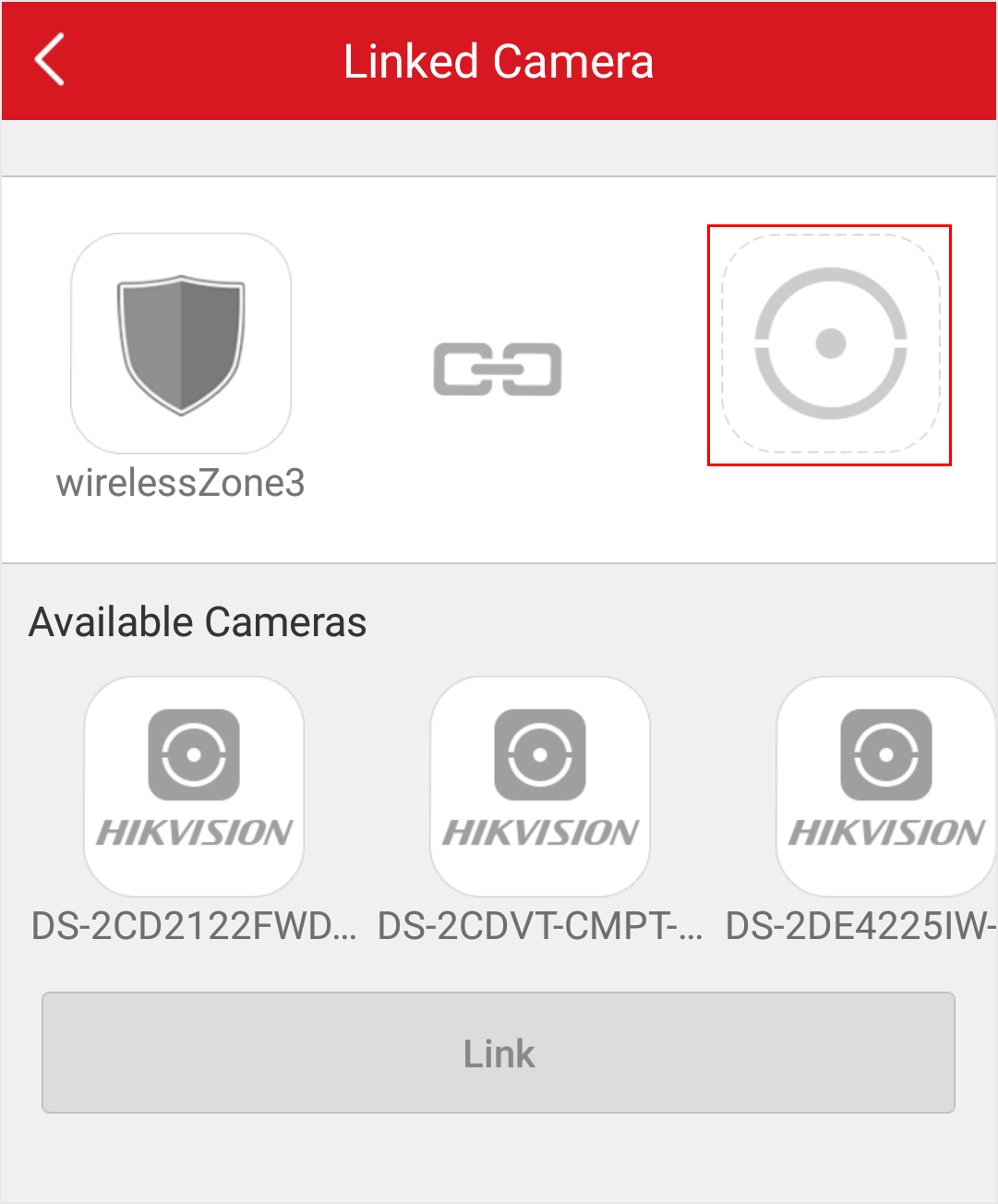 Figure 1 Link Camera
Page
-
Drag a camera from the Available Cameras section to