Add PoE Camera
-
Enable or disable long network cable mode by selecting Long
Distance or Short Distance.
- Long Distance
-
Long-distance (100 to 300 meters) network transmissions via PoE interface.
- Short Distance
-
Short-distance (< 100 meters) network transmission via PoE interface.
Note:-
The PoE ports are enabled with the short distance mode by default.
-
The bandwidth of IP camera connected to the PoE via long network cable (100 to 300 meters) cannot exceed 6 MP.
-
The allowed max. long network cable may be less than 300 meters depending on different IP camera models and cable materials.
-
When the transmission distance reaches 100 to 250 meters, you must use the CAT5E or CAT6 network cable to connect with the PoE interface.
-
When the transmission distance reaches 250 to 300 meters, you must use the CAT6 network cable to connect with the PoE interface.
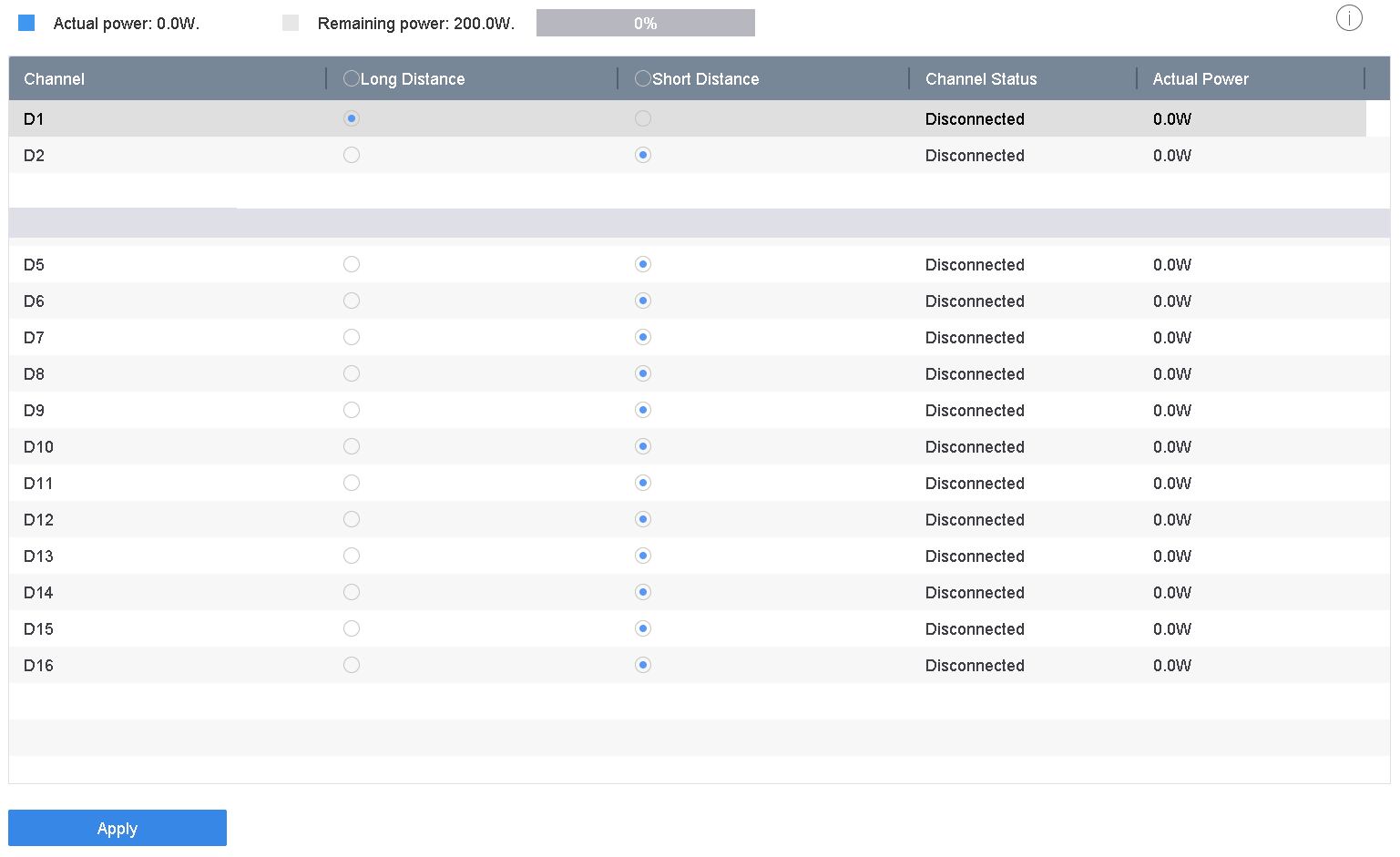 Figure 1 Add PoE Camera