Add Network Camera
Before you can get live video or record the video files, you must add the network cameras to the connection list of the device.
Ensure the network connection is valid and correct and the IP camera to add has been activated.
-
Click
 on the main menu bar.
-
Click Custom Add tab on the title bar.
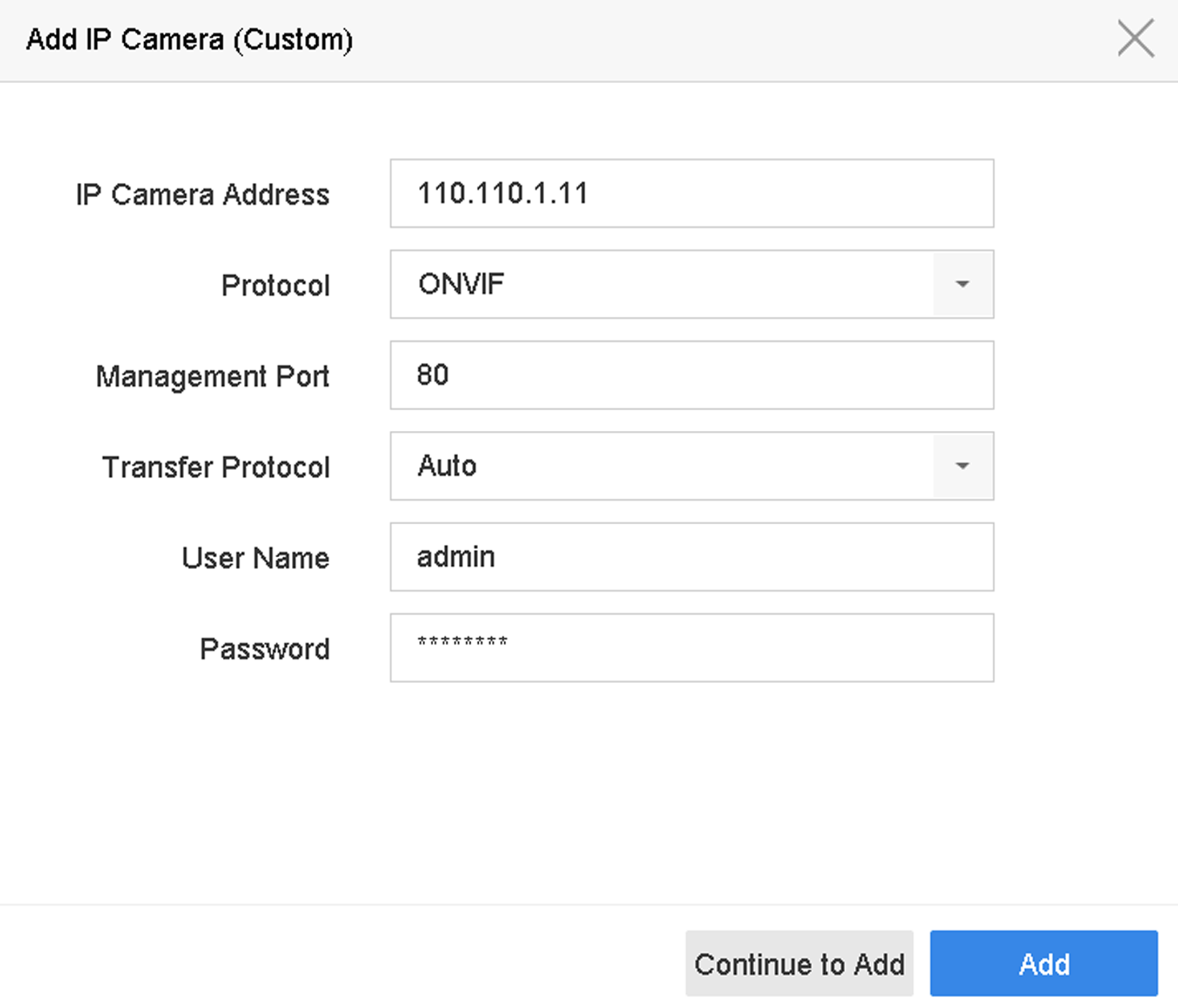 Figure 1 Add IP Camera