Add Non-PoE Network Camera
You can disable the PoE interface by selecting the manual while the current channel can be used as a normal channel and the parameters can also be edited.
-
Position the cursor on a window with no linked network camera and click
 .
.
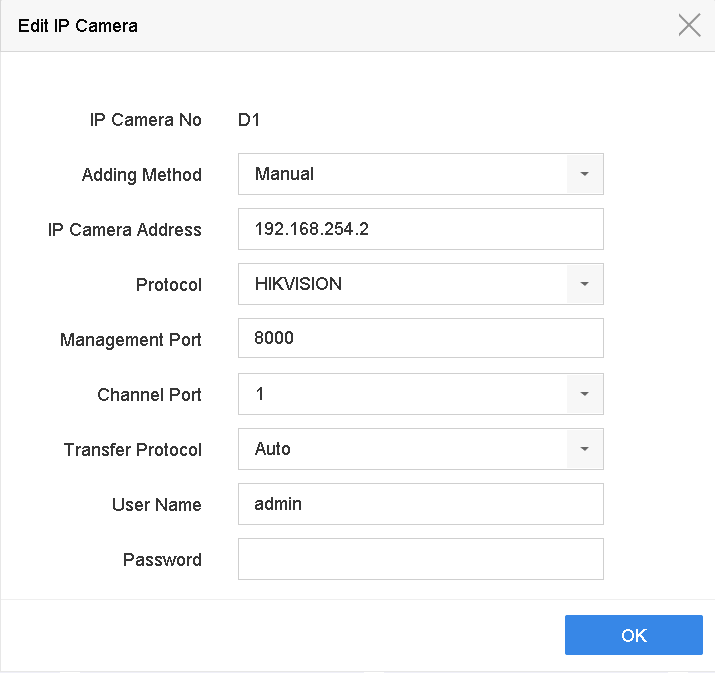 Figure 1 Edit Network
Camera
Figure 1 Edit Network
Camera