TCP/IP must be properly configured before operating your device over a
network. Both IPv4 and IPv6 are available.
-
Go to .
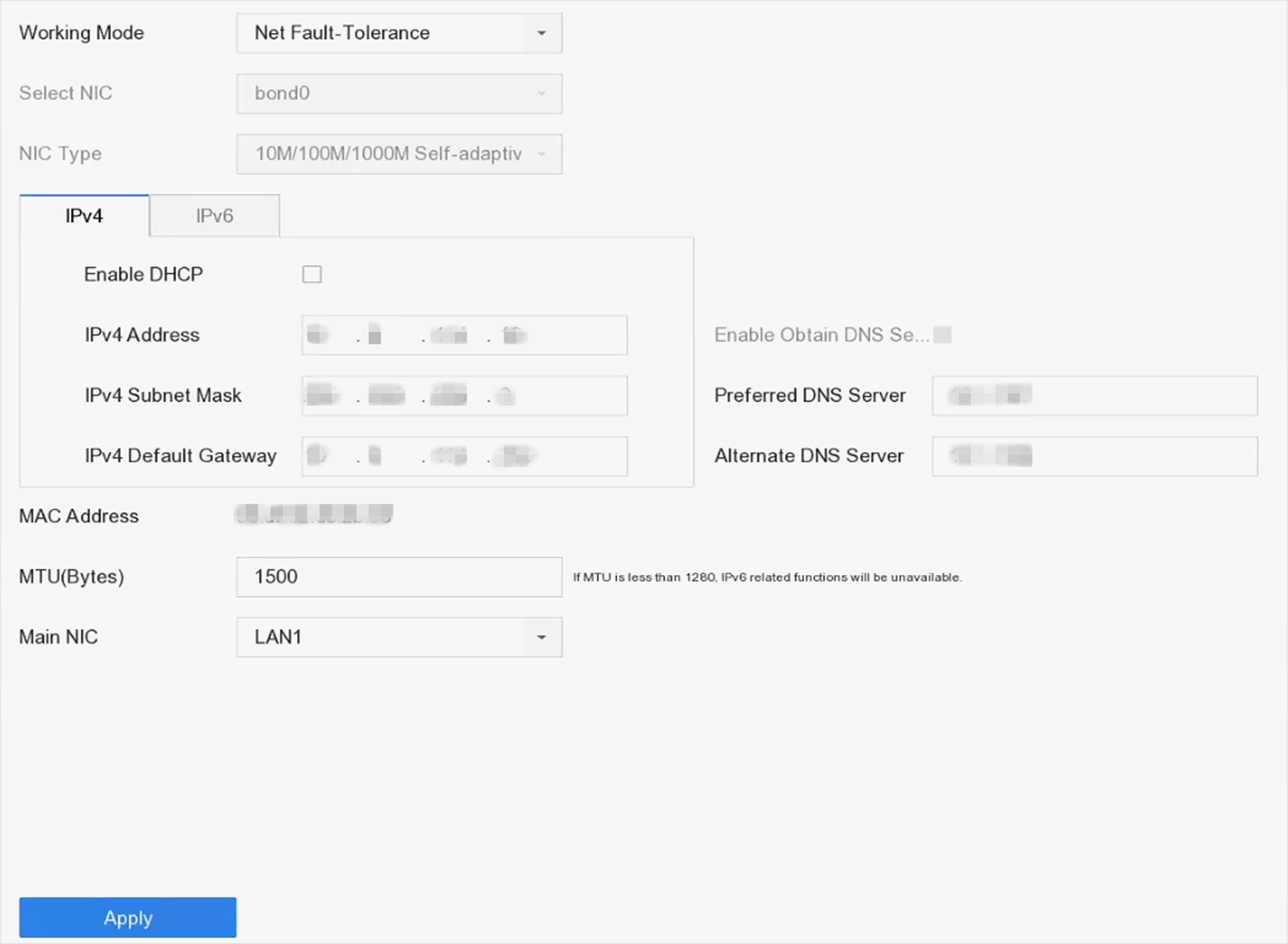 Figure 1 TCP/IP
Settings
Figure 1 TCP/IP
Settings
-
Select Working Mode as Net-Fault
Tolerance or Multi-Address Mode.
- Net-Fault Tolerance
-
The two NIC cards use the same IP address, and you
can select the main NIC to LAN1 or LAN2. In this way, in case of
one NIC card failure, the device will automatically enable
another standby NIC card so as to ensure the normal running of
the system.
- Multi-Address Mode
-
The parameters of the two NIC cards can be configured
independently. You can select LAN1 or LAN2 under Select NIC for
parameter settings. Select one NIC card as the default route.
When the system connects with the extranet, the data will be
forwarded through the default route.
-
Click IPv4 or IPv6 as you
required.
- Optional:
Check Enable DHCP to obtain IP settings
automatically if a DHCP server is available on the network.
-
Set related parameters.
Note:
Valid MTU value range is from 500 to 1500.
-
Click Apply.