Add Automatically Searched Online Network Camera
-
Click
 on the main menu.
-
Click Add to add the camera which has the same login
password with the video recorder.
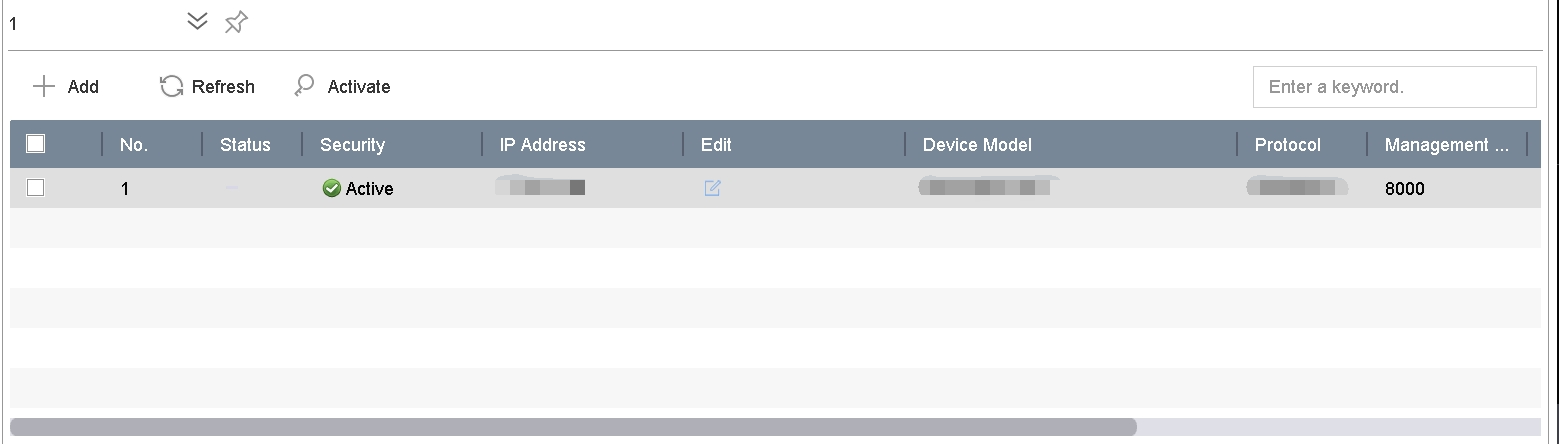 Figure 1 Add Automatically
Searched Online Network CameraNote:
Figure 1 Add Automatically
Searched Online Network CameraNote:If the network camera to add has not been activated, you can activate it in the network camera list of camera management interface.