Set Wiegand Parameters

You can set the Wiegand transmission direction.

  1. Tap System Settings > Comm. (Communication Settings) on the Home page to enter the Communication Settings page.
  2. On the Communication Settings page, tap Wiegand to enter the Wiegand tab.
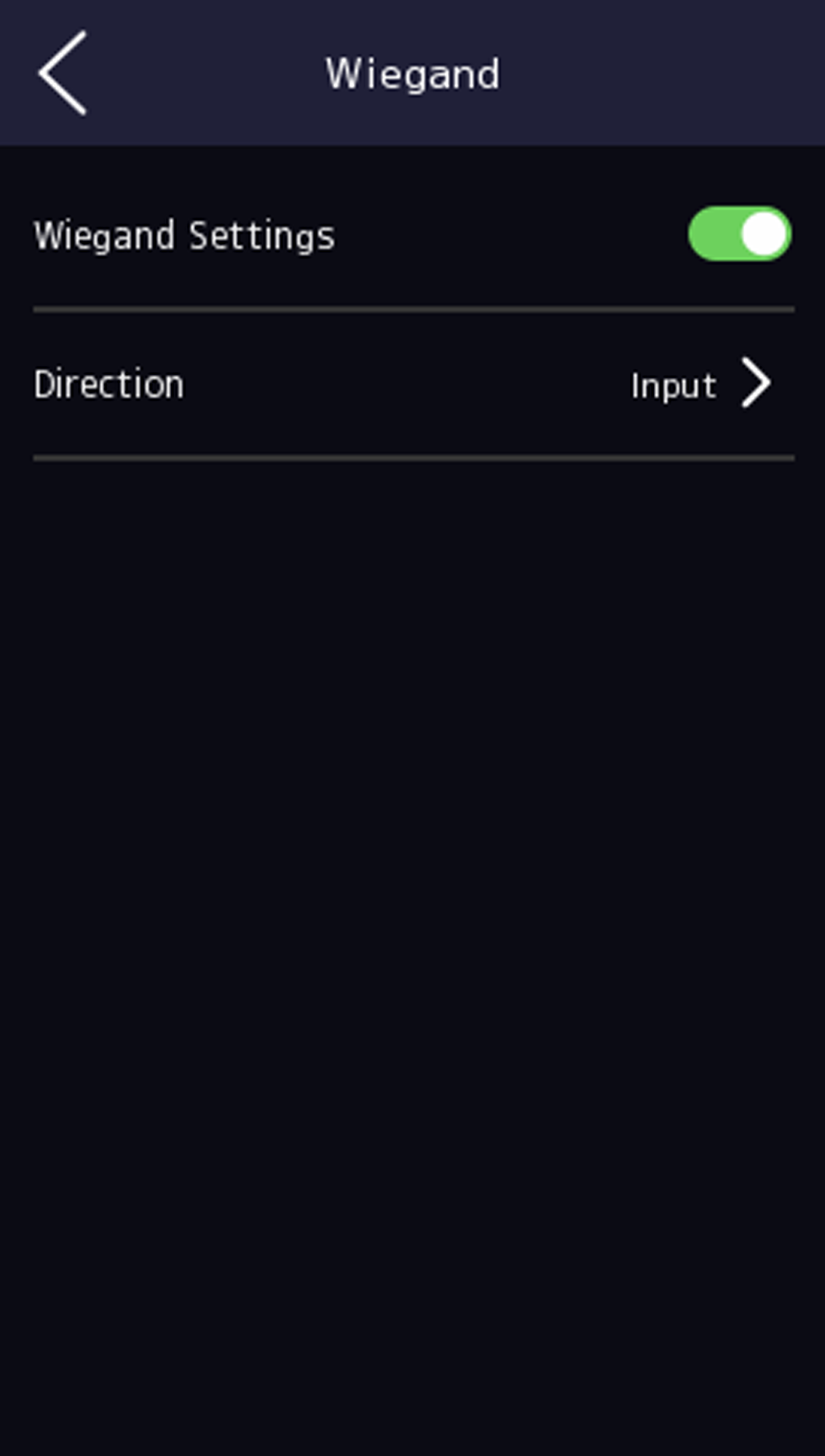
    Figure 1 Wiegand Settings
  3. Enable the Wiegand function.
  4. Select a Wiegand mode.
    • Output: A face recognition terminal can connect an external access controller. And the two devices will transmit the card No. via Wiegand 26 or Wiegand 34.

  5. Tap to save the network parameters.
    Note:

    If you change the external device, and after you save the device parameters, the device will reboot automatically.