System Maintenance
You can view the device system information and capacity. You can also upgrade device, view the device user manual, restore the system to factory settings, default settings, and reboot the system.
Long tap on the initial page for 3 s and login the home page. Tap Maint.
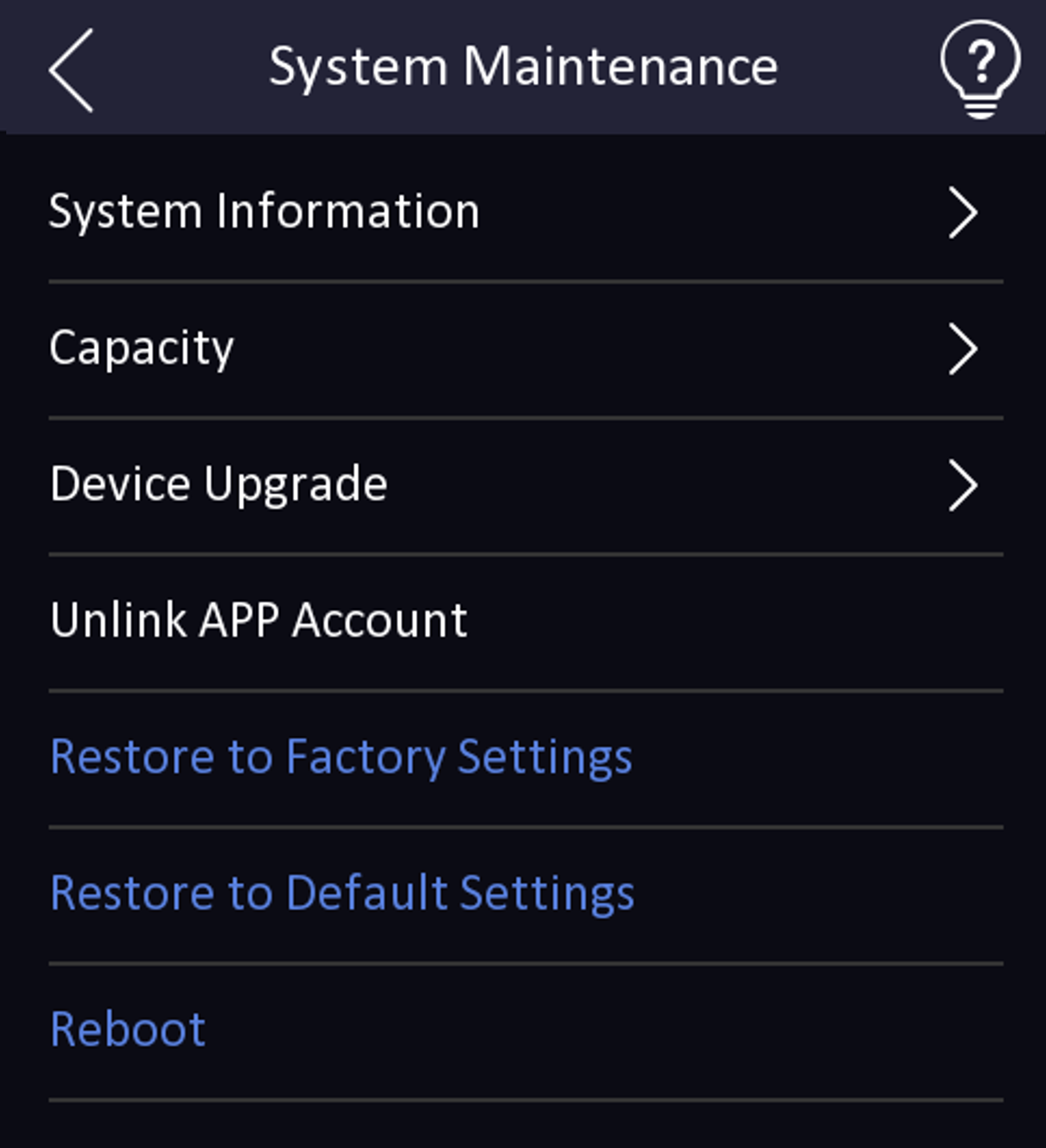 Figure 1 Maintenance Page
- System Information
-
You can view the device information including device model, serial No., firmware version, MAC address, production data, and license.
Note:The page may vary according to different device models. Refers to the actual page for details.
Long tap
 , and enter admin password to
view device version information.
- Face Parameter
-
- Custom Anti-Spoofing Detection
-
- Face Liveness Level
-
After enabling face anti-spoofing function, you can set the matching security level when performing live face authentication.
- Anti-Spoofing Detection Threshold
-
The larger the value, the smaller the false accept rate and the larger the false rejection rate. The smaller the value, the larger the false accept rate and the smaller the false rejection rate.
- Lock Face for Anti-Spoofing Protection
-
After enabling this function, the device will lock automatically when anti-spoofing detection failed.
- Lock Duration
-
The lock duration after enabling Lock Face for Anti-Spoofing Protection when anti-spoofing detection failed.
- Version Information
-
You can view the device information.
- Capacity
-
You can view the number of person, face picture, card, fingerprint, and event.
Note:Parts of the device models support displaying the fingerprint capacity. Refers to the actual page for details.
- Device Upgrade
-
- Online Update
-
If the device has been connected to Hik-Connect and network, when there is a new installation package in Hik-Connect, you can tap to upgrade the device system.
- Update via USB
-
Plug the USB flash drive in the device USB interface. Tap , and the device will read the digicap.dav file in the USB flash drive to start upgrading.
- User Manual
-
Scan the QR code to view the device user manual.
- Restore to Factory Settings
-
All parameters will be restored to the factory settings. The system will reboot to take effect.
- Restore to Default Settings
-
All parameters, except for the communication settings, remotely imported user information, will be restored to the default settings. The system will reboot to take effect.
- Reboot
-
The device will reboot after the confirmation.