Basic Settings
You can set the sound, time, sleeping (s), language, community No., building No., Unit No., privacy and video standard.
Long tap on the initial page for 3 s and slide to the left/right by following the gesture and login the device home page. Tap .
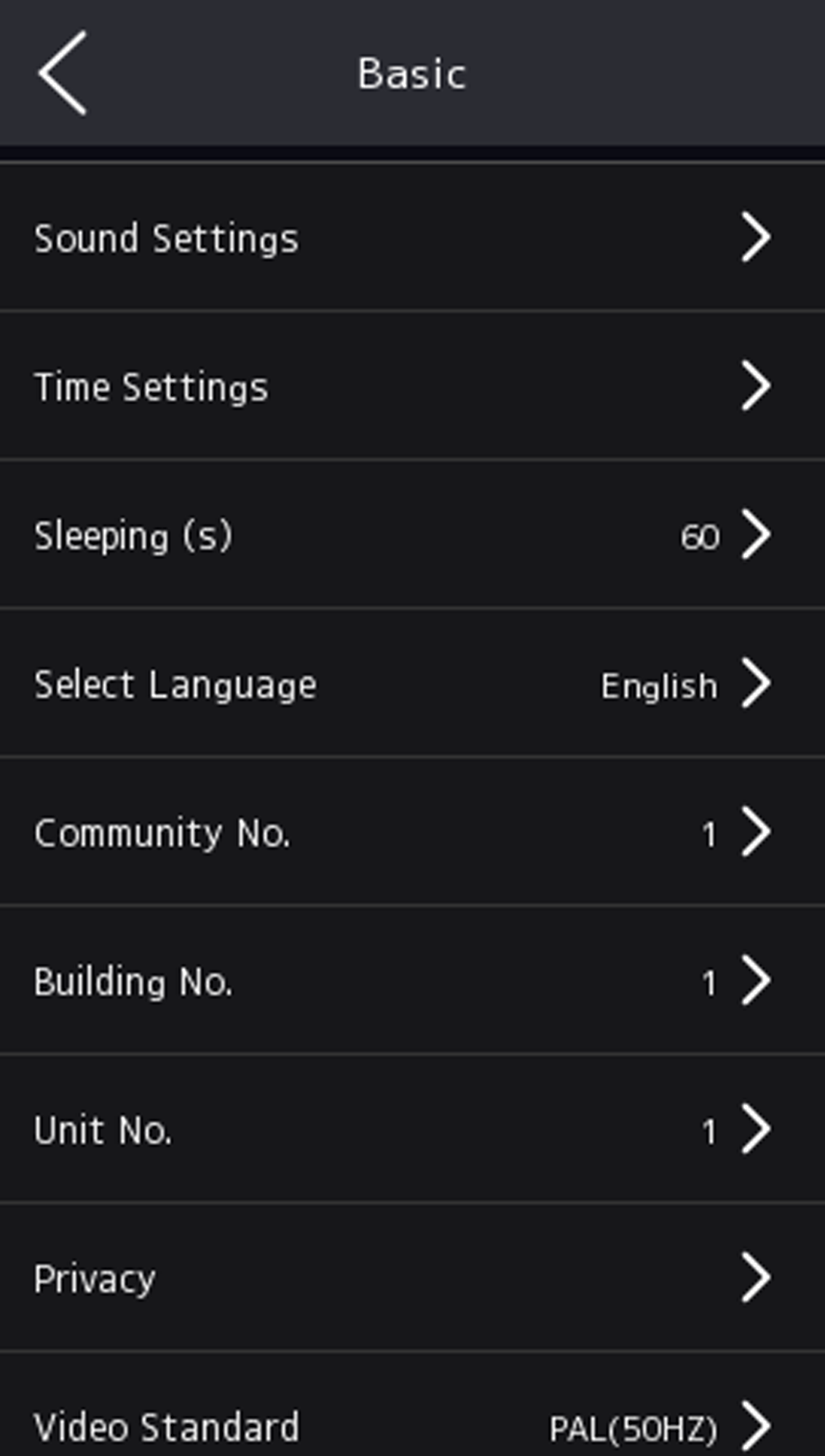 Figure 1 Basic Settings Page
- Sound Settings
-
You can enable/disable the voice prompt function and adjust the voice volume.
Note:You can set the voice volume between 0 and 10. 0 refers to silence.
- Time Settings
-
Set the time zone, the device time and the DST.
- Sleeping (s)
-
Set the device sleeping waiting time (minute). When you are on the initial page and if you set the sleeping time to 30 min, the device will sleep after 30 min without any operation.
Note:If you set the sleeping time to 0, the device will not enter sleeping mode.
- Select Language
-
Select the language according to actual needs.
- Community No.
-
Set the device installed community No.
- Building No.
-
Set the device installed building No.
- Unit No.
-
Set the device installed unit No.
- Privacy
-
- Name/Employ ID
-
You can choose to display/not display/desensitize name and Employ ID when authenticating.
- Face Picture
-
You can choose to display/not display face picture when authenticating.
- Save Registered Picture
-
The registered face picture will be saved to the system if you enable the function.
- Save Picture When Authenticating
-
If you enable this function, you can save the picture when authenticating to the device.
- Upload Picture When Authenticating
-
Upload the pictures captured when authenticating to the platform automatically.
- Video Standard
-
Set the video frame rate when performing live view remotely. After changing the standard, you should reboot the device to take effect.