Schedule Overview
The schedule overview shows the schedule information of each person in the department / attendance group. You can also view the detailed schedule of one person for each day in one month/week.
On the top left, select  > Attendance > Schedule > Schedule Overview.
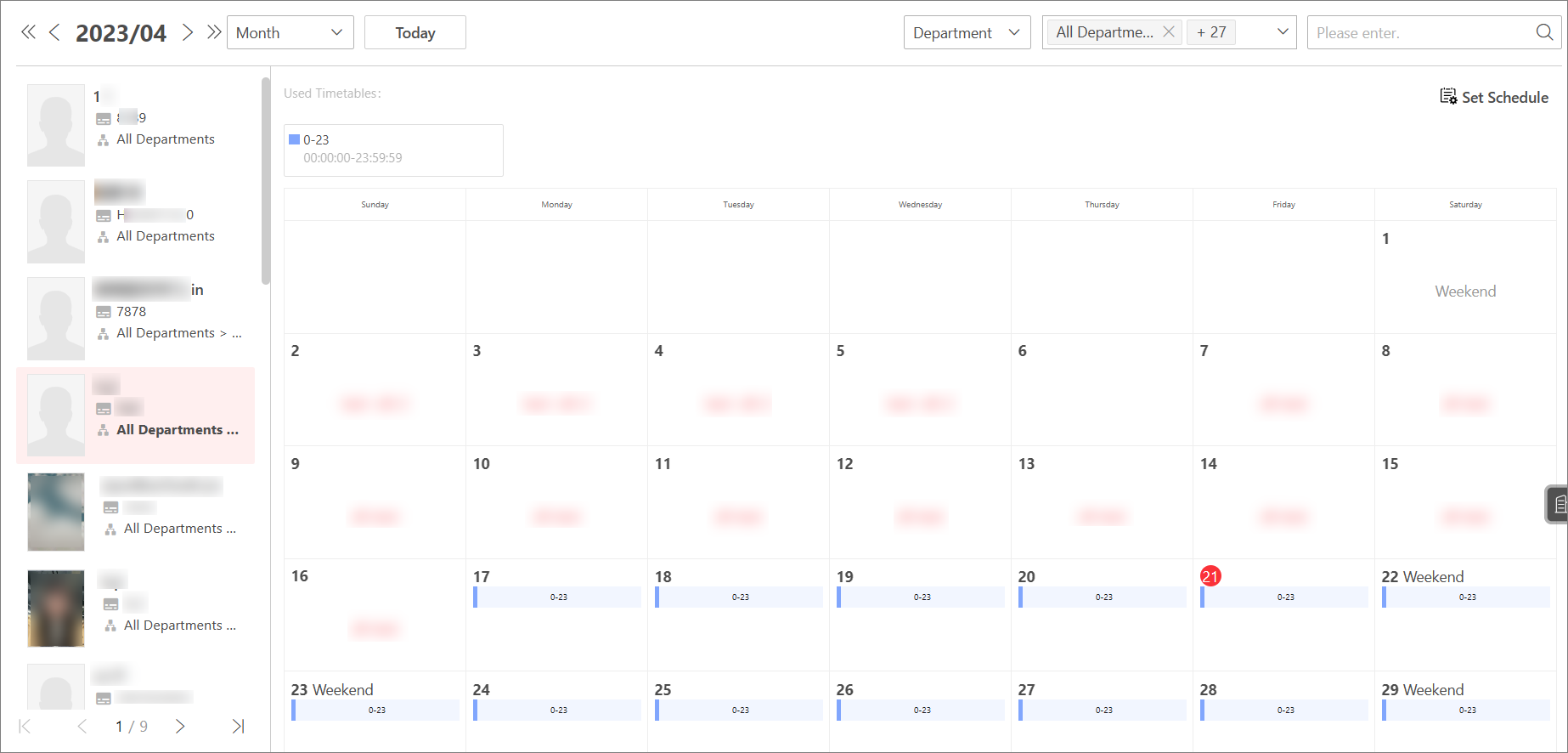 Figure 1 Schedule Overview
On the top, select Department / Attendance Group to view the schedule information by department or attendance group.
Select specific department / attendance group.
-
You can check Include Sub-Department to display the persons of sub-departments.
-
You can enter keywords to search for specific departments / attendance groups.
On the left, you can view the schedule information about every person in the department / attendance group.
Click the person name to enter the detailed schedule of this person for each day in one month, such as effective period, schedule name, and so on.
You can perform the following operations.
-
Select Month/Week to view the schedule by month or week.
-
Click Today to locate today in the schedule.
-
Click Set Schedule to edit the schedule. For details, see Assign Schedule to Department and Assign Schedule to Attendance Groups.
-
On the upper-right corner, enter the keyword to search for specific persons to view schedules related to them.