Visitor Management
The system provides an entire process for visitor management from reservation to check-out. You can group visitors to different visitor groups for convenient management, determine the areas where the visitors can access, and assign visitors access credentials like visitor passes.
On the Web Client, you can add visitor information to the system and assign access levels to the visitors to define which doors and which floors the visitors can access with credentials.
The Visitor Information Overview page shows the wizard for visitor management and the chart of the visit trend today.
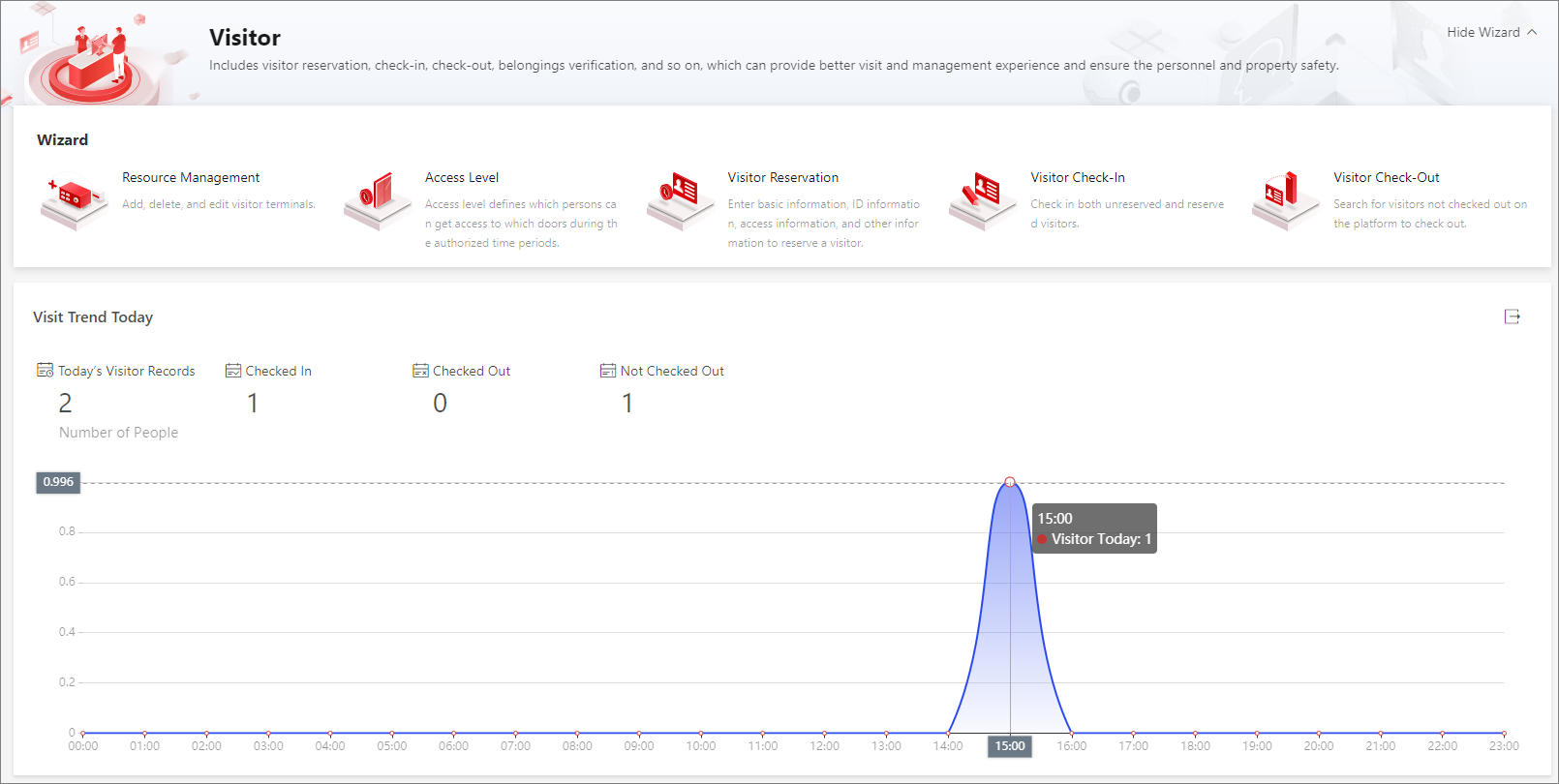 Figure 1 Visitor Information
Overview
Figure 1 Visitor Information
OverviewWizard
The wizard shows you the entire process for visitor management, including the resource management, access level management, visitor reservation, visitor check-in, and visitor check-out.
Move your cursor to each section and click to go to the corresponding page for configurations and operations. For example, you can move your cursor to the Resource Management section and click to go to the page for managing visitor terminals.
Visit Trend Today
You can view the variation trend of the number of visitors on the current day through a line chart. Also, you can view the numbers of today's visitor records, checked-in visitors, checked-out visitors, and not-checked-out visitors.
On the line chart, you can perform the following operations:
-
Move the cursor to a specific point on the chart to view the number of visitors at the corresponding time.
-
Click
 on the right side to export
the chart to the local PC as a file in the format of PDF, PNG, or JPG.
on the right side to export
the chart to the local PC as a file in the format of PDF, PNG, or JPG.
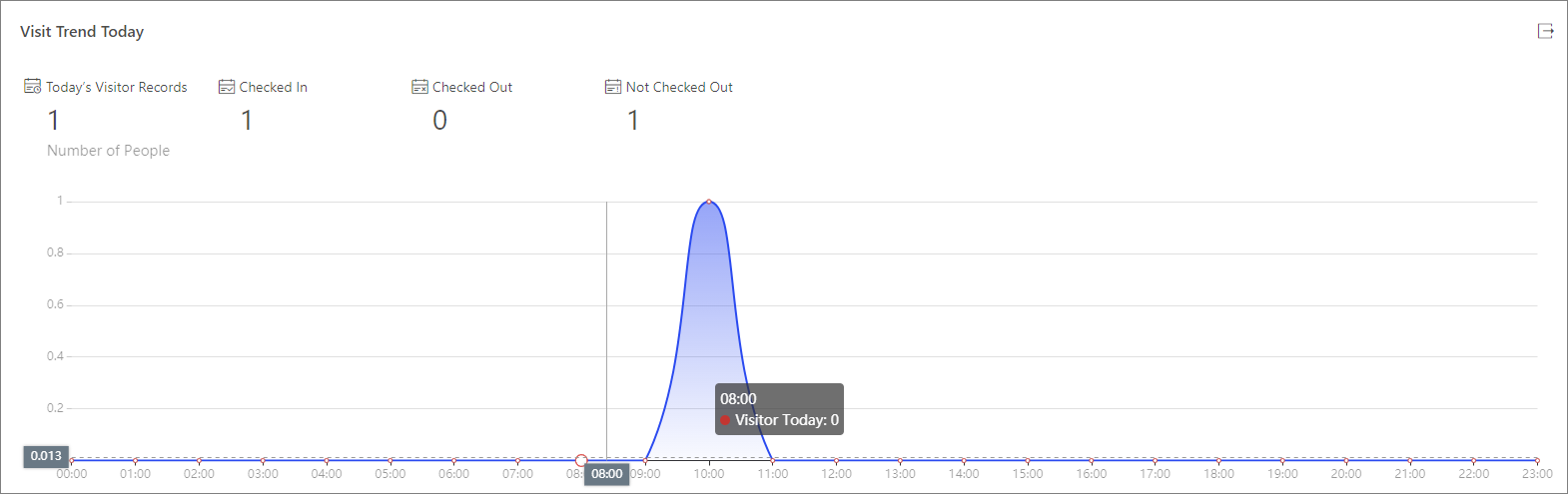 Figure 2 Visit Trend Today