Set Records Storage Information
The data retention period specifies how long you can keep the events, logs, and some records in the SYS server, such as recording tags and vehicle entering/exiting records.
-
In the top left corner of Home page, select
 > Basic Management > System.
-
Set the
sorting rule and
data retention period from the
drop-down list for the required data types.
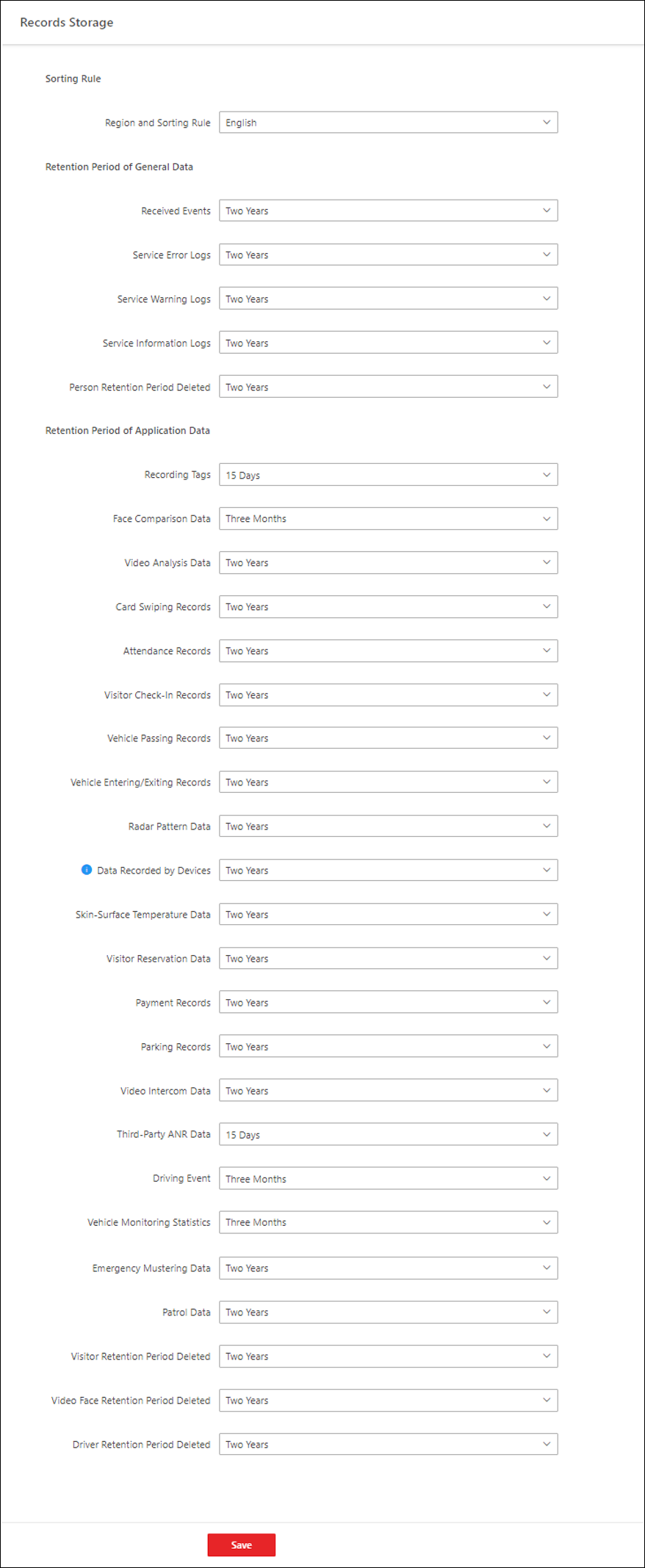 Figure 1 Set Data Retention
Period
Figure 1 Set Data Retention
Period