Set Company Information
You can configure and show the company information on the Web Client for customization requirements.
In the top left corner of
Home page, select  > Basic Management > System to enter the Company Information Settings page.
Select Company Information on the left.
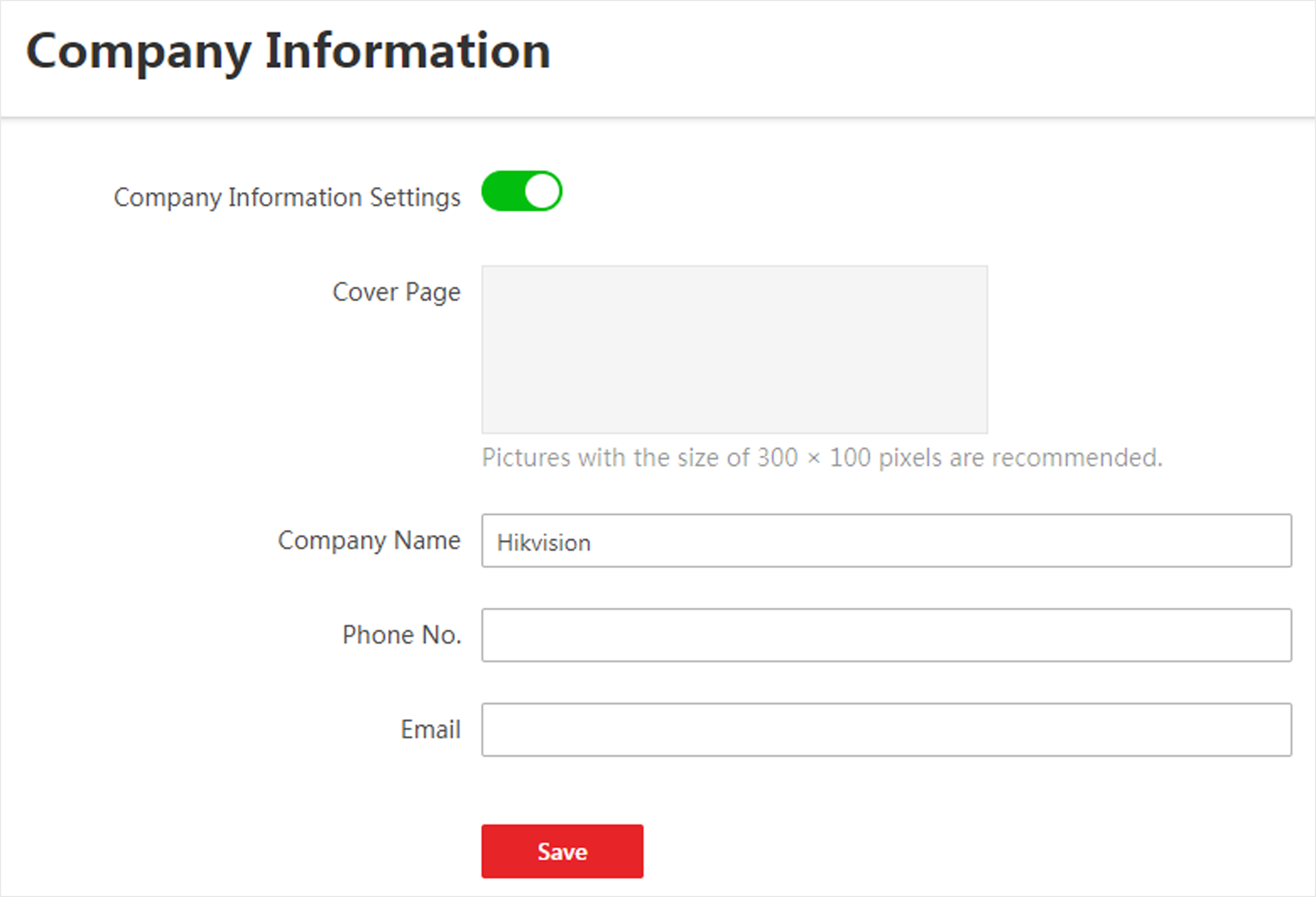 Figure 1 Company Information
Settings
Figure 1 Company Information
SettingsSwitch on Company Information Settings to enable displaying company information on the Web Client. And then set the information (cover page, company name, etc.) as needed and click Save.
An icon  appears at right of the Web Client and
keeps displaying. You can click the icon to view the company information.
appears at right of the Web Client and
keeps displaying. You can click the icon to view the company information.
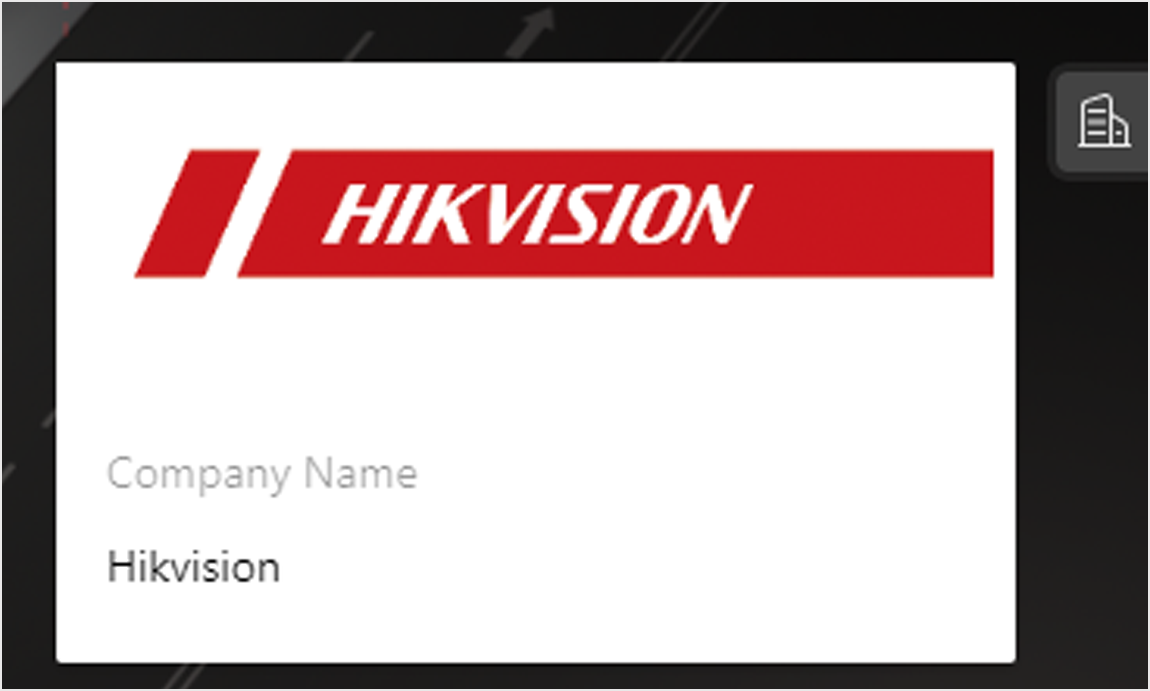 Figure 2 Company Information Displayed on
Web Client
Figure 2 Company Information Displayed on
Web Client