Input Certificate Information to Streaming Server
For data security purpose, the Streaming Server's certificate should be the same with the SYS server's. Before adding the Streaming Server to the platform, you should enter the certificate information stored in the SYS server to the Streaming Server.
Note:
If the service component certificate is updated, you should enter the new certificate information to the Streaming Server again to update.
-
In the top left corner of Home page, select
 > Basic Management > System.
-
Click Security Certificate.
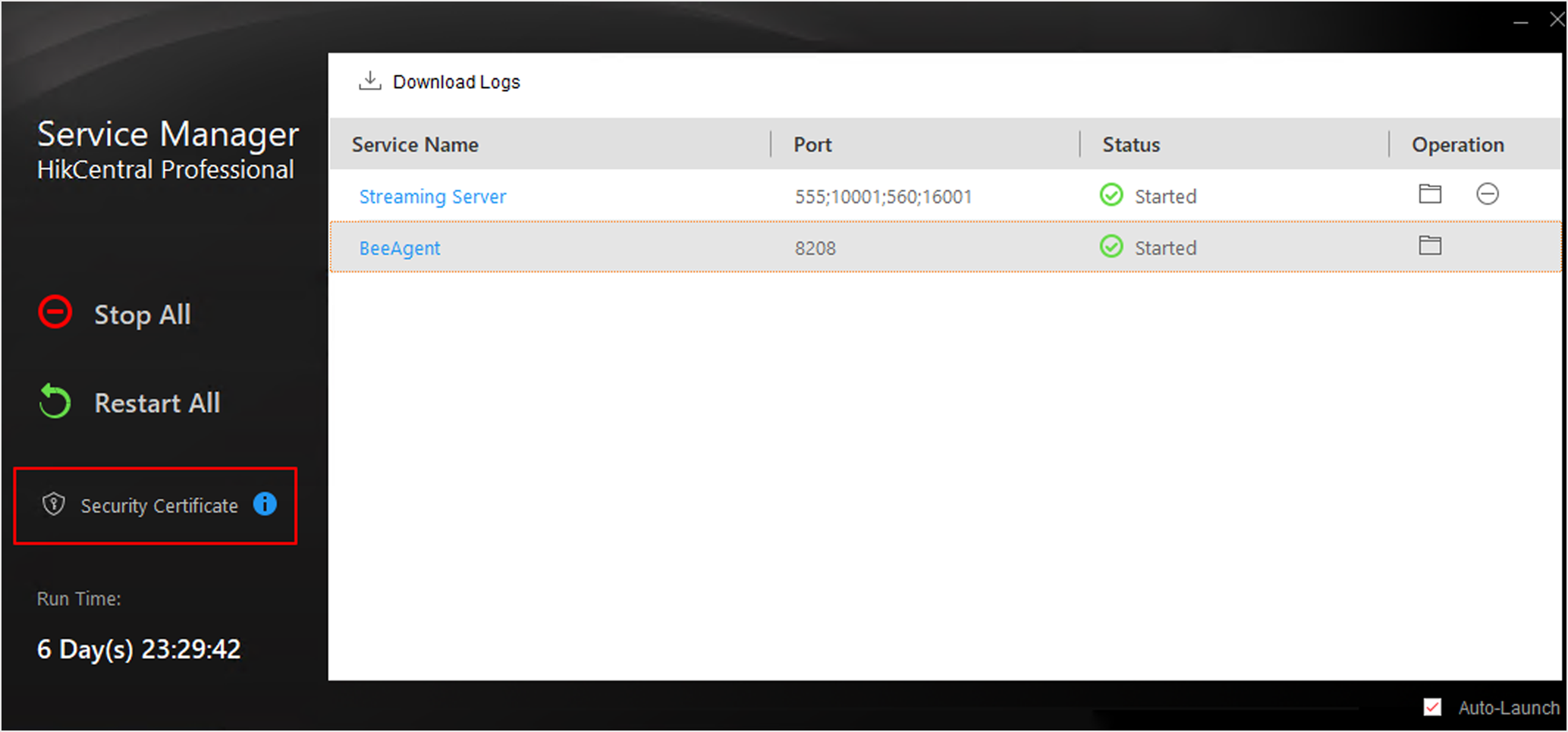 Figure 1 Enter Security
Certificate
Figure 1 Enter Security
Certificate