Add a Query Terminal
A query terminal is installed with the Self-Service Vehicle Finding Client and is mounted in a parking lot for vehicle owners to locate and find their vehicles. On the Web Client, you can add a query terminal by its device ID and further manage it such as editing its information and removing it from the platform.
-
Make sure the devices you are going to add are correctly installed and connected to the network as specified by the manufacturers. Such initial configuration is required in order to be able to connect the devices to the HikCentral Professional via network.
-
Make sure you have activated the devices. Refer to Create Password for Inactive Device(s) for detailed instructions on activating devices.
-
On the top navigation bar, select
 > Basic Management > Device to enter the device management module.
-
Click Add to enter the Add Query Terminal page.
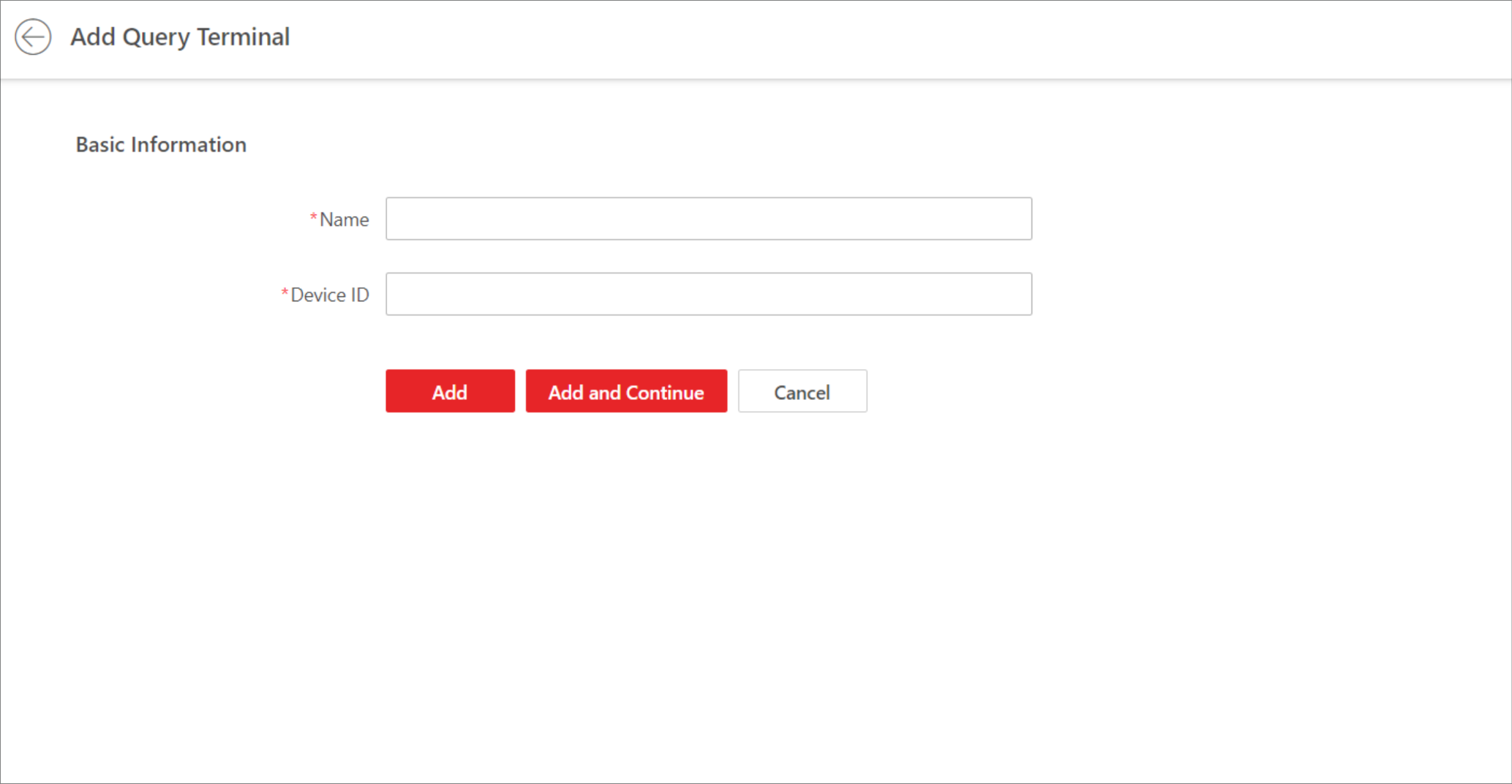 Figure 1 Add Query
Terminal
Figure 1 Add Query
Terminal - Optional:
Perform the following operations.
Option Description Edit Query Terminal
On the device list, click the name of a query terminal to edit it.
Delete Query Terminal
Select one or multiple query terminals, and click Delete to delete them.
Search for Query Terminal
Enter key words in the search box, and click
 to search for
specified query terminal.
to search for
specified query terminal.