Manage Users
AX PRO offers different permissions for different user types. The Administrator can add, edit, and delete users, and assign different permissions to the newly-added users.
-
There are four types of users in AX PRO, including Installer, Administrator, Operator, and Local User. Different types of users have different permissions for accessing the features of AX PRO.
Table 1 AX PRO User Roles Role
Permission
Installer
The installer has advanced configuration permissions*.
When the installer hands over the AX PRO to you, you will become the administrator of the device.
Administrator
The administrator has advanced configuration permissions* and full control permissions.
The administrator can share the AX PRO to invite other users to become the operators of the device. See details in Share Device(s) via QR Code.
The operators' permissions are controlled by the administrator.
The administrator can also add local users directly in User Management.
Operator
The operators have Limited configuration permissions and limited control permissions.
The operators can use the Mobile Client to control the AX PRO.
Local User
The local users have no configuration permissions and limited control permissions.
The local users can only use tags or keypads to control the AX PRO, such as arming or disarming the areas.
-
* If you have granted an installer with device authorization, advanced configurations are available for the installer only. If device authorization is not granted to any installer, advanced configurations are available for the administrator of the device only.
-
Tap
 > User Management > User.
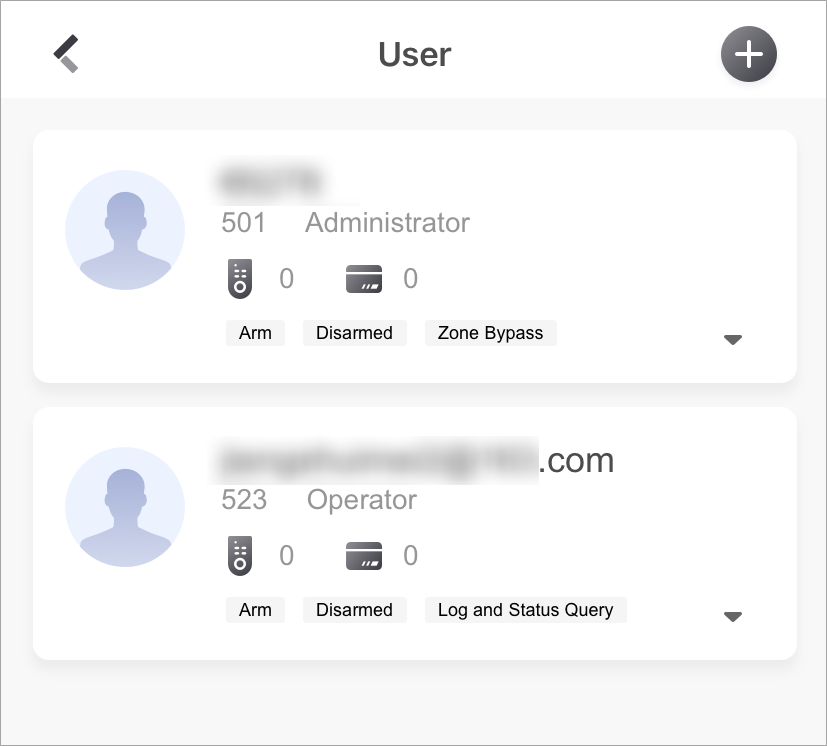 Figure 1 User Page