Virtual Panic Alarm (PA) Button
In case of emergency, you can tap the PA button for help. When you tap the PA button on the Mobile Client, the AX PRO will issue a panic alarm to alert the other users of the emergency. If the AX PRO has enabled with Alarm Receiving Center (ARC) service, the panic alarm will also be reported to the ARC.
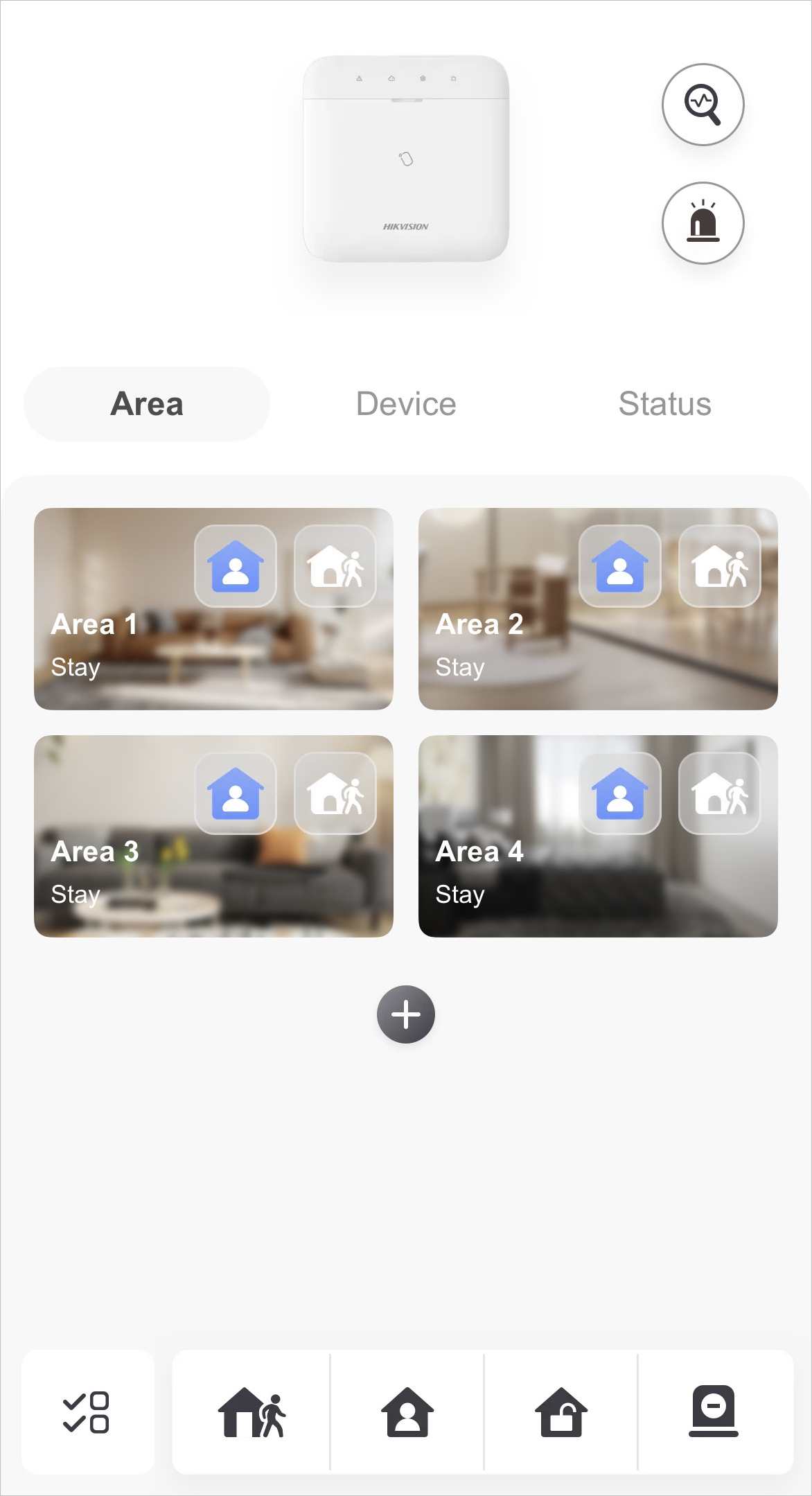 Figure 1 AX PRO Page
Tap  and choose between audible panic alarm
and silent panic alarm. After enabling panic alarm, the location will be included in the
alarm information if the user has enabled the location service for the Mobile
Client.
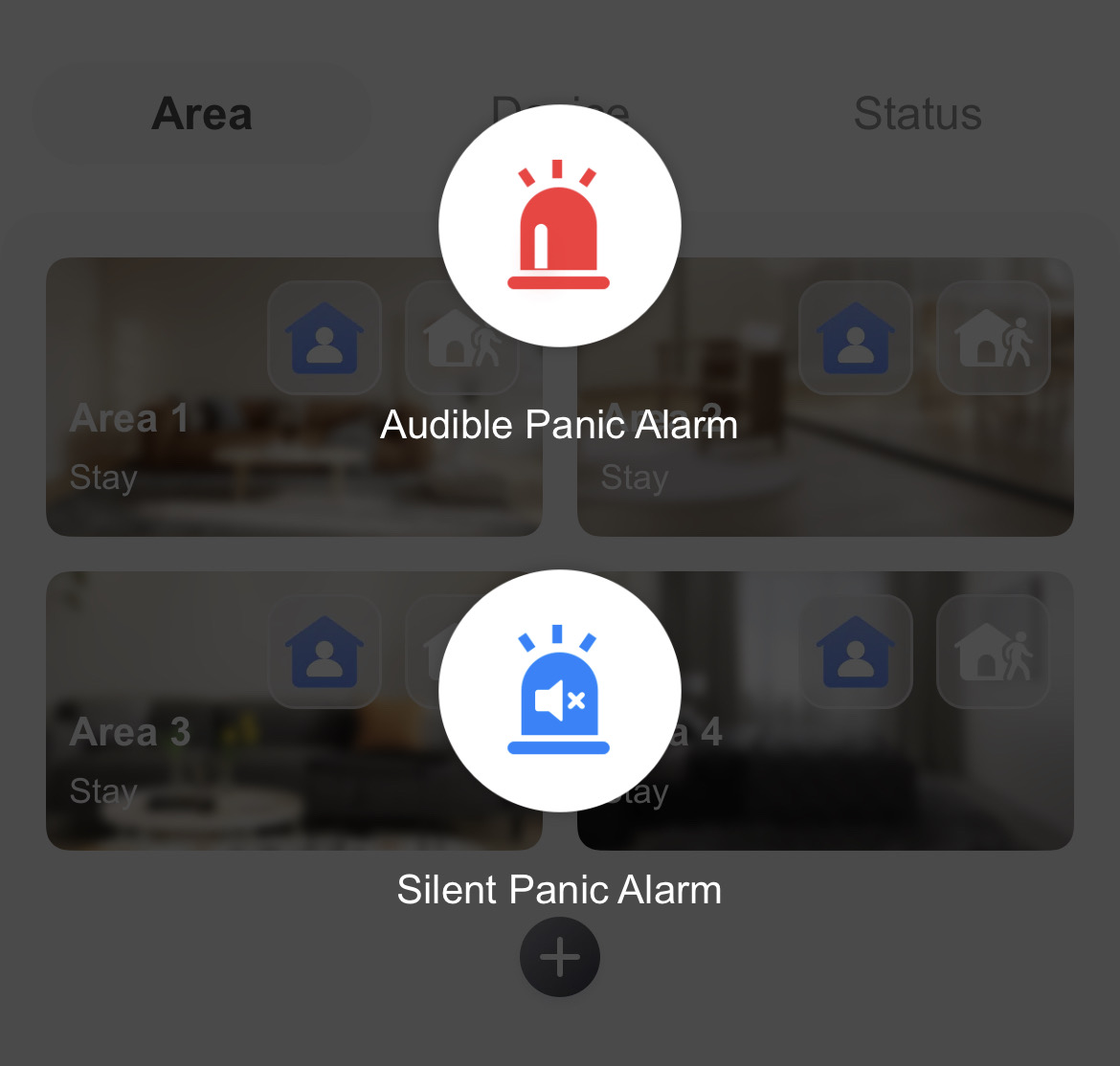 Figure 2 Panic Alarm
If your Installer has enabled ARC service for the AX PRO, the alarm containing location will be reported to ARC as well.