View Dewarped Live View of Fisheye Camera
You can set center calibration and view dewarped live view of a fisheye camera in the client. Dewarping refers to the process of perspective correction of an image, to reverse the effects of geometric distortion caused by the fisheye camera lens. It allows the user to cover a wide area with a single device and have a "normal" view of an otherwise distorted or reversed image. Also, during live view, you can perform more operations such as adjusting view angle and zooming in/out view.
-
On the toolbar of display window, click
 to enter the fisheye dewarping mode and view live
view.
to enter the fisheye dewarping mode and view live
view.
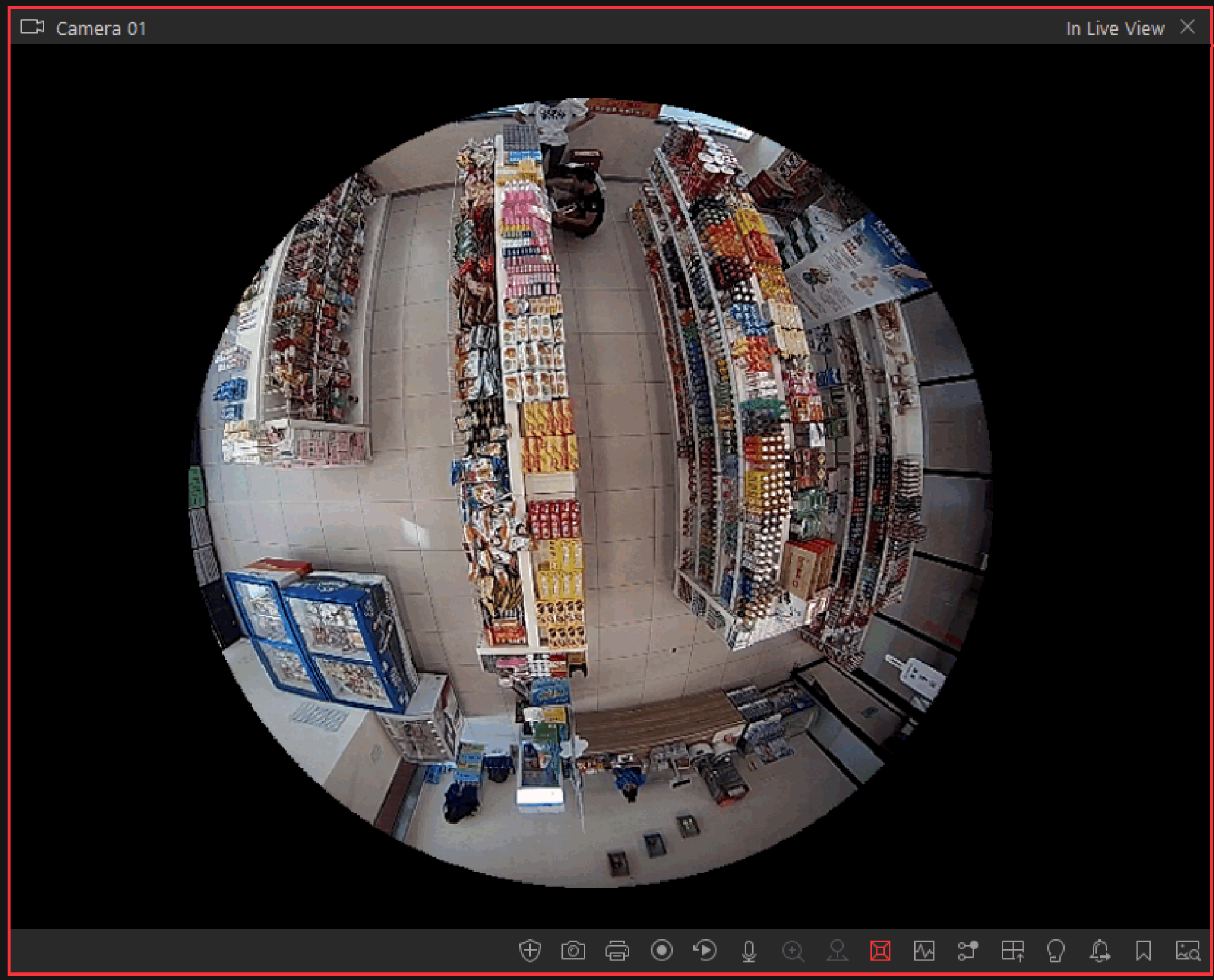 Figure 1 Fisheye
Dewarping
Figure 1 Fisheye
Dewarping