Set Topology Show Parameters
You can set parameters in the topology of Health Monitoring module, including topology hierarchy and bandwidth threshold.
Note:
For details about health monitoring, see Health Monitoring.
On the top, select  > Basic Management > Maintenance.
Select on the left.
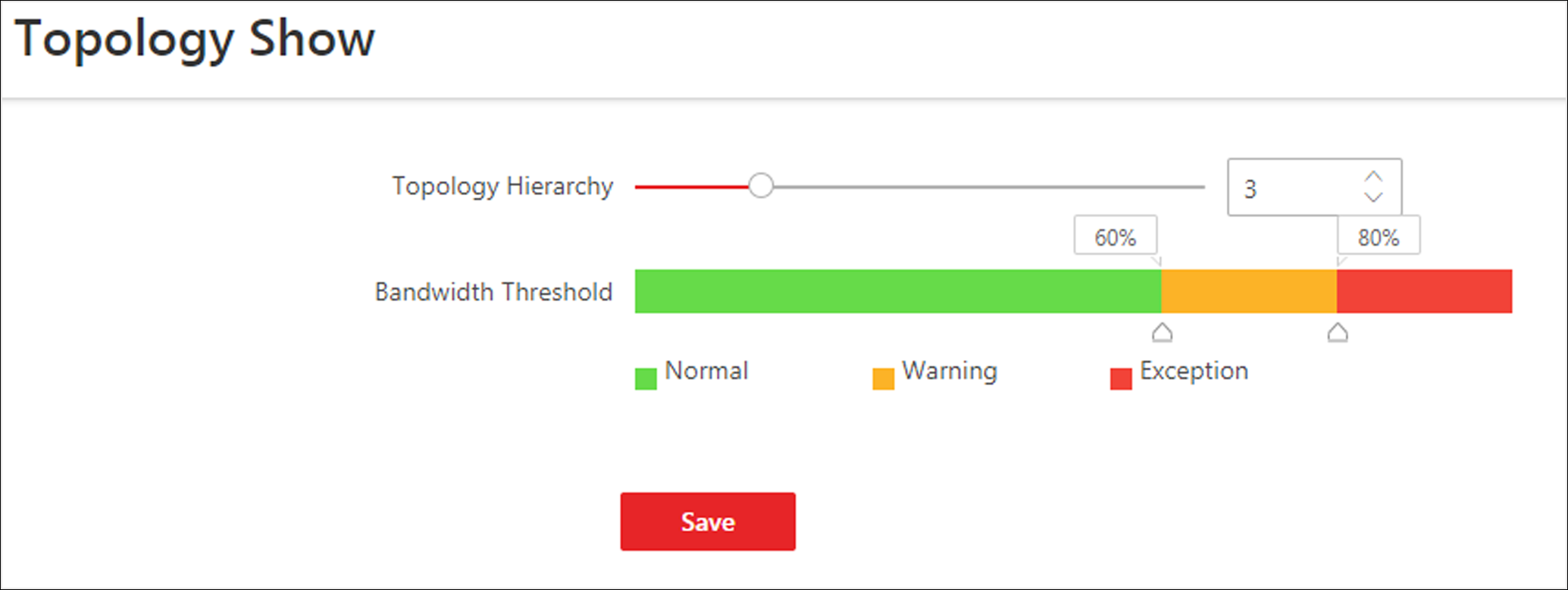 Figure 1 Topology Show Settings
- Topology Hierarchy
-
If the devices connection hierarchy is complicated, you can set the topology hierarchy to display the primary devices.
Note:After setting the topology hierarchy, the topology will be generated again.
- Bandwidth Threshold
-
When the bandwidth usage exceeds the threshold, the link on the topology will turns to the corresponding color.