Restore System Data
When an exception occurs, you can restore the system data if you have backed up system data before.
Make sure you have backed up system data. Refer to Set System Data Backup for details.
Note:
System data recovery will restore the system to an earlier state, and thus the data added after backup date will be lost.
-
In the top right of the Home Page, click
 .
.
-
Select a backup file to be restored.
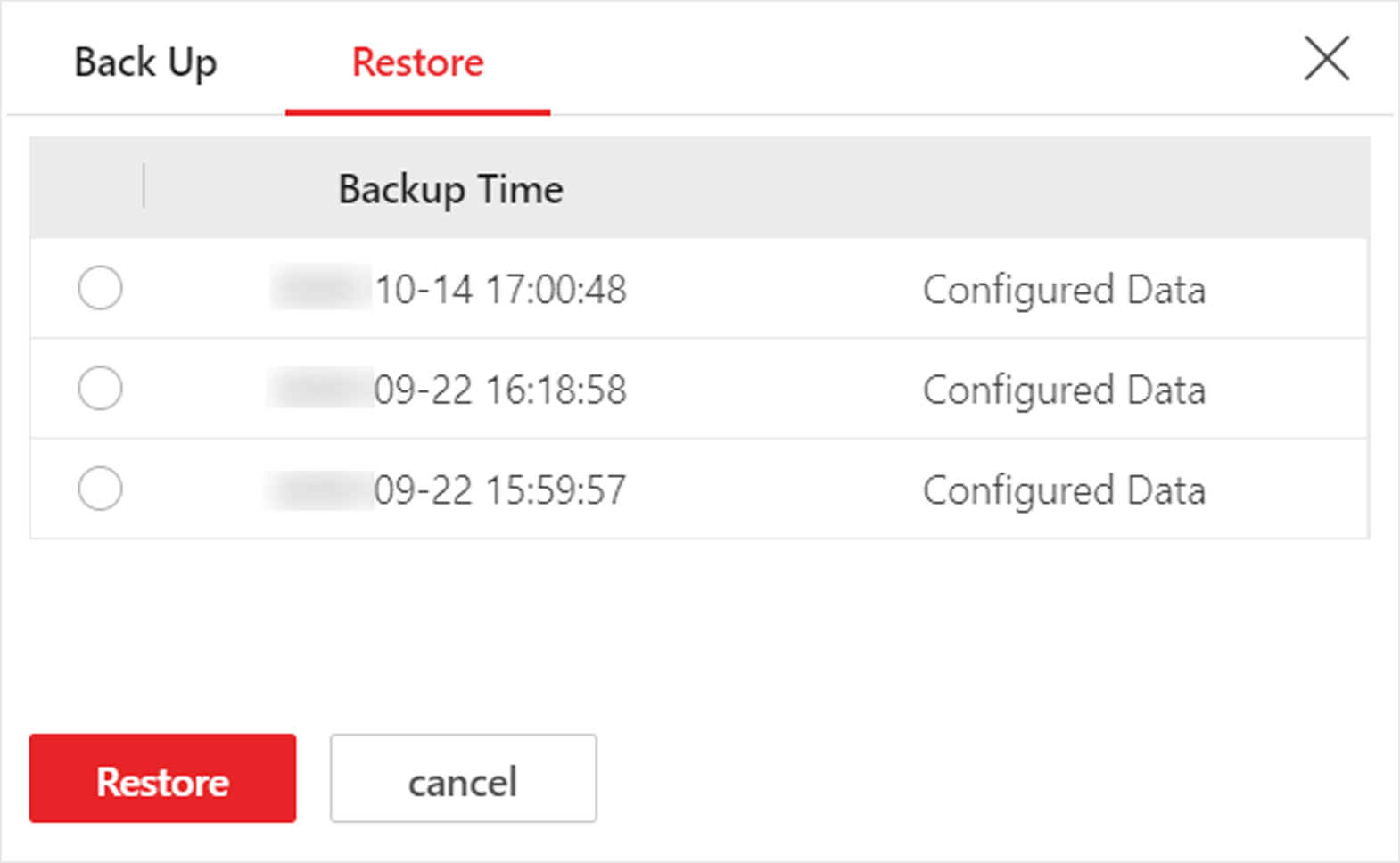 Figure 1 Restore System
Data
Figure 1 Restore System
Data
After restoring the system data, you must reboot the SYS service via Service Manager and log in to Web Client again.