Import Persons or Profile Pictures
You can import person information by template, and import profile pictures by zipped profile pictures and from an enrollment station.
Make sure you have added the enrollment station to the platform if you want to import pictures from an enrollment station.
-
In the top left corner of the Home page, select
 > Video > Intelligent Recognition > Face Comparison Group
-
Click Import, and click one among Import by
Template, Import Zipped Profile Pictures,
and Import from Enrollment Station.
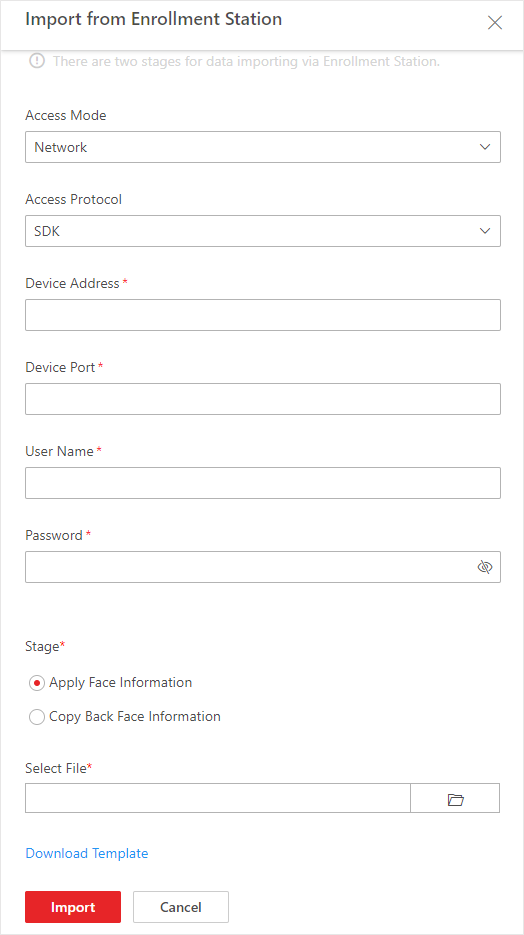 Figure 1 Import from Enrollment
Station
Figure 1 Import from Enrollment
Station
 to
select the filled-in template from the local
PC.
to
select the filled-in template from the local
PC. and
select the filled-in template to import specific
face information from the enrollment station to
the selected face comparison group.
and
select the filled-in template to import specific
face information from the enrollment station to
the selected face comparison group.