Add User-Defined Event
When you are viewing videos or checking the alarm information, if there is some information that needs to be paid attention to, you can manually define a new event type which is not in the provided event and alarm list or the defined generic events for triggering an alarm or being configured as a linkage action of alarms. This kind of event is called as the user-defined event.
-
In the top left corner of Home page, select
 > Security Monitoring > Event and Alarm.
-
Click Add.
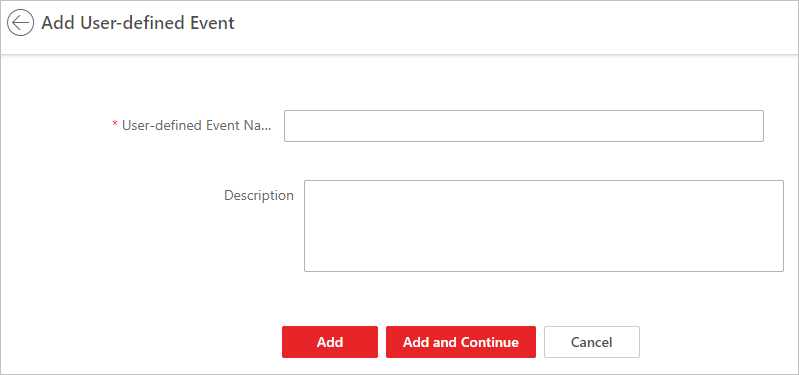 Figure 1 Add User-Defined
Event
Figure 1 Add User-Defined
Event