Apply Software Package to Indoor Station
You can apply a software package to selected indoor stations and install the software automatically.
Make sure you have added indoor station(s) to the system. For details, refer to Add a Video Intercom Device by IP Address.
-
In the top left corner of the Home page, select
 > Passing Management > Video Intercom > Apply Data to Indoor Station > Apply Software Package .
-
Select All Indoor Stations or Specified
Indoor Station(s).
Note:
If you select Specified Indoor Station, check indoor stations and click
 .
.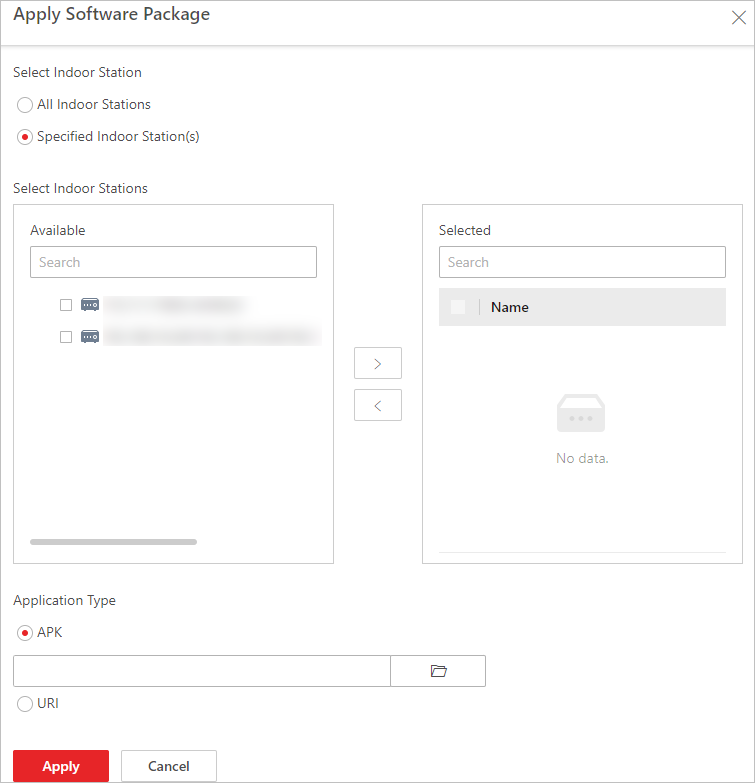 Figure 1 Apply Software
Package
Figure 1 Apply Software
Package