Overview of Personal Attendance Data
You can have an overview of your attendance records in a specific time period, review applications, and view personal schedule.
When you log in to the Self-Service module, the overview page will be displayed, which shows the recent and history attendance statistics.
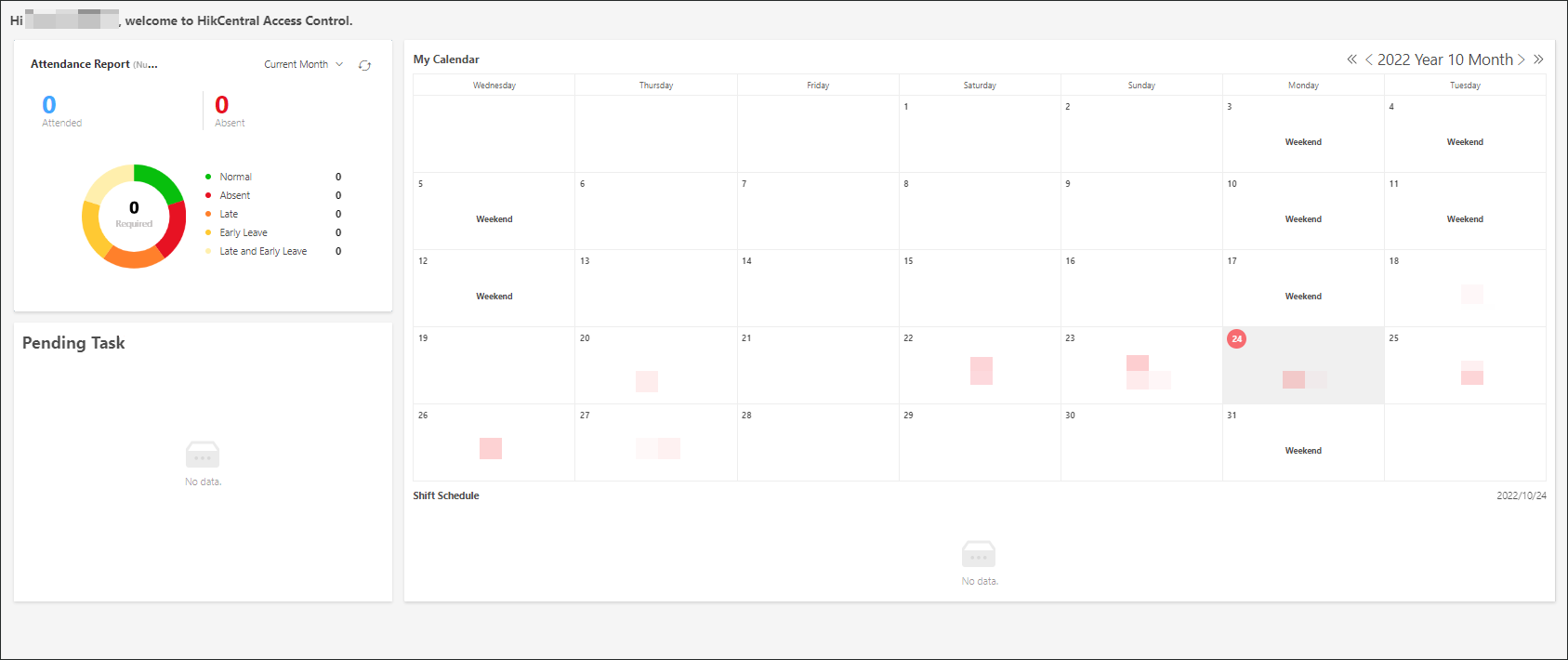 Figure 1 Overview of Personal Attendance
Data
Figure 1 Overview of Personal Attendance
DataIn Attendance Report, you can click  to select a time period to view the attendance records in the
time period.
to select a time period to view the attendance records in the
time period.
In My Calendar, you can have an overview
of your attendance data and schedule in a month. Move the cursor to a day on the
calendar and click  , you can submit an application for the
current day. For details about submitting applications, refer to Submit and View Applications.
, you can submit an application for the
current day. For details about submitting applications, refer to Submit and View Applications.
In Pending Task, you can select an application and click Handle to handle the application.