IP Camera Time Sync
The device can automatically synchronize the time of connected IP camera after enabling this function.
-
Position the cursor on the window of the IP camera and click
 .
.
- Optional:
All IPC channels can be enabled/disabled with shortcuts.
- Go to .
- Click Time Sync Configuration, select Enable IPC Time Sync or Disable IPC Time Sync to enable/disable scheduled time sync for all IPC/IoT channels.
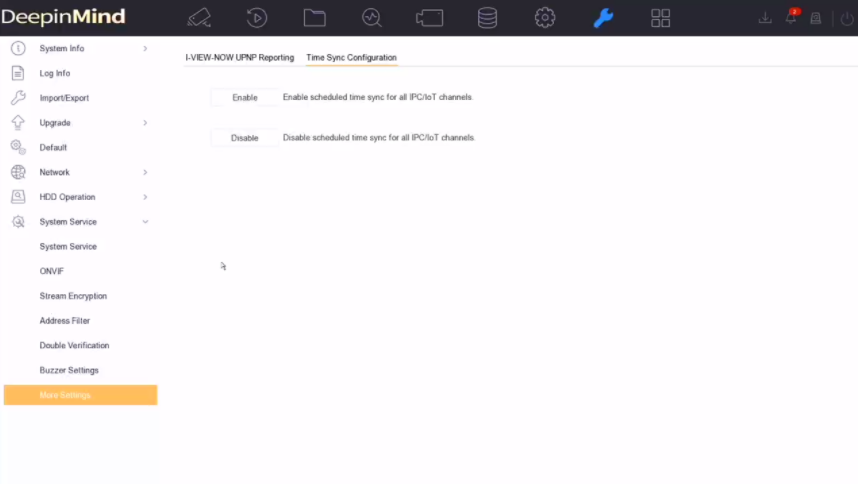 Figure 1 IP Camera Time
SyncNote: This function is only available for the admin user.
Figure 1 IP Camera Time
SyncNote: This function is only available for the admin user.