Upgrade IP Cameras

The IP camera can be upgraded through the device.

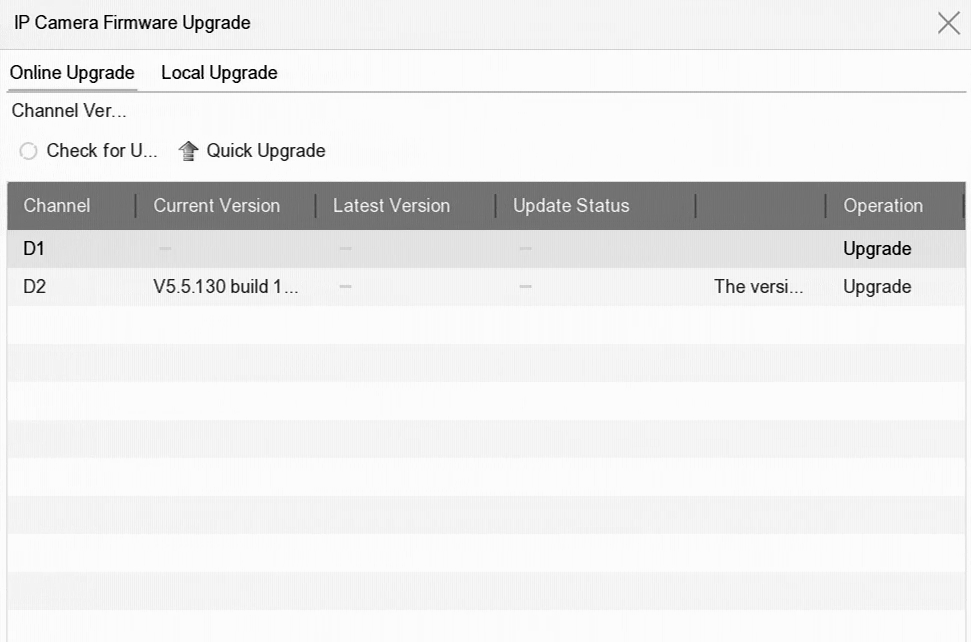
  1. Go to Camera > Camera > IP Camera > More Settings > Upgrade.
    Figure 1 Upgrade IP Cameras
  2. Select a method to upgrade your camera.
    Option Description

    Online Upgrade

    Click Online Upgrade, and click Check for Updates or Quick Upgrade to upgrade your cameras.

    Note:

    Your device shall be properly connected to Hik-Connect.

    Local Upgrade

    Inserted a USB flash drive that contains the firmware to your device. Click Local Upgrade, and select the camera and firmware file for upgrade.

    The IP camera will automatically restart after it is upgraded.

  3. Click Upgrade.