Configure OSD
You can configure the OSD (On-screen Display) for the camera, including date/time, camera name, etc.
-
Set the date format, time format, and display mode.
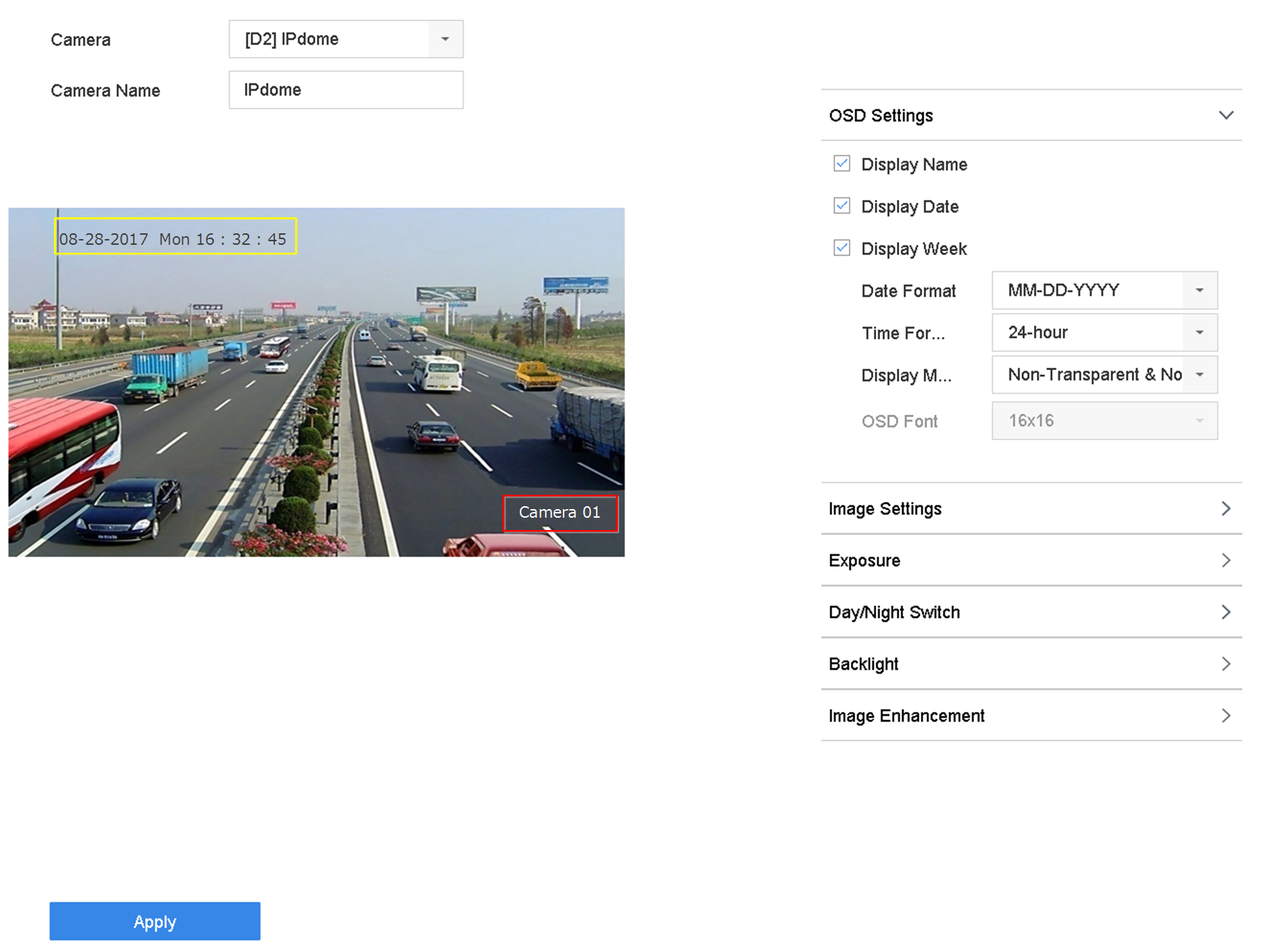 Figure 1 OSD Settings
You can configure the OSD (On-screen Display) for the camera, including date/time, camera name, etc.
Figure 1 OSD Settings