Configure Privacy Mask
The privacy mask protects personal privacy by concealing parts of the image from kive view or recording with a masked area.
-
Draw a zone on the window. The zone will be marked by different frame
colors.
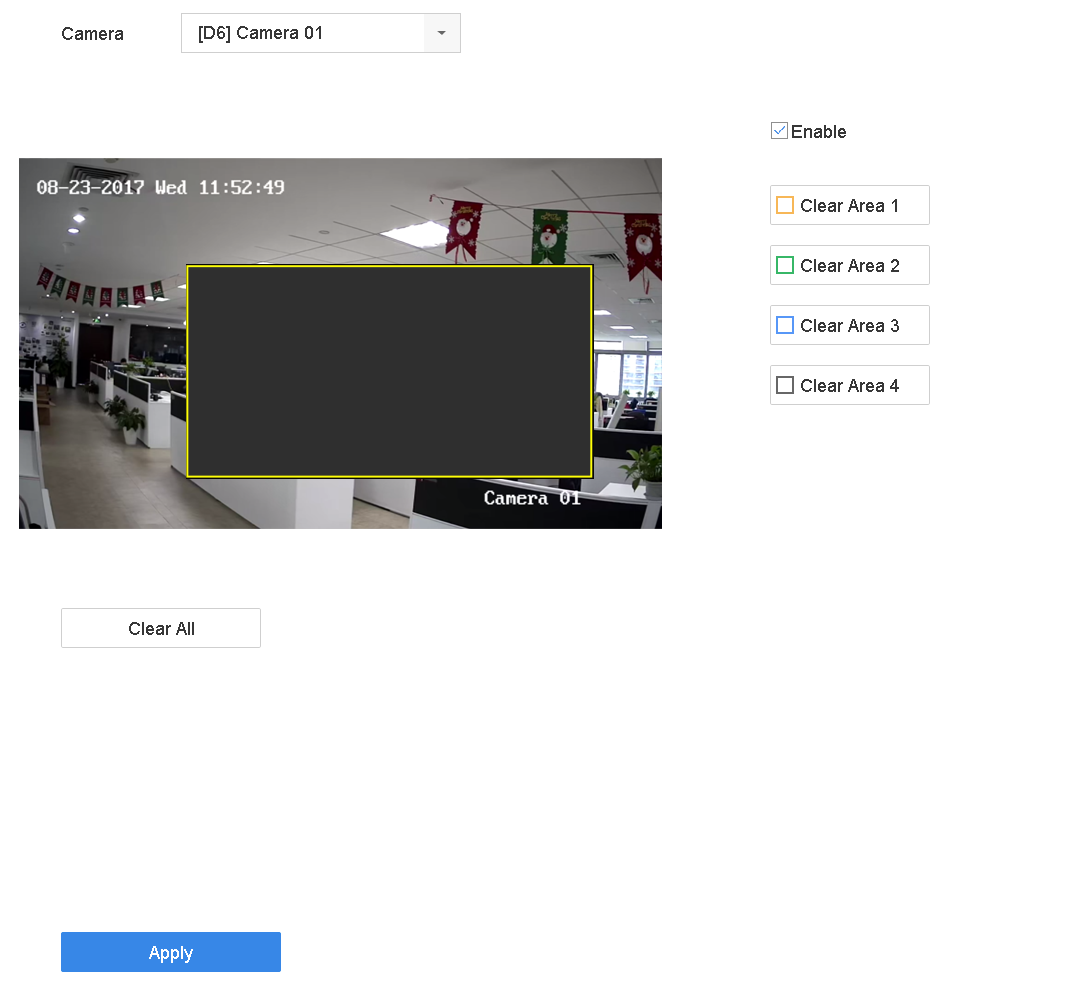 Figure 1 Privacy Mask
SettingsNote:
Figure 1 Privacy Mask
SettingsNote:-
Up to 4 privacy masks zones can be configured and the size of each area can be adjusted.
-
You can clear the configured privacy mask zones on the window by clicking the corresponding clear zone 1 to 4 icons on the right of the window, or click Clear All to clear all zones.
-