Configure Exceptions Alarms
Exception events can be configured to take the event hint in the Live View window and trigger alarm output and linkage actions.
- Optional:
Enable the event hint to display it in the live view window.
- Check Enable Event Hint.
-
Click
 to select the exception
type(s) to take the event hint.
to select the exception
type(s) to take the event hint.
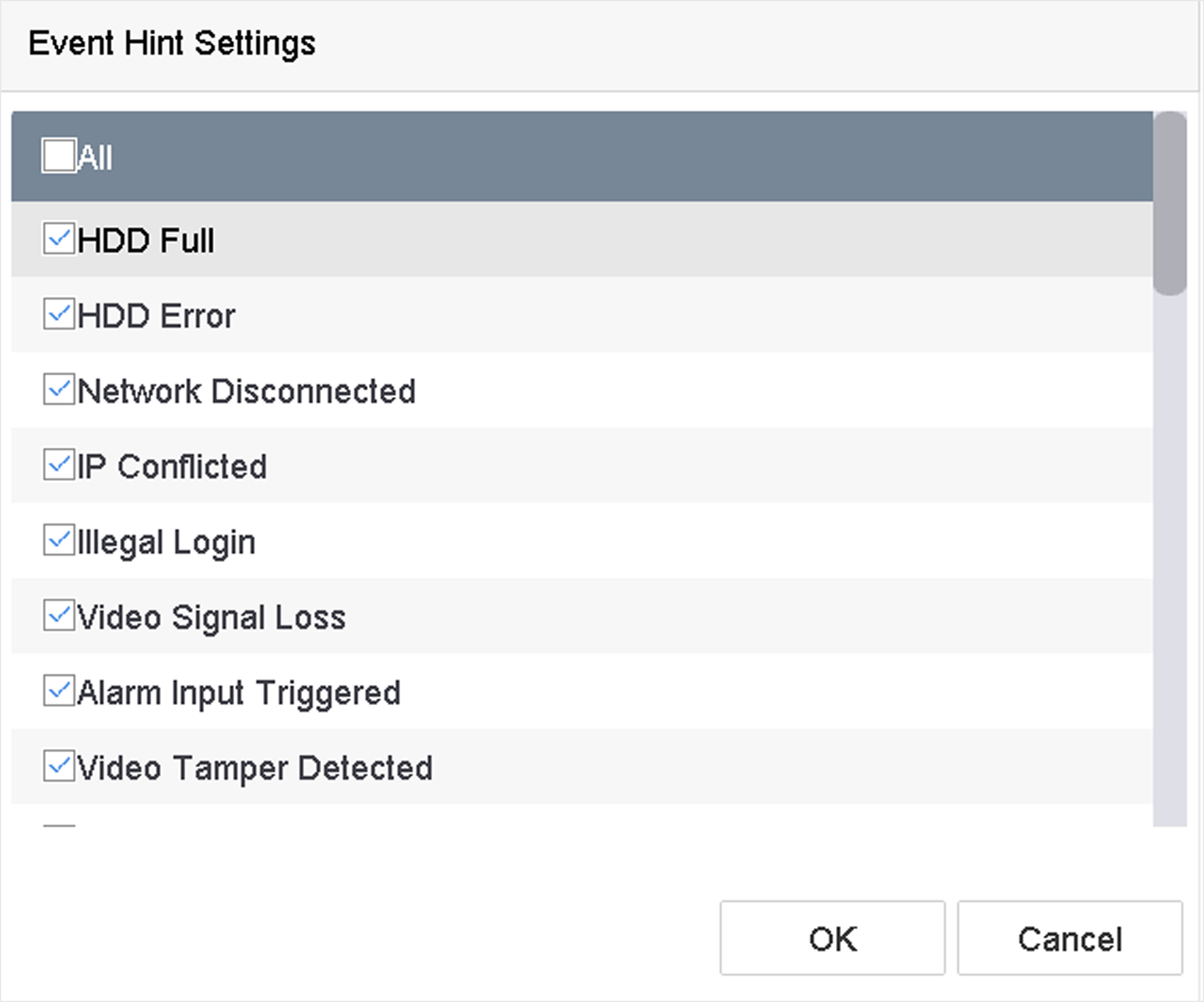 Figure 1 Event Hint
Settings
Figure 1 Event Hint
Settings -
Select an exception type.
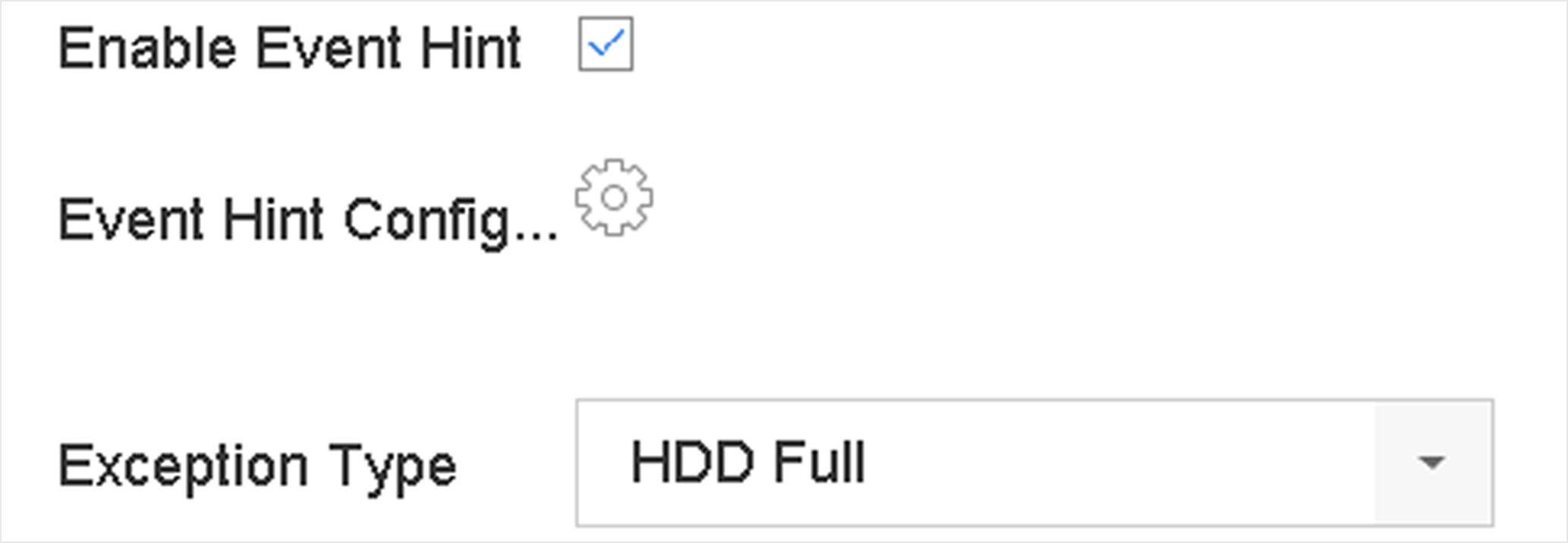 Figure 2 Exceptions
Handling
Figure 2 Exceptions
Handling