Configure Combined Alarm
Combined alarm combines events with alarm input. The combined alarm will be triggered when it receives alarms from both alarm input and events. Event types include motion detection, video tampering detection, and other smart events such as line crossing detection, intrusion detection, etc.
Ensure the channel has been assigned with event alarm as your desire, and the alarm input has been configured (refer to Configure Sensor Alarms).
-
Select an alarm input item from the list and click
 .
.
-
Click Apply.
Note:
The combined alarm arming schedule and linkage action are the same as the selected event(s).
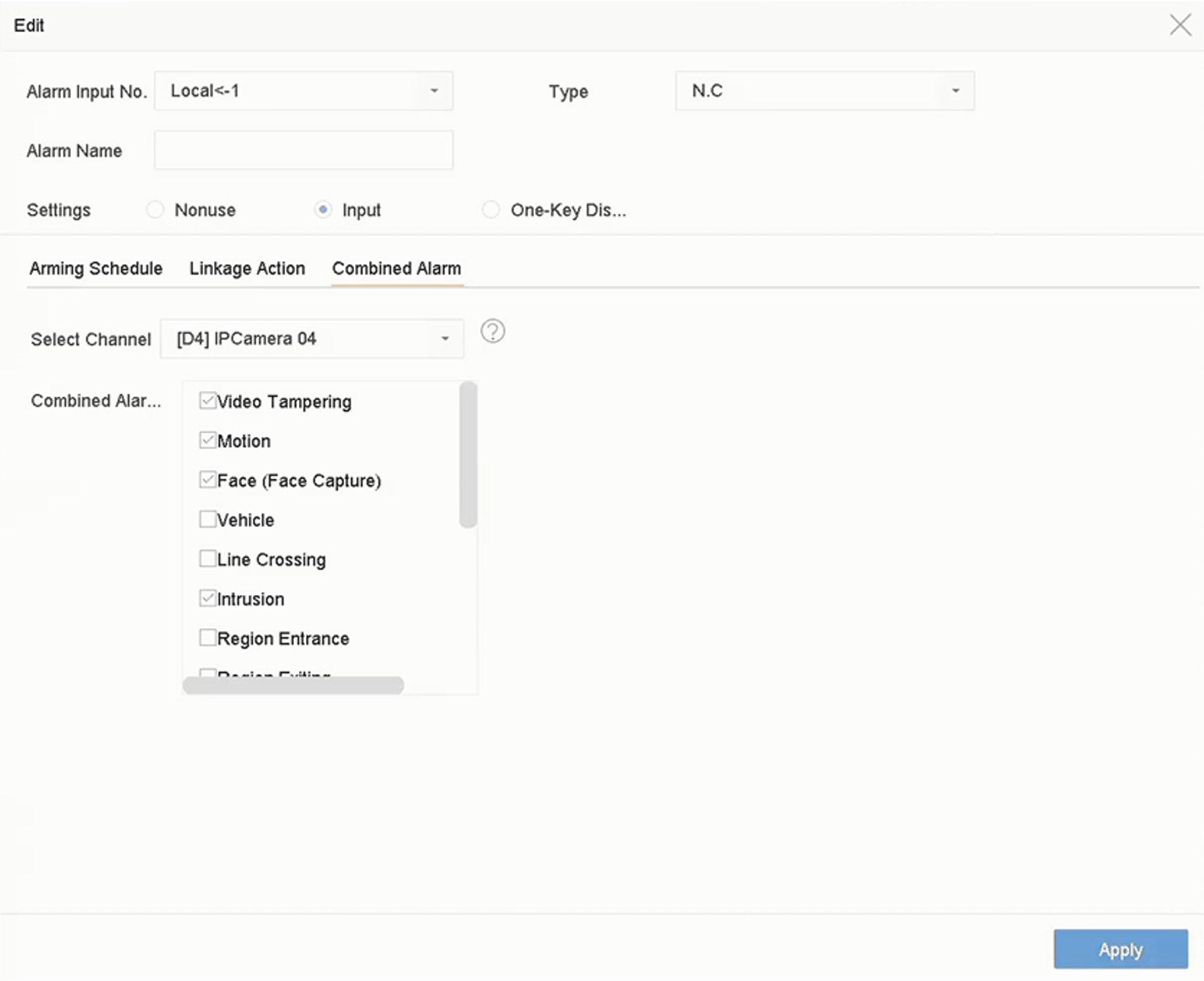 Figure 1 Combined Alarm