Employees can access the system via web browser.
The administrator should enable self-service login (enabled by default) and set the
login password (employee ID by default) for employees.
-
In the address bar of the web browser, input the address of the PC running
SYS service and press the
Enter key.
If the IP address of the PC running SYS is 172.6.21.96, and you should enter http://172.6.21.96 or
https://172.6.21.96 in the address bar.
-
Select the Self-Service tab.
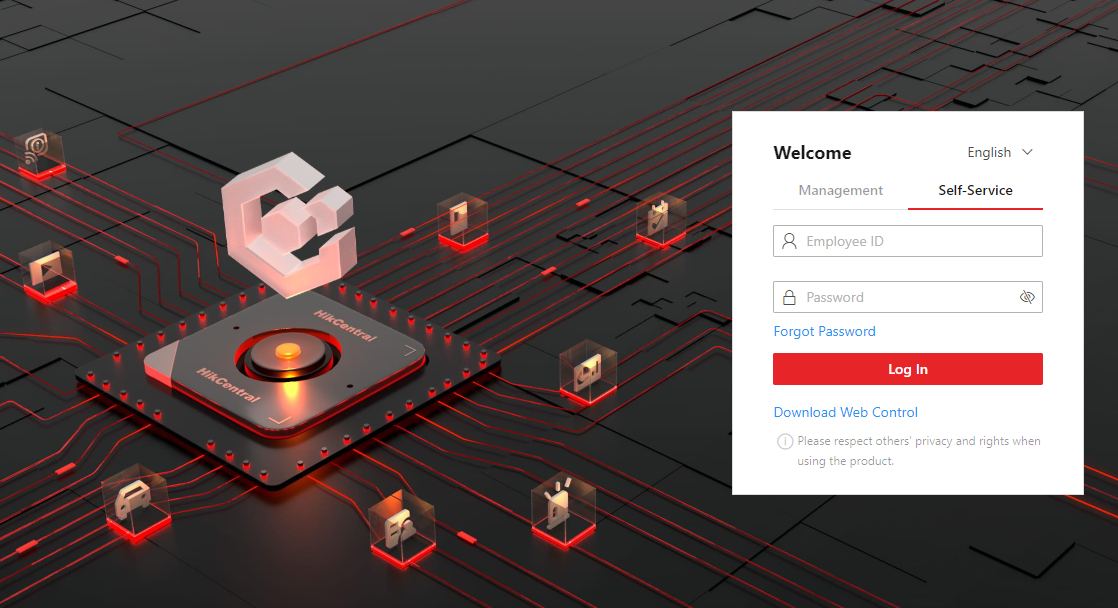 Figure 1 Login Page
-
Enter the employee ID and password.
-
Click Log In to log in to the system.
Note:
-
Employees are required to change the password upon
the first login.
-
If employees forget the password, they can reset new
password in Forgot Password.
-
If the password is expired, employees will be asked
to change the password upon login. For setting the maximum
password age, refer to System Security Settings.
Web Client home page displays after employees successfully log in to the
system.