Link Files with Evidence
You can link the added file with the existing evidence or newly added evidence. The linked files recorded in the evidence can be used as materials in case of the need for settling disputes or legal cases.
Make sure you have added the file(s). For details, refer to Add and View Unlinked Files.
-
On the top left, select
 > Security Monitoring > Evidence Management Center.
-
Click Link Evidence to enter the Link Evidence pane.
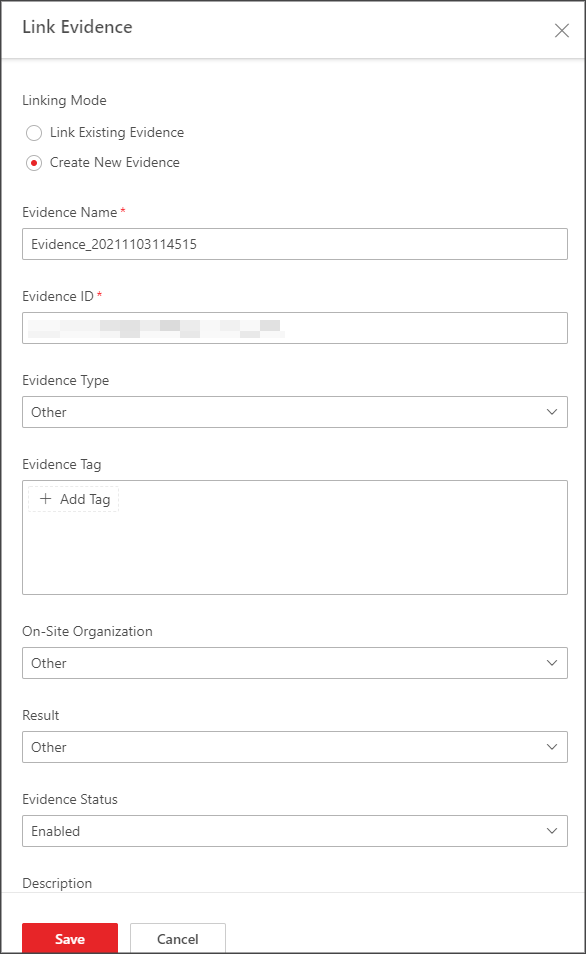 Figure 1 Link Files with Evidence