Configure Video Wall
A video wall is made up of multiple terminals. After adding more than one terminals to the platform, you can configure video walls with custom dimensions (row × column).
Make sure you have added at least two terminals to the platform and have enabled the time synchronization of NTP server. See details in Add Digital Signage Terminal and Set NTP.
-
On the top navigation bar, select
 > Integrated Service > Digital Signage to enter the digital signage page.
-
Click Add.
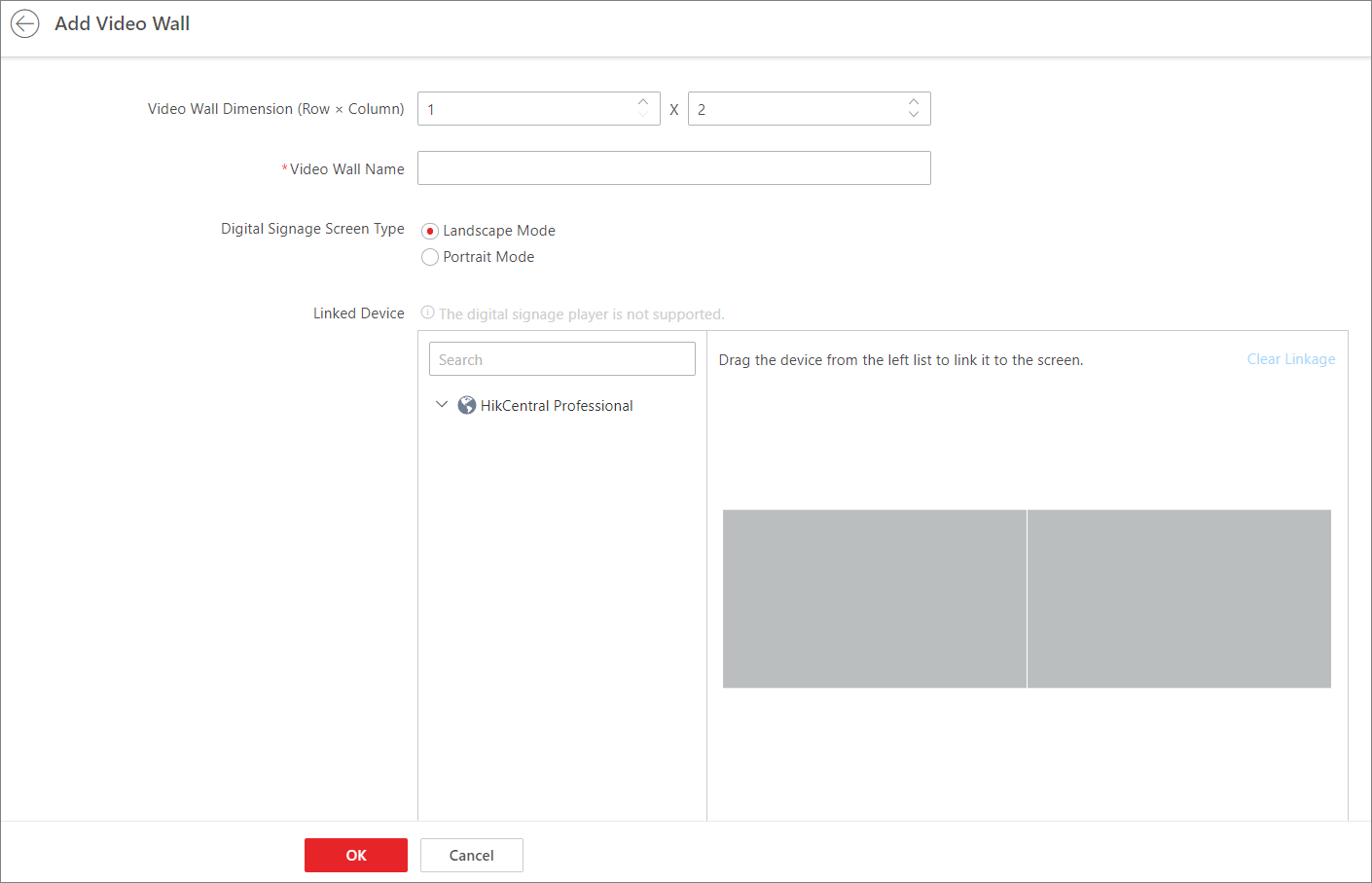 Figure 1 Add Video Wall
 - Optional:
After adding video walls, you can perform the following operations.
Option Description Switch Display Mode
Click
 /
/ to display the added
video walls in the thumbnail/list mode.
to display the added
video walls in the thumbnail/list mode.Edit Video Wall Information
-
In thumbnail mode, click the video wall card to enter the video wall information page and edit the information.
-
In list mode, click the name of the video wall to enter the video wall information page and edit the information.
Delete Video Walls
Select one or multiple added video walls and click Delete to delete the selected video walls.
Set Video Wall Display Parameters
Select one or multiple added video walls, click Video Wall Display Control to set the display parameters.
Refresh Video Wall List
Click Refresh to refresh the video wall list.
Search Video Walls
Click
 , set the search
conditions such as dimension and screen type, and click
Search to search for the target video
walls.
, set the search
conditions such as dimension and screen type, and click
Search to search for the target video
walls. -