Switch Application Mode
You can switch between the Digital Signage mode and the Interactive Flat Panel mode. In the Digital Signage mode, you can create six types of contents, and release them to digital signage terminals after reviewing contents and creating schedules for contents. In the Interactive Flat Panel mode, you can create two types of contents, and then release them to interactive flat panels. Also, you can add and manage applications in this mode.
On the top navigation bar, select  > Integrated Service > Digital Signage / Interactive Flat Panel, and then click on the left navigation pane.
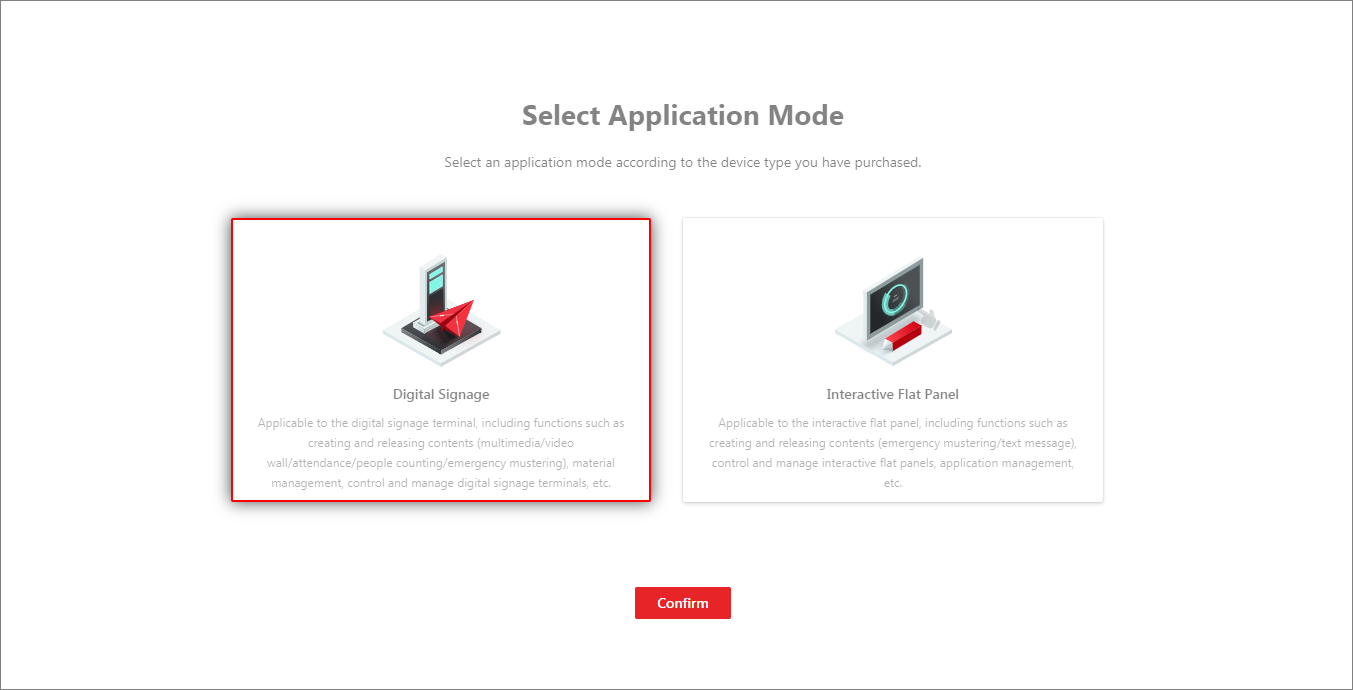 Figure 1 Select Application Mode
Select a mode according to the device type you have purchased, and click Confirm to go to the page of the selected mode.
For using the platform for the first time, the default application mode is Digital Signage.