Emergency Mustering
The emergency mustering helps users get prepared to account for all staff in a quick and efficient manner in an emergency situation, such as a fire.
You can configure an emergency solution beforehand and start a roll call by one click. In an emergency, the users can:
-
Conduct a roll call with real-time data.
-
Get immediate access to personal contact information.
-
Filter persons based on status (In, Out & Not Check In, Checked In, and Unknown)
Based on the information provided by the platform, users can rescue persons who are still in the place.
In the top left corner of
Home page, select  > Integrated Service > Emergency Mustering.
Select Emergency Solution Settings on the left.
If you are configuring emergency solution for the first time, click Configureat the bottom of the page to enter the emergency solution configuration page.
Click View Service Details and configure the emergency solution following the guidance.
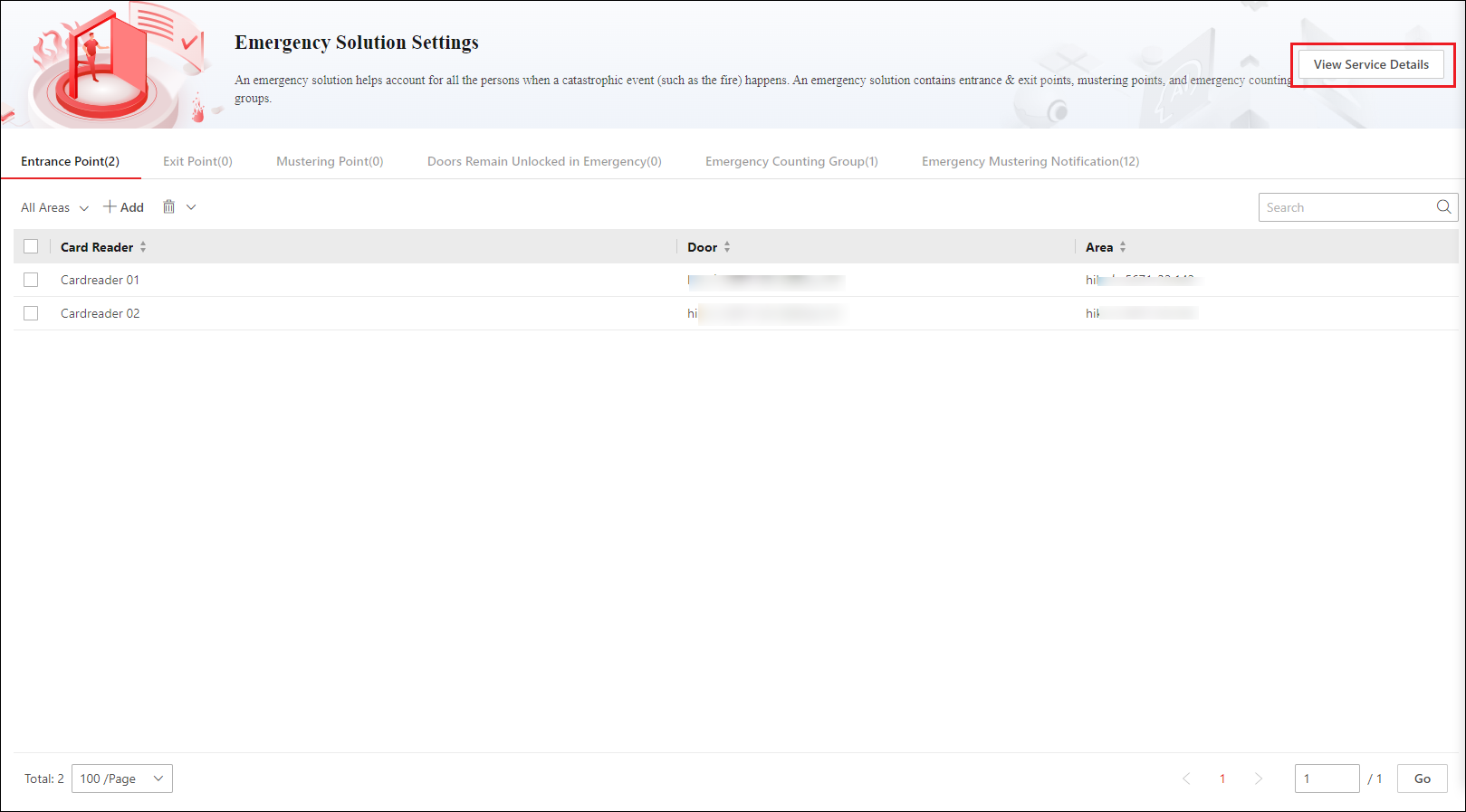 Figure 1 Entrance Point List