Answer Call from Indoor Station
If no one answers the call via the indoor station for a while, the call will be forwarded to the Mobile Client. You can answer the call, view the live video of the door station, as well as open the door.
Up to 6 users can view the live video of the same door station at the same time. If there's already been 6 users viewing the live video, you can only use the audio function of the video intercom device.
-
Tap the call message to enter the following page.
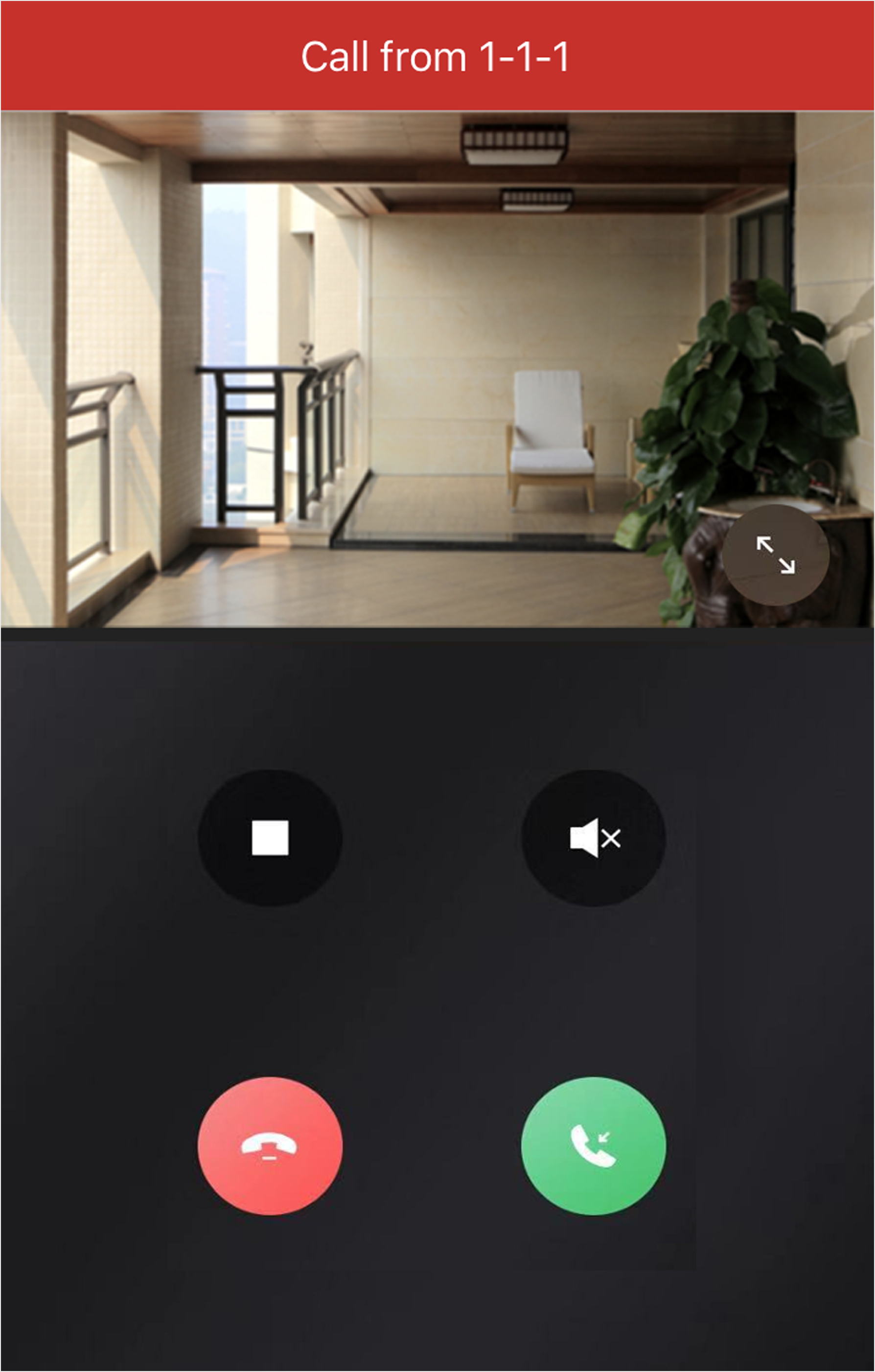 Figure 1 Call Page
- Optional:
Perform the following operations.
Option Description Stop/Restart Live View
Tap
 to stop the live
view. And tap
 to restart it.
Mute
Tap
 to mute the live
video.
Open Door
Tap
 to open the
door.
Digital Zoom
Pinch two fingers together to zoom in the live video image, and spread them apart to zoom out.