Link Smart Chime with Doorbell
You can add a smart chime to the Mobile Client and link it with a doorbell so that the doorbell will standby for longer and be more responsive.
Add a Smart Chime
-
To add an EZVIZ smart chime, tap
 > Scan QR Code on Hik-Connect.
Select Doorbell as the Device Type, enter the serial number, tap
Add.
-
You can also tap
> Manual Adding to add a smart chime.
After adding a smart chime, you can tap the smart chime in the device list to mute all devices with one tap and enable/disable Ring Alert for linked doorbells.
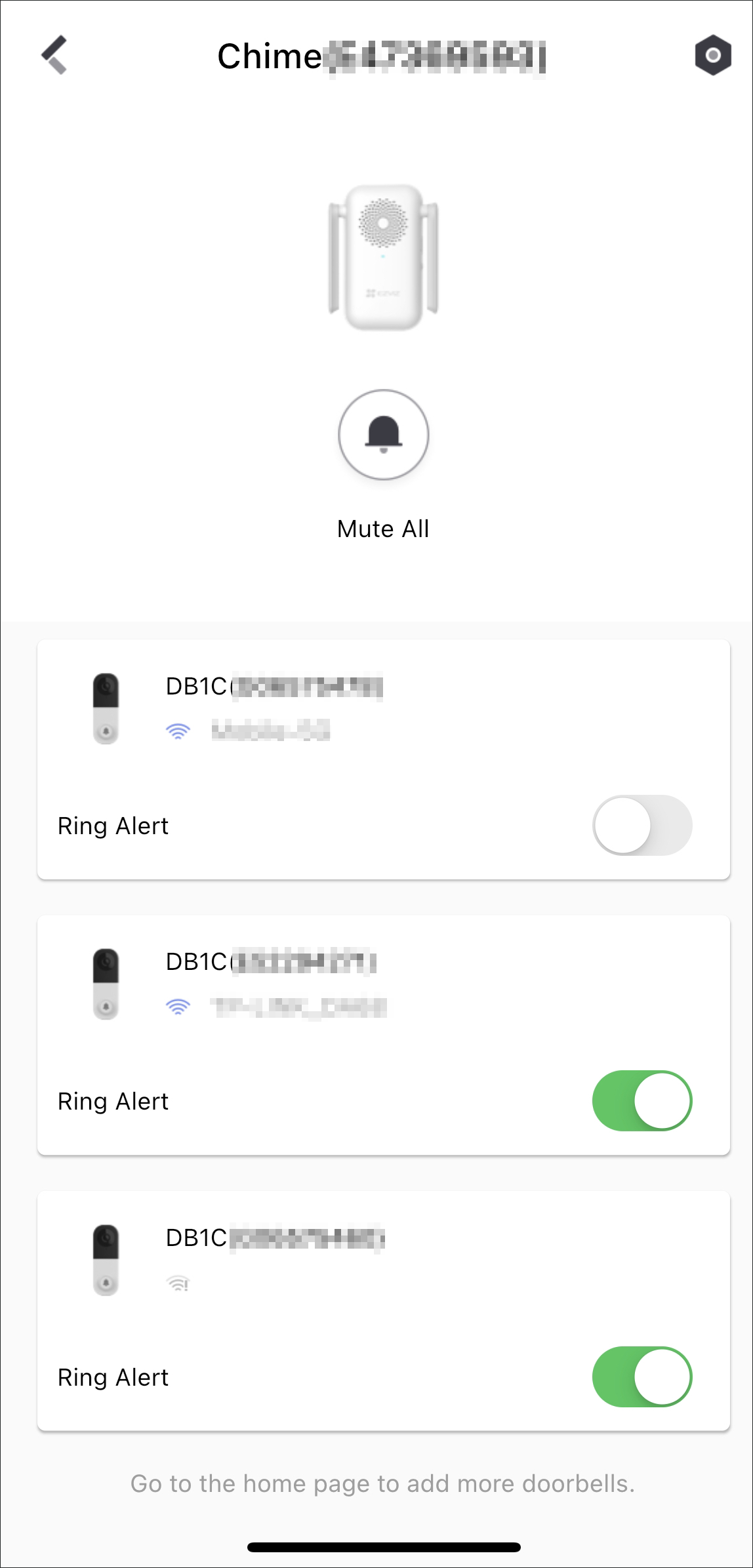 Figure 1 View Smart Chime
Link Smart Chime with Doorbell
-
After successfully adding a smart chime, tap Next and link the smart chime with up to two doorbells.
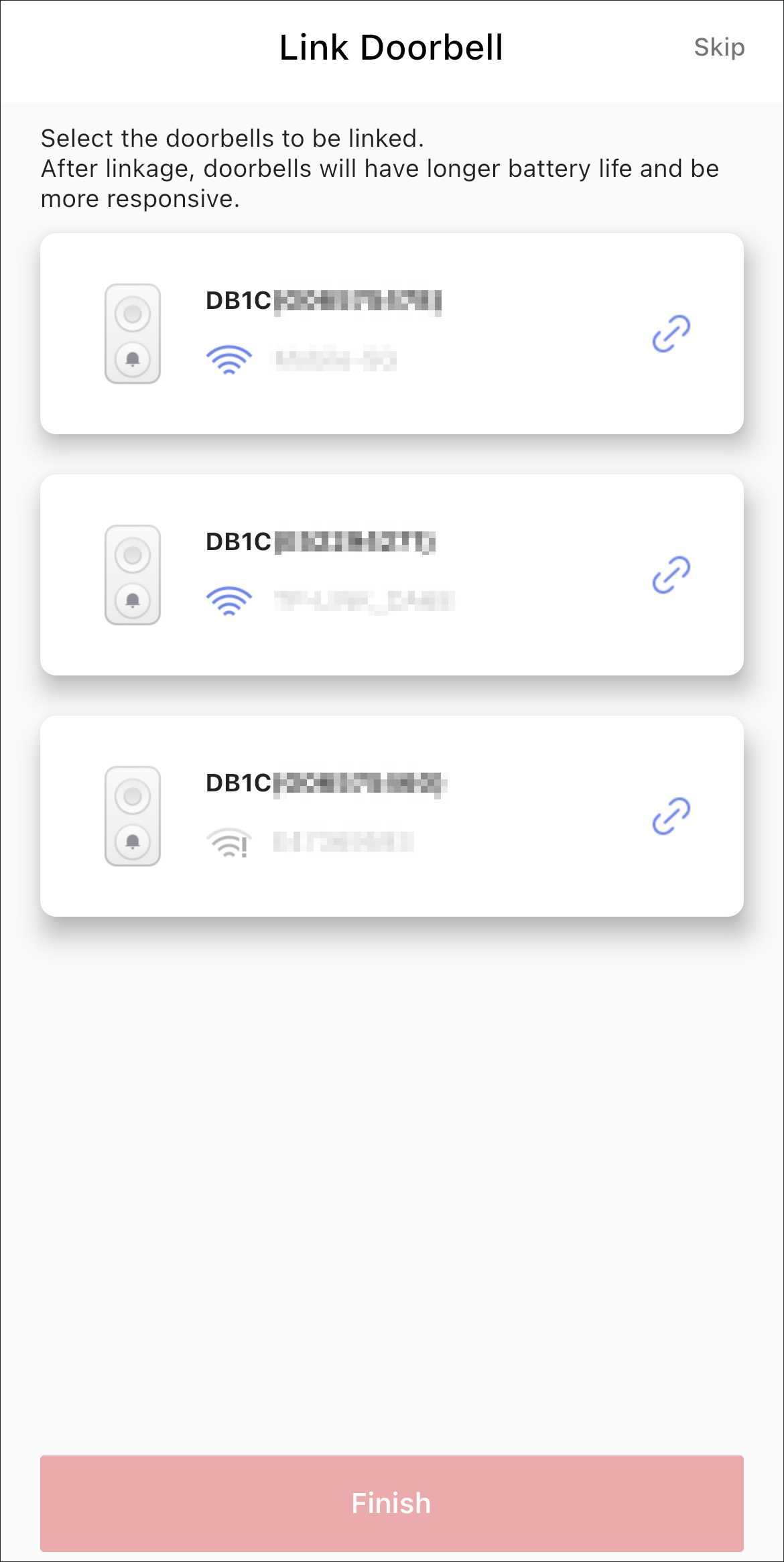 Figure 2 Link Doorbell
-
You can also go to the doorbell Settings page and tap to link a smart chime with the doorbell.
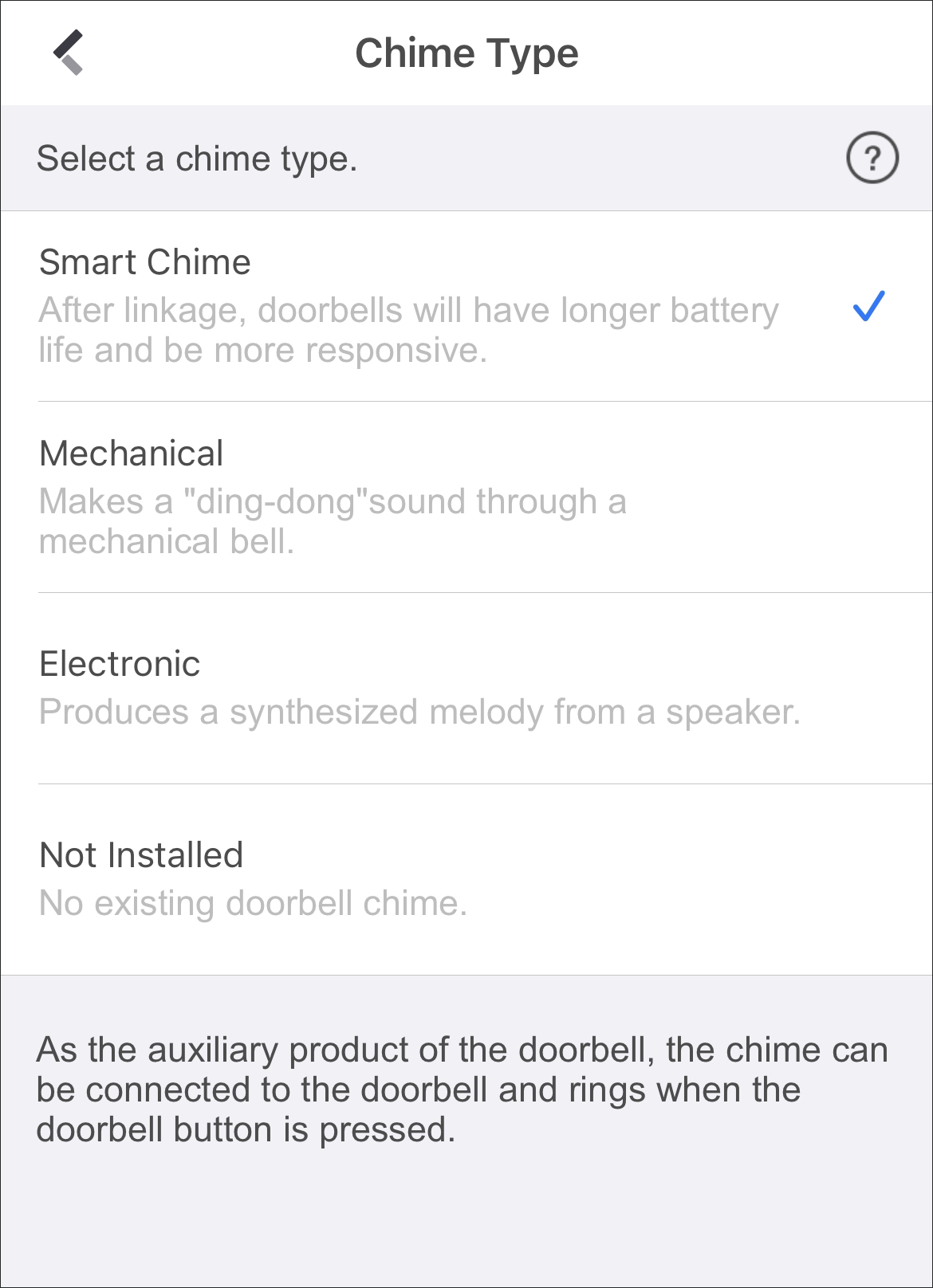 Figure 3 Link Smart
ChimeNote:
When you link a smart chime with a doorbell, make sure they are near to each other and they are both online.