Set Motion Detection Alarm for Wi-Fi Doorbell
Motion detection is a way of detecting motion in a security scene by analyzing image data and differences in a series of images. After setting motion detection area for Wi-Fi doorbell, the device will be able to detect the object in motion and at the same time the Mobile Client will receive an event notification about the motion detection alarm.
-
On the device list page, tap
 to enter the Settings page of the Wi-Fi doorbell.
-
Draw motion detection area.
-
Tap Draw Motion Detection Area to enter the
Motion Detection Area page.
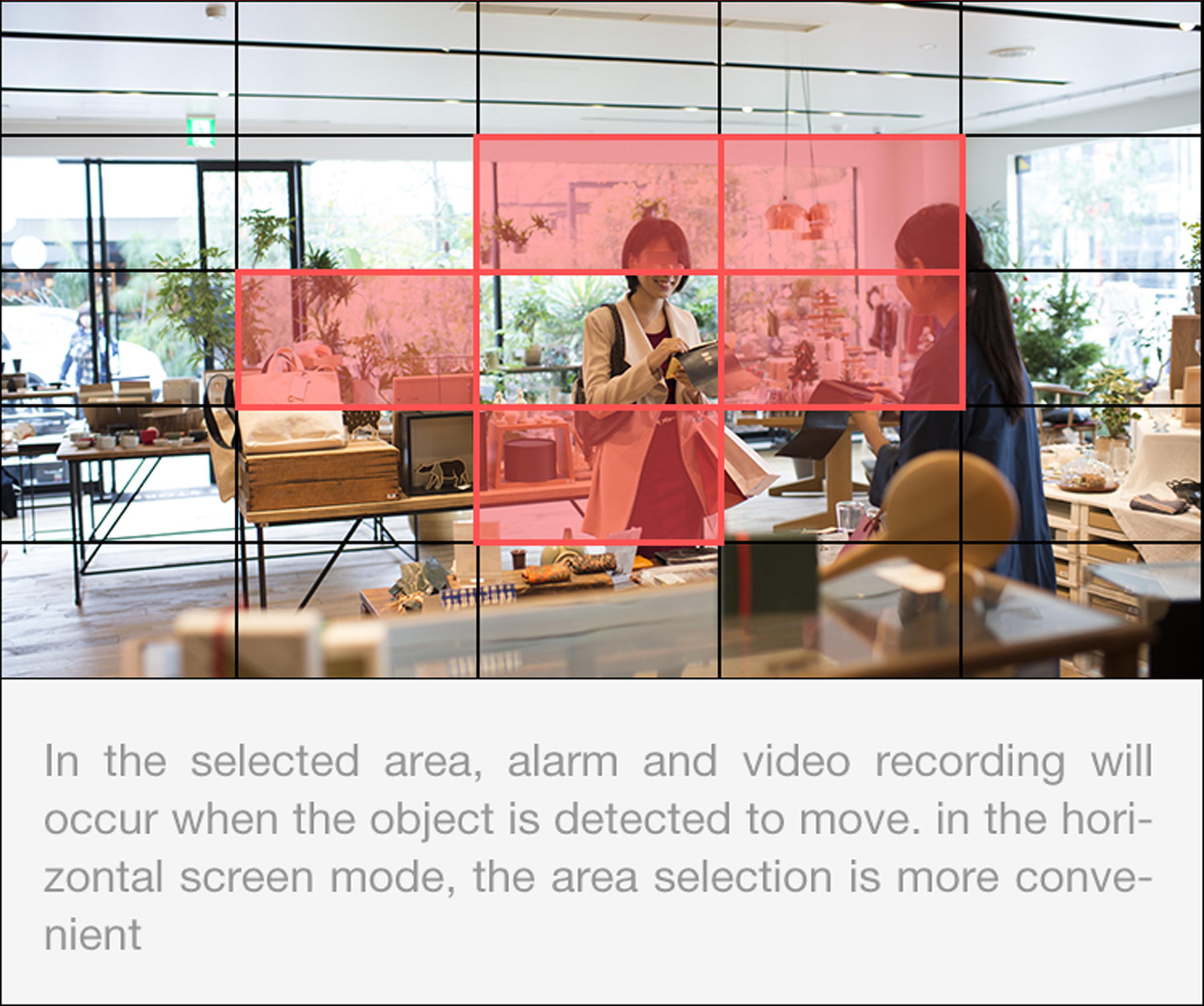 Figure 1 Draw Motion
Detection Area
-
Tap
 to save the settings.
-
Tap Draw Motion Detection Area to enter the
Motion Detection Area page.
Go back to the Notification page and make sure Notification is enabled.
Note:
For details about how to enabling notification, see Enable Notifications