Set Double Verification Permission for Non-admin Users
After double verification is enabled in the channel, a non-admin user must be verified by an authorized user to get the permission. Only admin has the authorization to set double verification.
-
Go to .
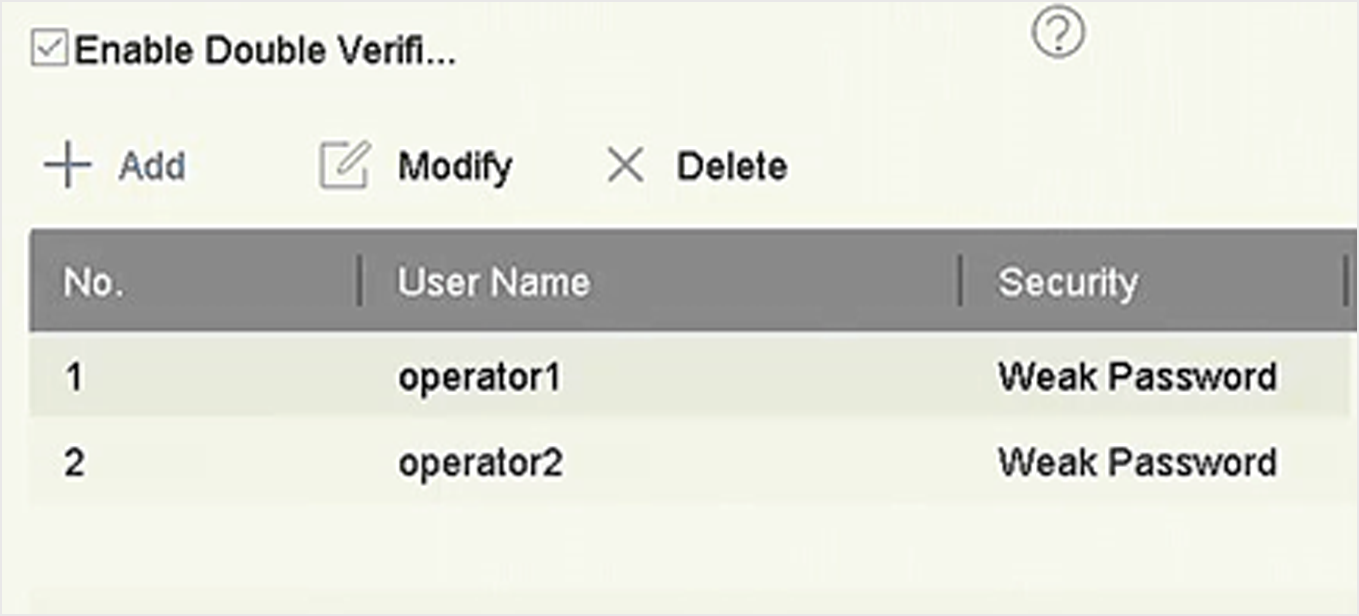 Figure 1 Set Double Verification User
-
Set permission for non-admin users.
- Go to .
-
Click
 to edit user
permission.
- Select Camera Permission. Only Local Playback, Remote Playback/Download, and Local Video Export are available for double verification.
- Select the channel(s) that requires double verification.
- Click OK.