Edit an Operator/Guest User
You can edit the user information, including user name, password, permission level, and MAC address.
-
Select a user from the list and click Modify.
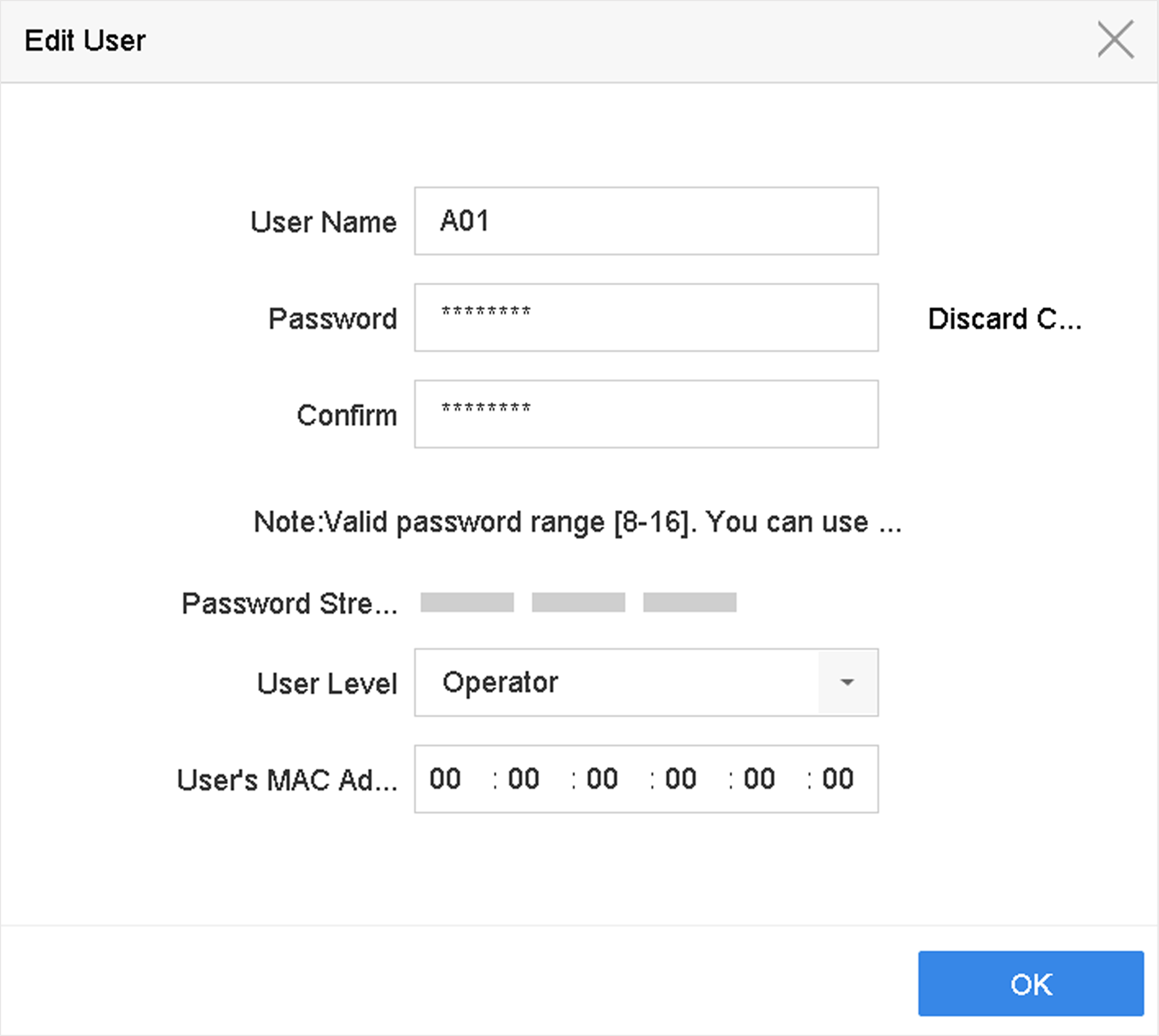 Figure 1 Edit User
(Operator/Guest)