For the admin user account, you can modify your password and unlock pattern.
-
Go to .
-
Select the admin user from the list.
-
Click Modify.
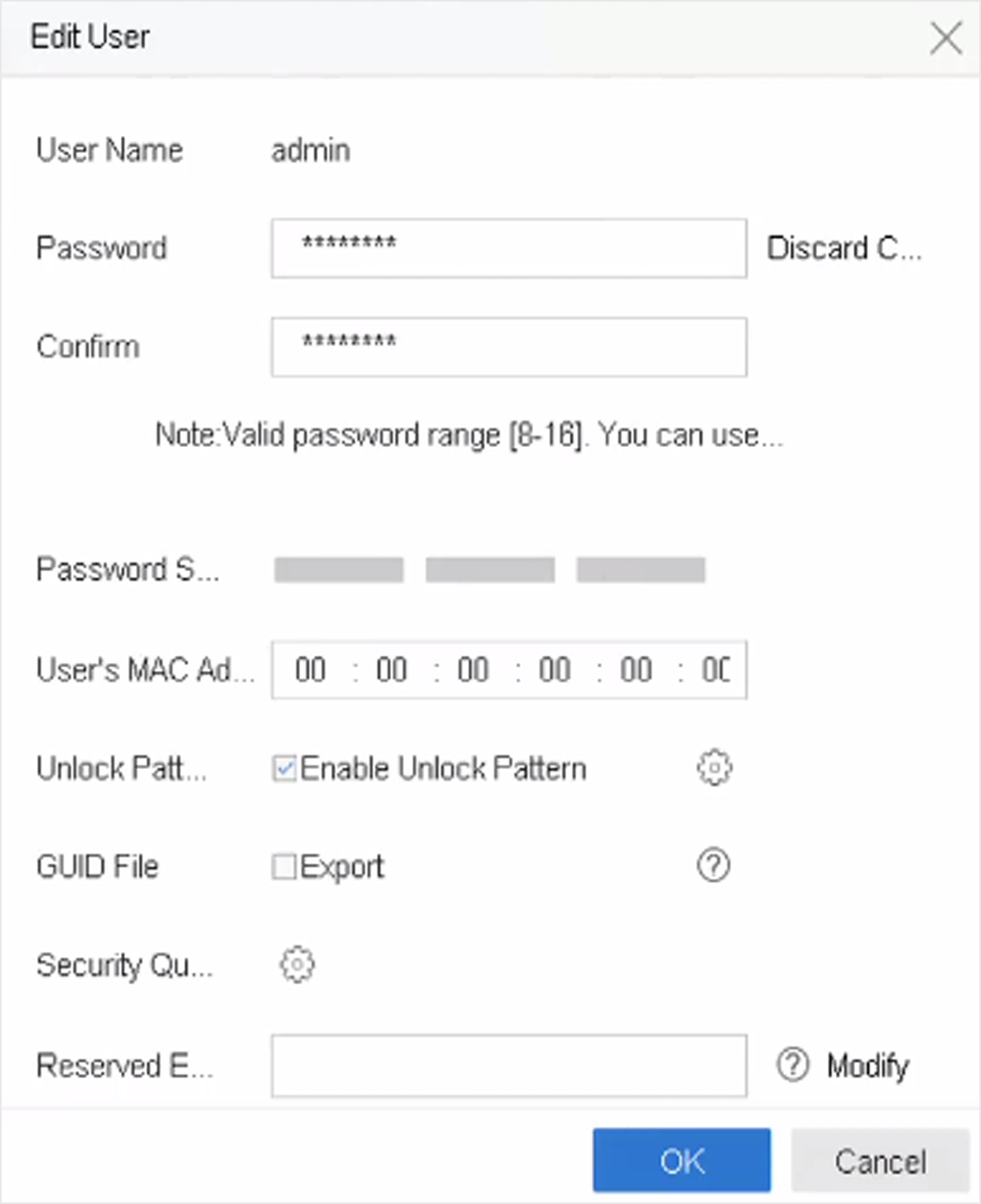 Figure 1 Edit User
(Admin)
-
Edit the admin user information as desired, including a new admin password
(strong password is required) and MAC address.
-
Edit the unlock pattern for the admin user account.
-
Check Enable Unlock Pattern to enable the use
of an unlock pattern when logging in to the device.
-
Use the mouse to draw a pattern among the 9 dots on the screen, and
release the mouse when the pattern is done.
-
Check Export of GUID
File to export the GUID file for the admin user account.
Note:
When the admin password is changed, export the new GUID to
the connected USB flash drive in the Import/Export interface for the
future password resetting.
-
Configure security question for password resetting.
-
Configure reserved email for password resetting.
-
Click OK to save the settings.