How to Earn Reward Points and Redeem for Gifts
Hik-Partner Pro provides a reward point system to reward your trust and support. By completing specific tasks (e.g., check in, add devices, authenticate your company, invite friends, answer questions), you can get the reward points redeemable for lots of gifts (e.g., certain value-added services) in the Rewards Store.
-
The reward point system is only supported in some countries/regions.
-
For some countries/regions, the reward points are available only when your company is authenticated. For details about company authentication, see Authenticate Company to Use More Features.
Earn Reward Points and Redeem for Gifts Using the Portal
-
Click , or click More in the Rewards Store section on the right of the Home page.
-
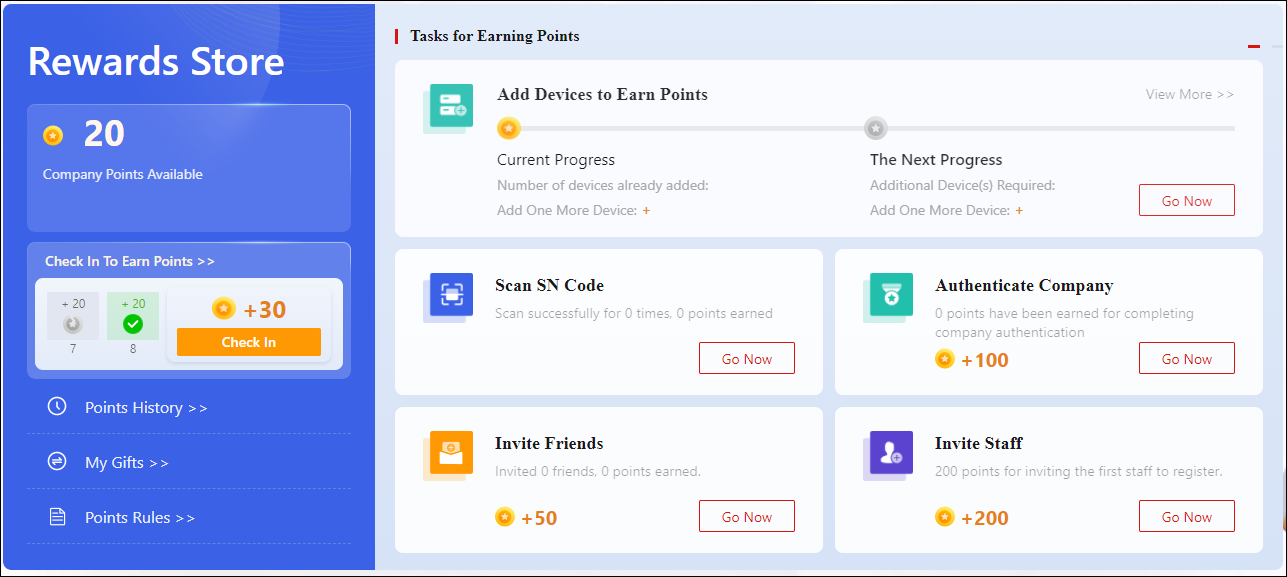
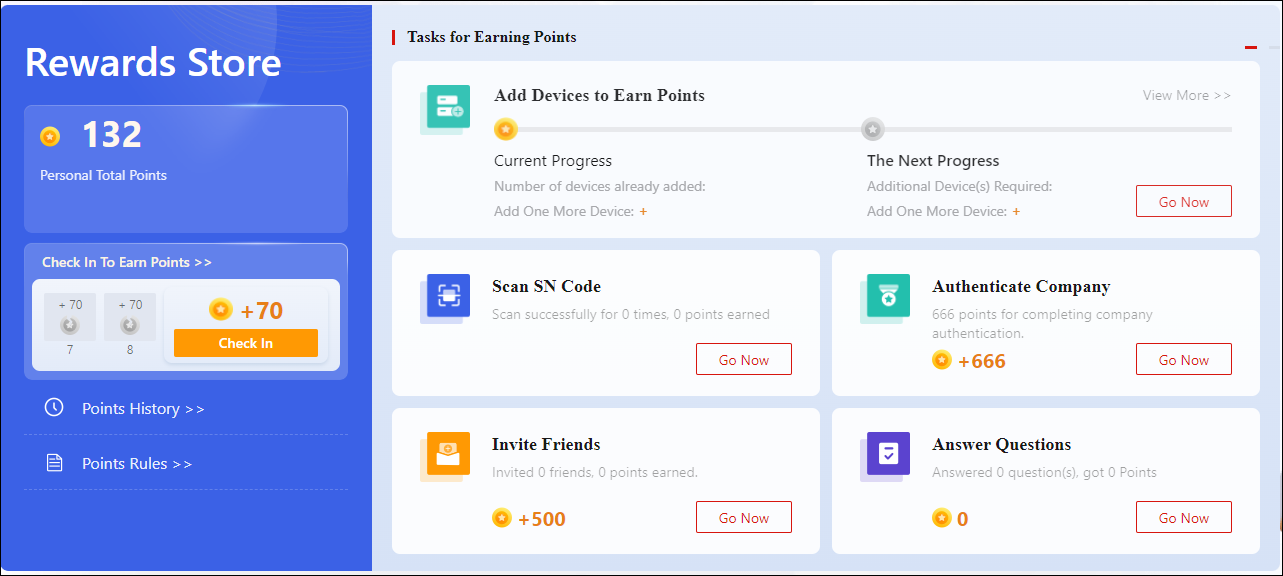
On the task list, click Go Now to complete a task to earn points.
NoteYou can click Check In on the top right of the Portal to earn points every day.
Rewards Store Page for Installer AdminRewards Store Page for Installers -
Select a gift, set the quantity, and click Redeem to redeem for it in the Gift Center below.
Earn Reward Points and Redeem for Gifts Using the Mobile Client
-
Enter the Rewards Store page.
-
Tap .
-
Tap .
-
Tap .
-
-
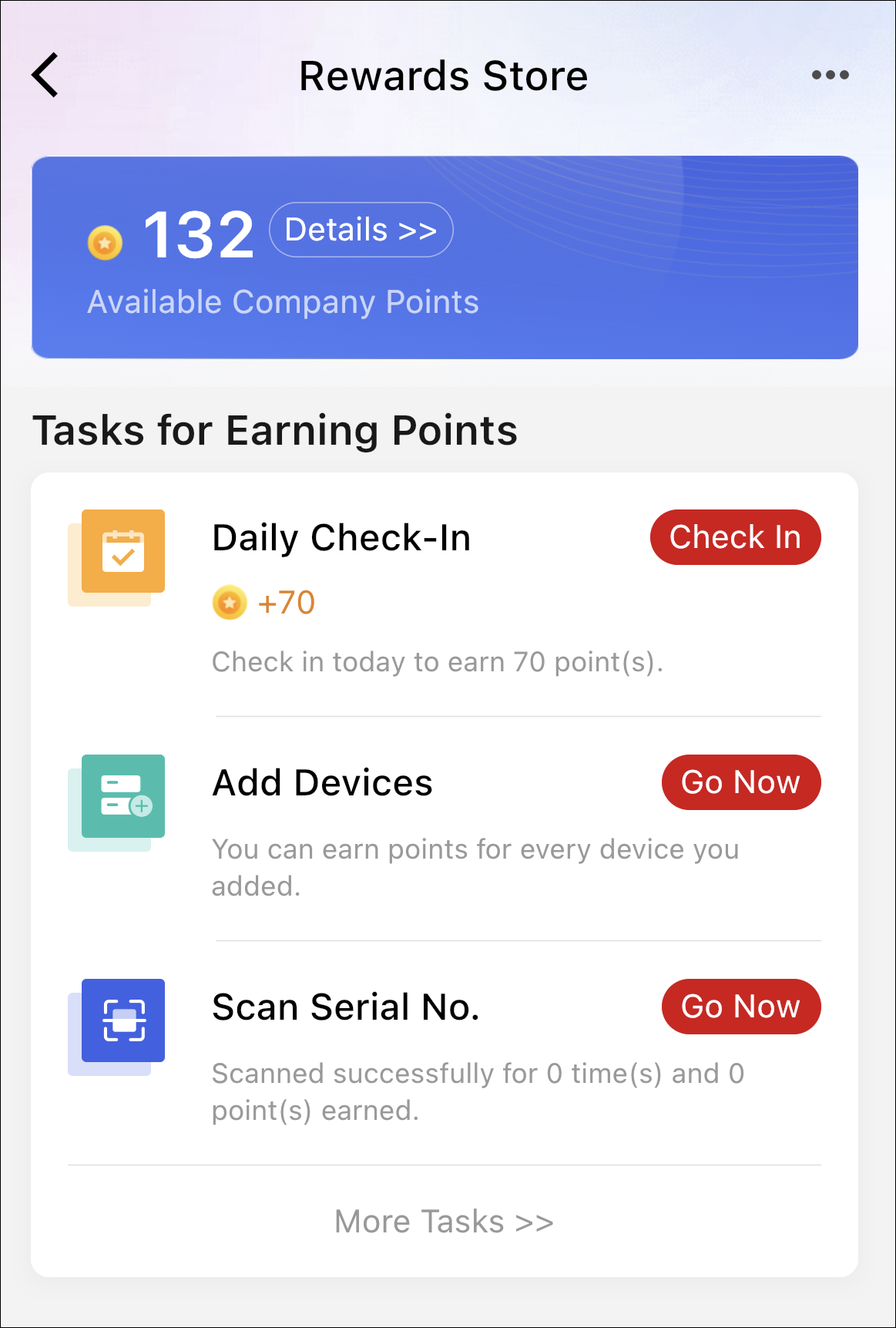
On the task list, tap Go Now to complete a task to earn points.
NoteYou can tap Check In on the Home page to earn points every day.
Figure 1 Rewards Store -
Select a gift, set the quantity, and tap Redeem to redeem for it in the Gift Center below.