How to Claim and Verify eCoupons
The eCoupons (quota eCoupons, cash eCoupons, and ratio eCoupons) can be used by buyers to get discounts when they purchase products.
This feature is only available to some users in some countries/regions.
|
Your Role |
Description |
Related Topics |
|---|---|---|
|
Installer or Other Buyers |
Claim eCoupons, and go to the corresponding providers to get the eCoupons verified to get discounts. |
|
|
Reseller, Distributor, or Other Providers |
Verify buyers' eCoupons using Hik-Partner Pro and the verified amount will be reimbursed by Hikvision. |
Step 1: Buyers Claim eCoupons Using the Mobile Client
Ways to Claim eCoupons
-
On the Home page, tap > in the upper-left corner, and scan the QR code of the eCoupon.
-
Find the entry for claiming eCoupons in the Application Center, in the Banner area, or under the Event tab.
-
Also, you may get eCoupons automatically.


View My eCoupons
-
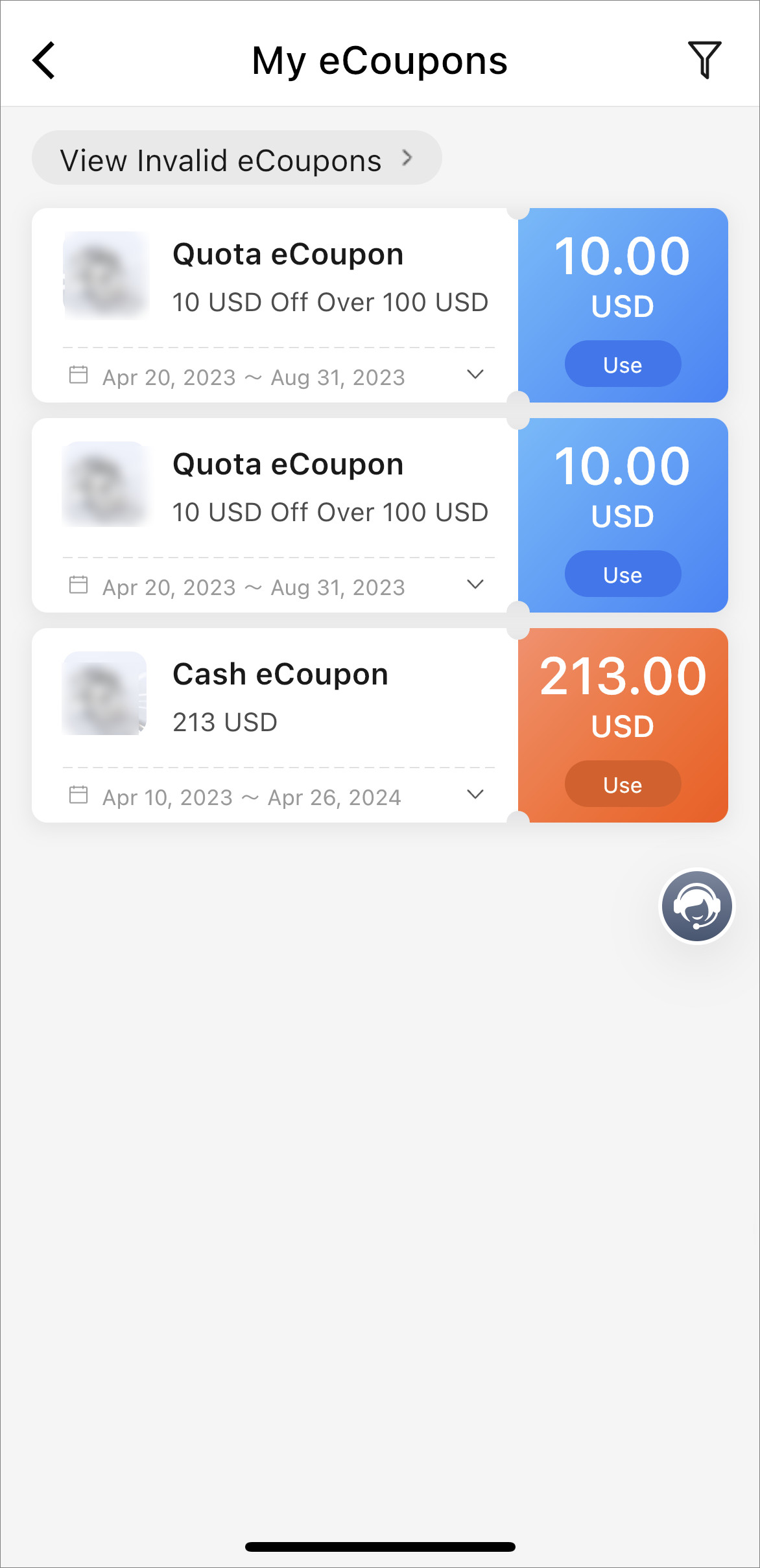
View eCoupon information such as the eCoupon type (quota eCoupon, cash eCoupon, or ratio eCoupon), discount rule, and validity period.
-
Tap View Invalid eCoupons to view used or expired eCoupons.
-
Tap to view the number of eCoupons that are verified and whether you have reached the quantity limit of eCoupon verification.
-
Tap an eCoupon to view its details.
Figure 2 eCoupon Details
 to view the number
of eCoupons that are verified and whether you have reached the
quantity limit of eCoupon verification.
to view the number
of eCoupons that are verified and whether you have reached the
quantity limit of eCoupon verification.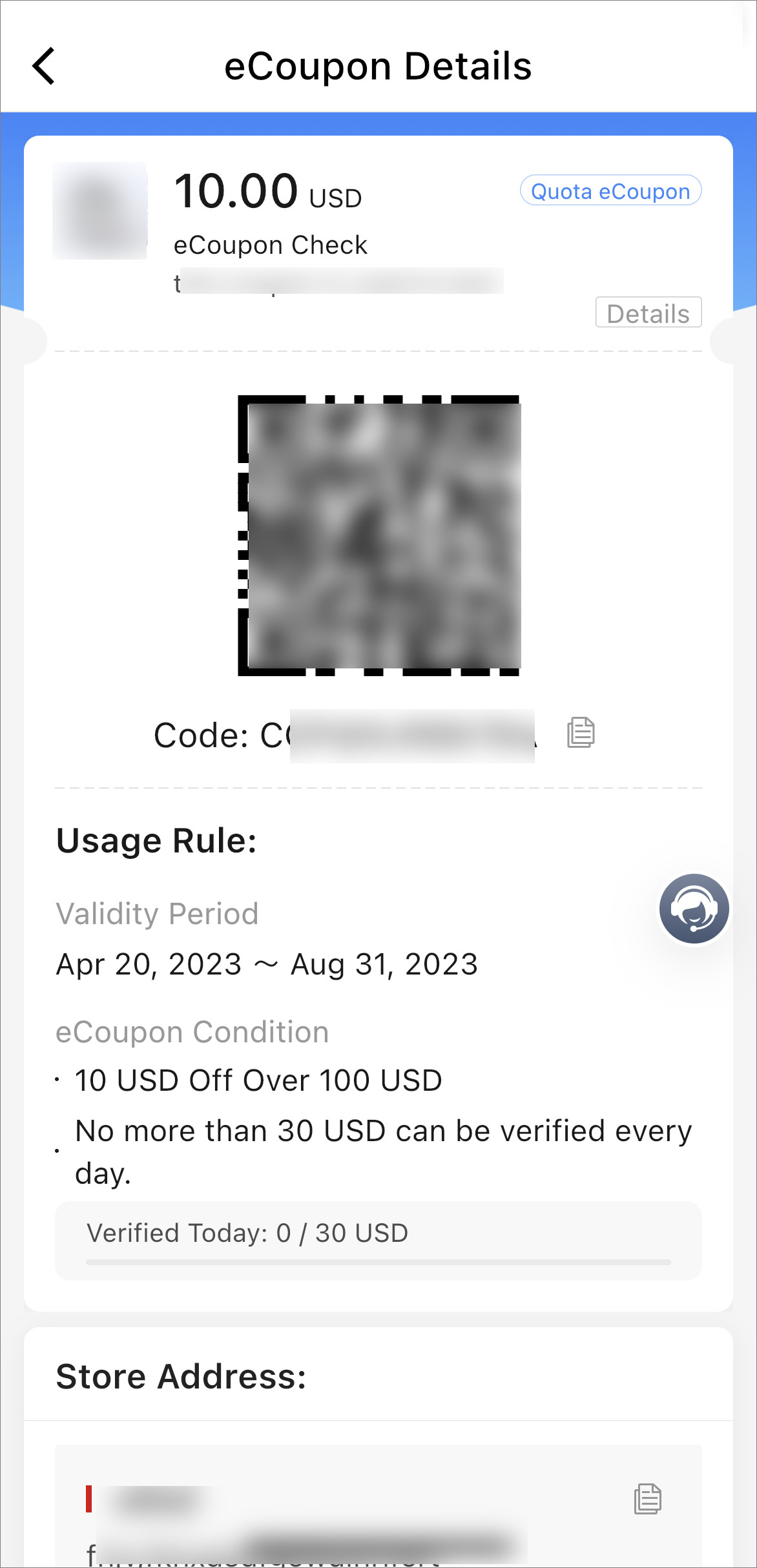
Step 2: Providers Verify eCoupons Using the Mobile Client
If your company are granted the verification permission by Hikvision, all employees in your company can verify eCoupons. For details, please contact Hikvision.
-
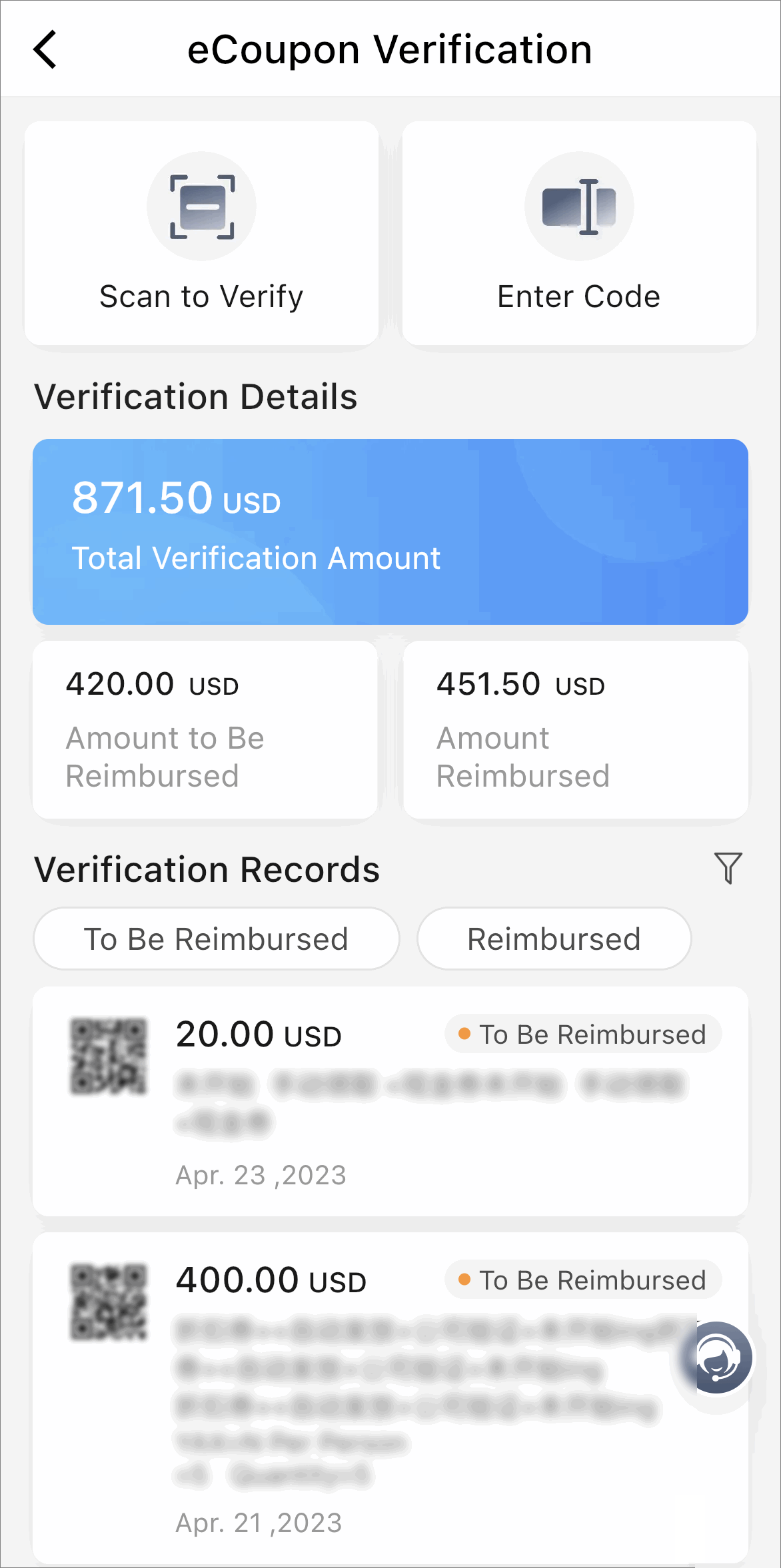
Go to .
Figure 3 eCoupon Verification Page -
Tap Scan to Verify or Enter Code to verify eCoupons.
-
(Optional) You can view the verification records and filter by whether eCoupons are reimbursed and by the reimbursement period.