Application Market
The application market supports installing, repairing, updating, enabling, or disabling applications according to your actual needs.
Click on the top right
 on the top right
The Purchased Page
On this page, if there are purchased applications to install, a prompt will show on the top and you can install these applications.
This page displays the details of your purchased licenses and all installed and free-charged applications. You can disable or enable the applications.
Applications
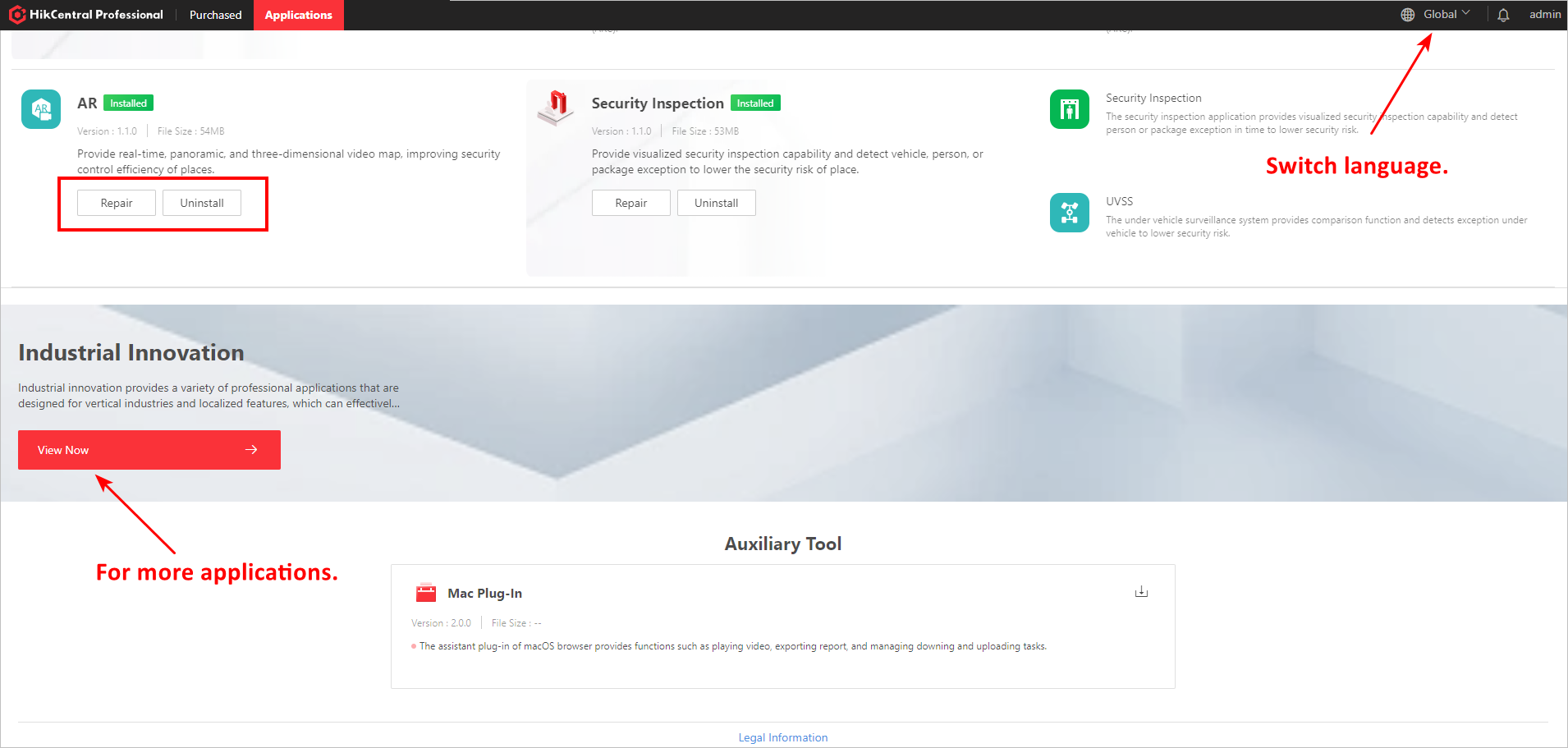
You can search for applications on the top, install/update/repair/uninstall applications, and download auxiliary tools.
-
The applications may vary by the countries or regions. You can click on the top right to select your location. Generally, the platform can get your country or region according to your IP address. When your PC disconnect from the network, you can select the country or region manually.
-
For clients running in the LAN, the applications downloading will fail. You can go to the official Web Site to download the applications you need.
 on the top right to
select your location. Generally, the platform can get your country or
region according to your IP address. When your PC disconnect from the
network, you can select the country or region manually.
on the top right to
select your location. Generally, the platform can get your country or
region according to your IP address. When your PC disconnect from the
network, you can select the country or region manually.