Enable Temperature Measurement
You can enable the temperature measurement function for the thermal camera on the software.
Perform this task if you want to enable temperature measurement.
Note:
This function is only available to the thermal camera.
-
Tap
 and tap
Devices to enter the Device Management page.
-
Tap
 and tap Remote
Configuration to enter the Remote Configuration page.
-
Set
 to
 to enable temperature measurement.
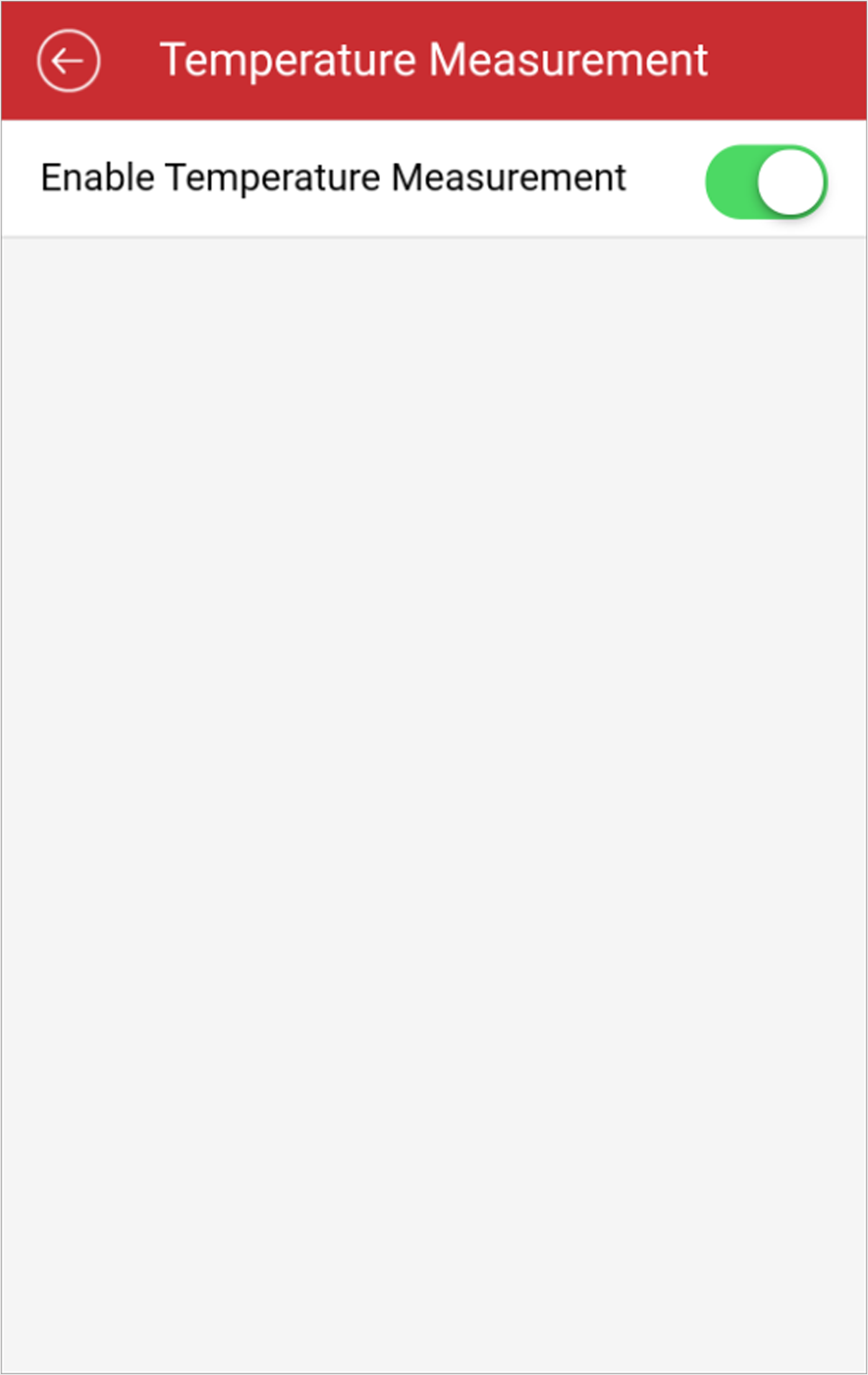 Figure 1 Temperature
Measurement Page